What the softwaredoes.
Twelve features, each with its steps, its limits and what it costs. Most of them run in the browser and cost no points; points are only spent where a model has to compute.
01 · 1 point per storey
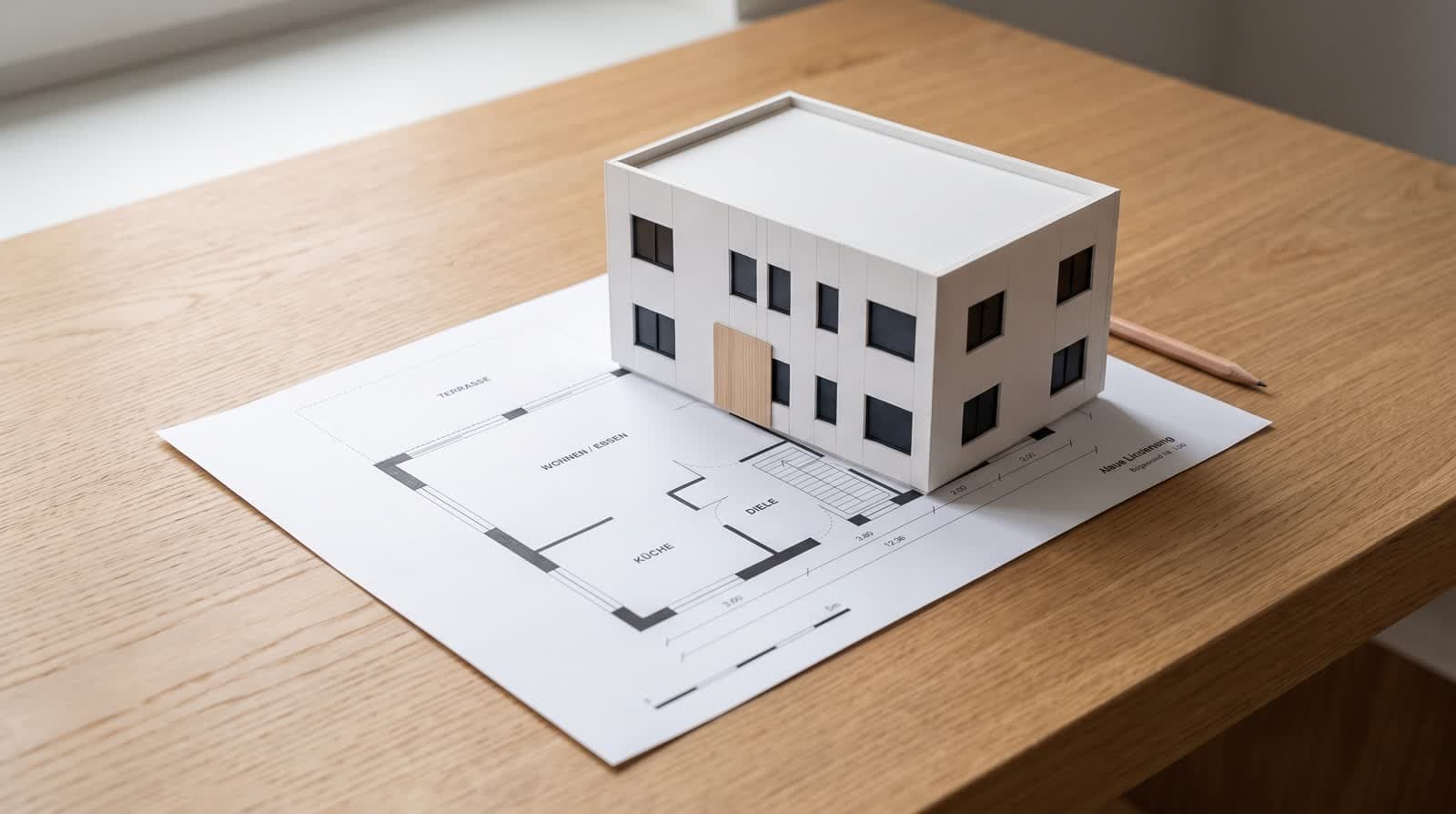
Plan recognition
Upload the plan as PDF or JPG; the recognition reads walls, openings, rooms, stairs and outdoor areas in metres. You correct the reading in the editor before a model is built.
Open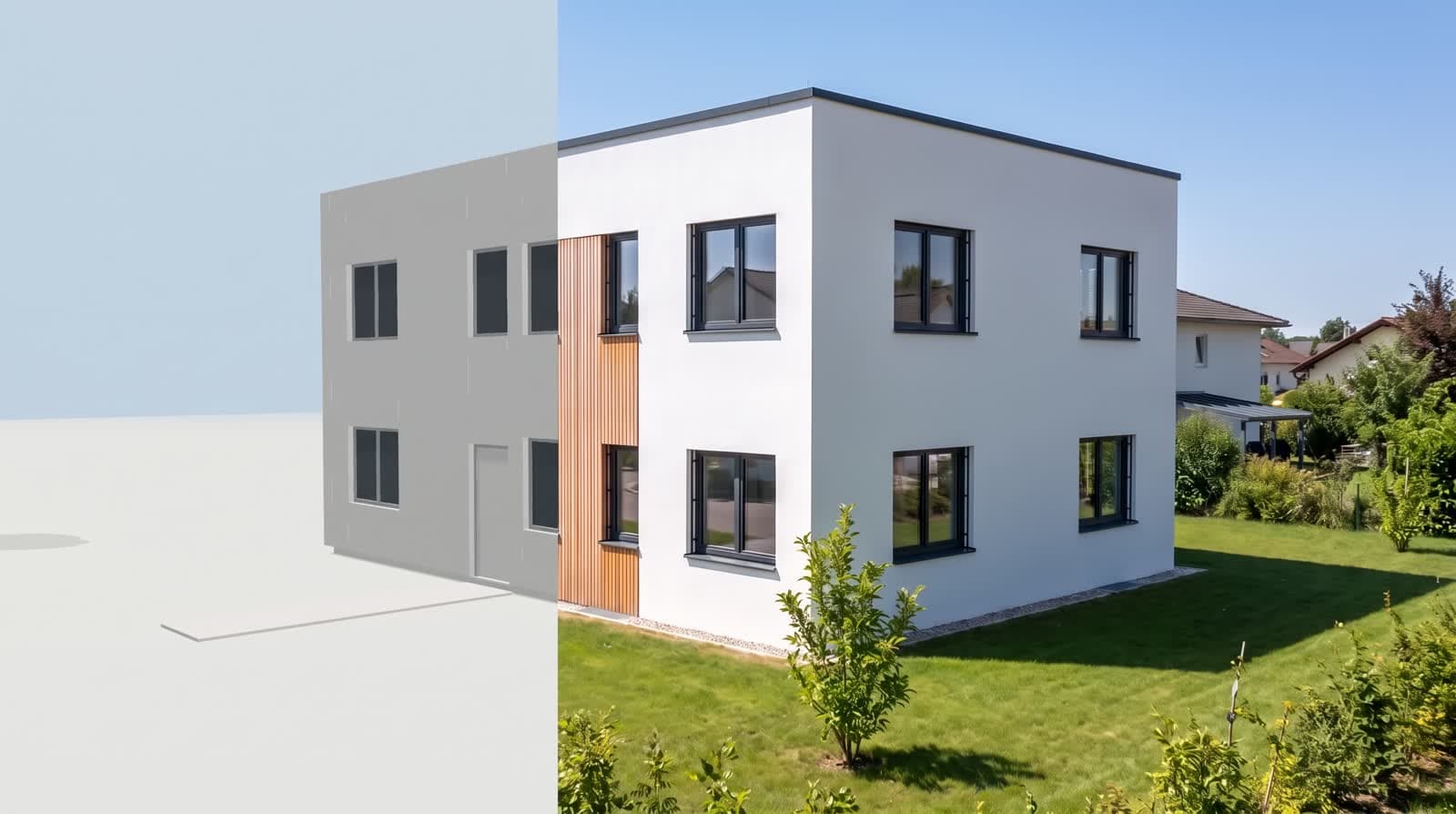
02 · 0 points, check run 1 point per storey
Checks
Rules check the plan as read, instantly and without a model call; findings are fixed with one click. The optional check run compares against the drawing and only proposes corrections.
Open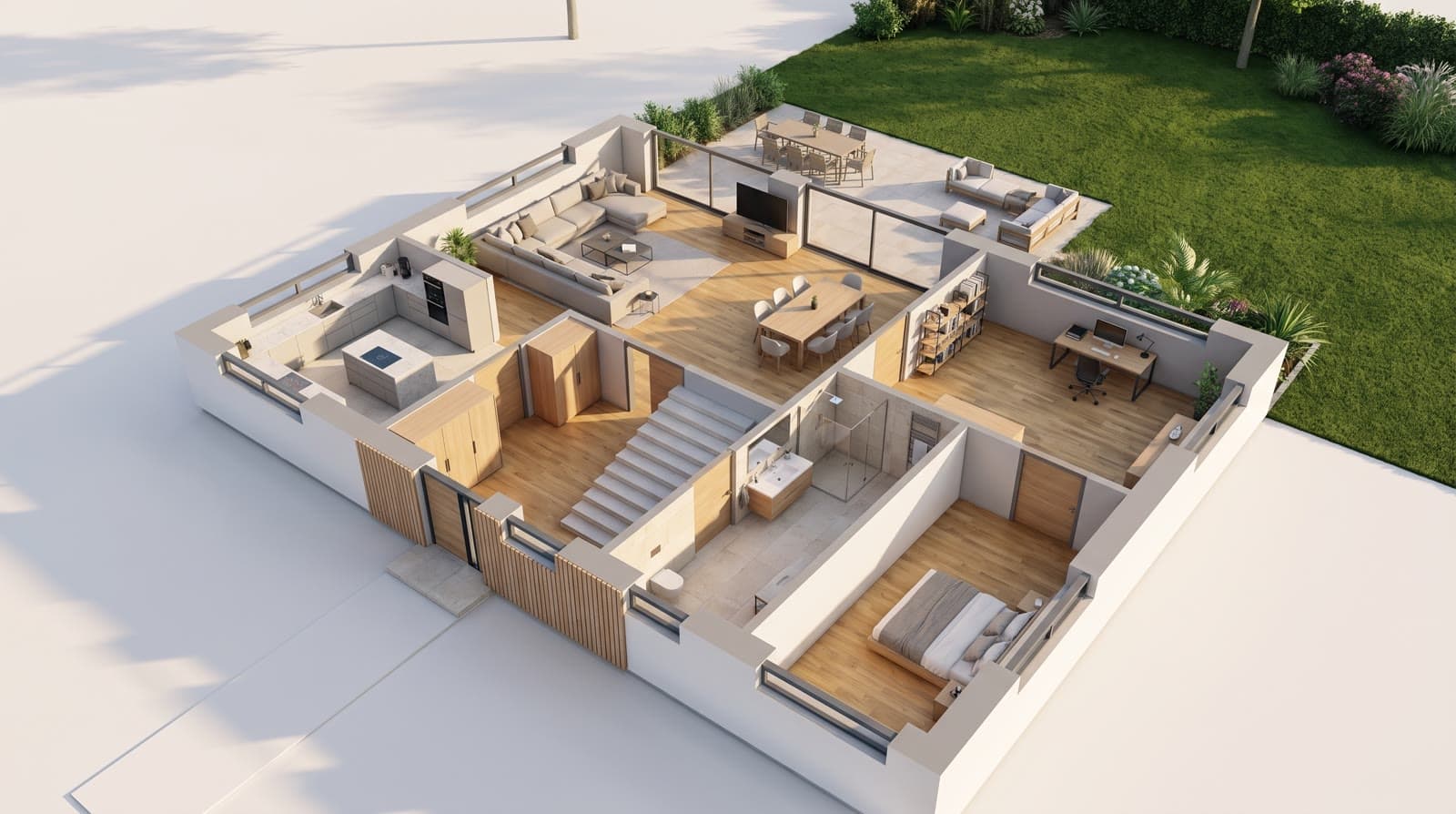
03 · 1 point per storey
Storeys
One sheet per storey, basement to fifth floor. Storeys without their own plan repeat the ground floor, set-back storeys get their own slab, balconies belong to their level. Each storey can be viewed on its own.
Open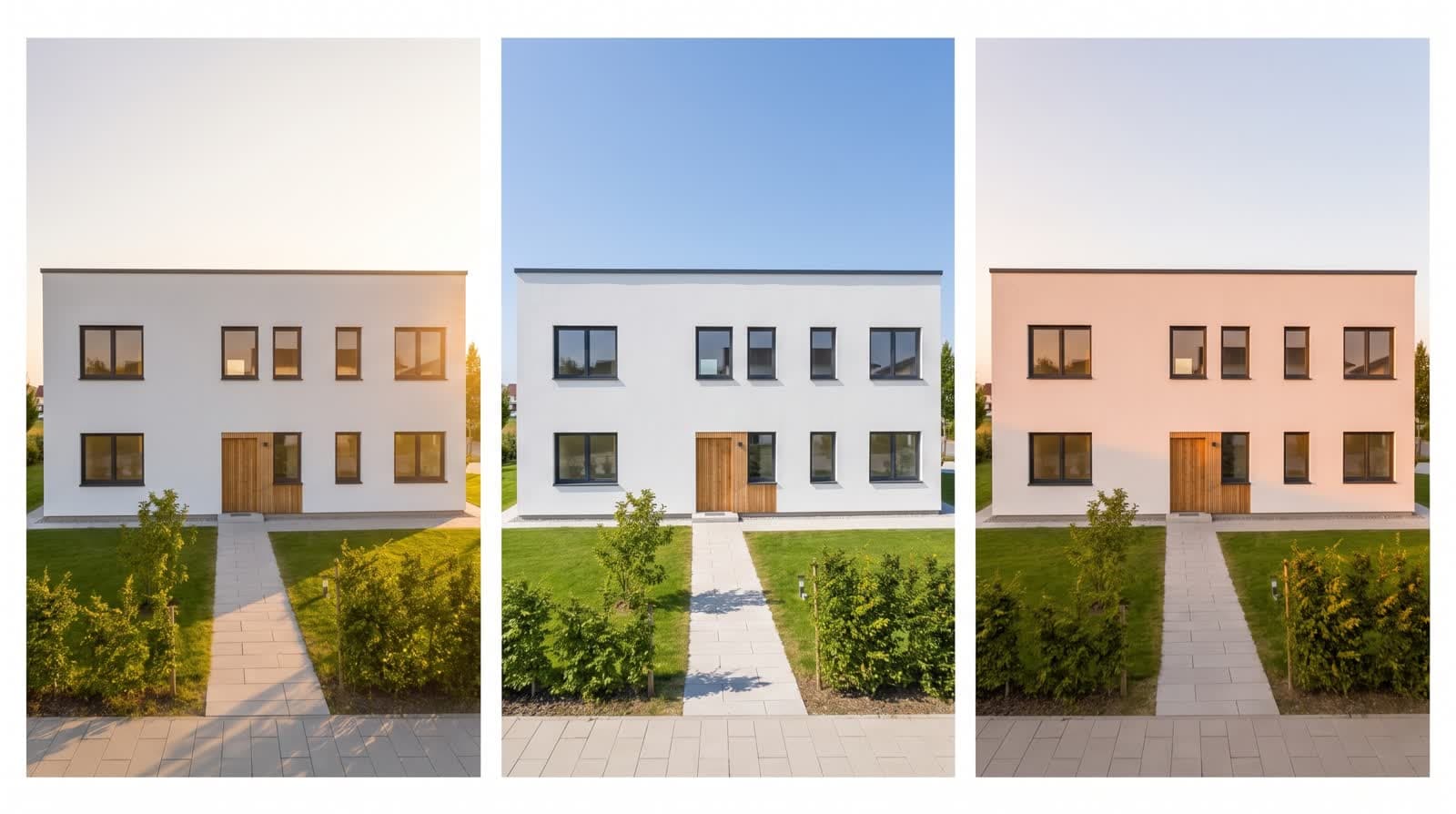
04 · 0 points
Sun position
The project address gives latitude and longitude; you set north angle, date and time. Solar elevation and azimuth follow the NOAA method, and the shadows move live in the model.
Open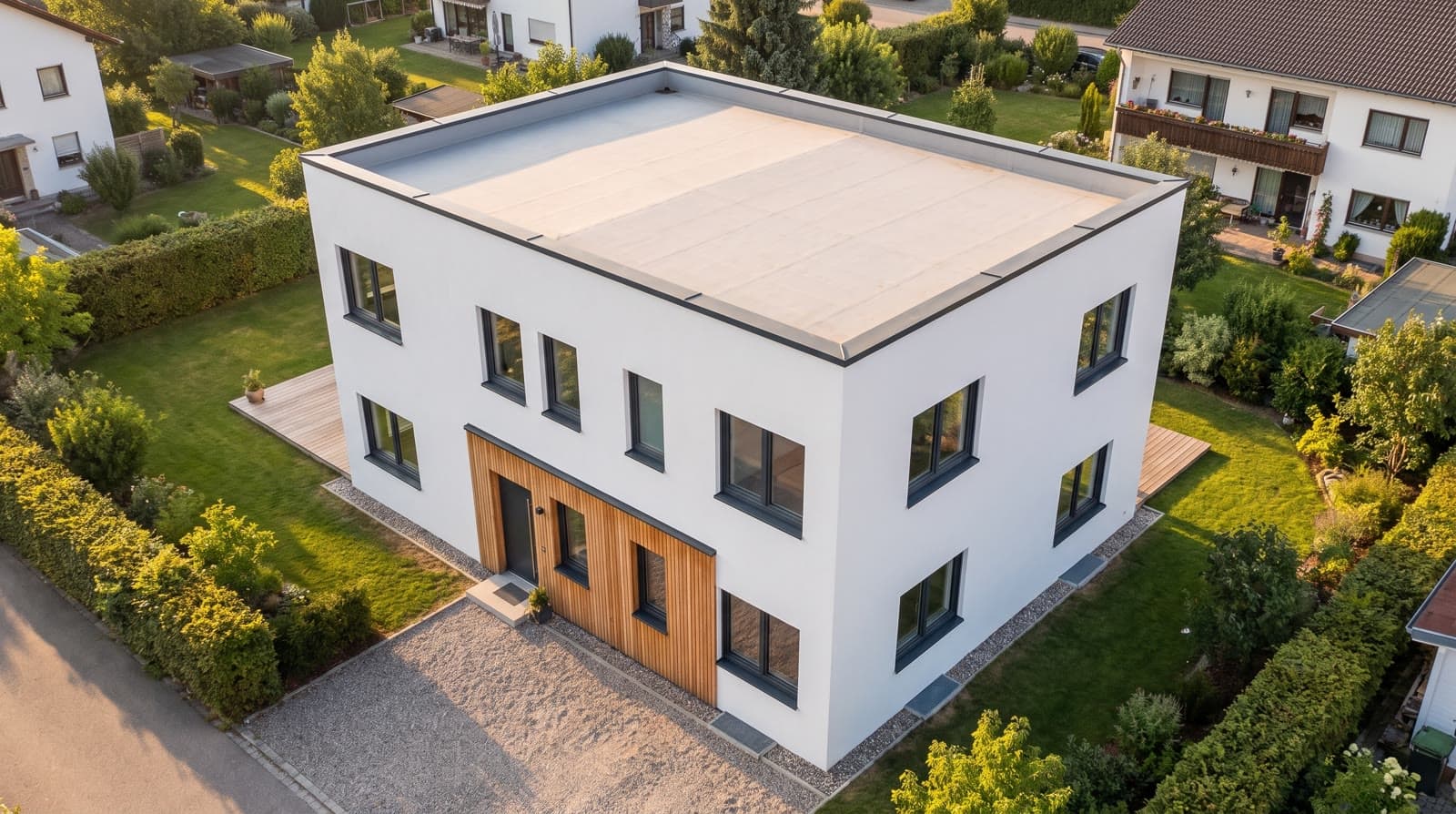
05 · 0 points
Surroundings
Neighbouring buildings come from OpenStreetMap, the aerial image of the plot from the basemap.at orthophoto. The existing building on your own plot can be hidden. No points, no API key.
Open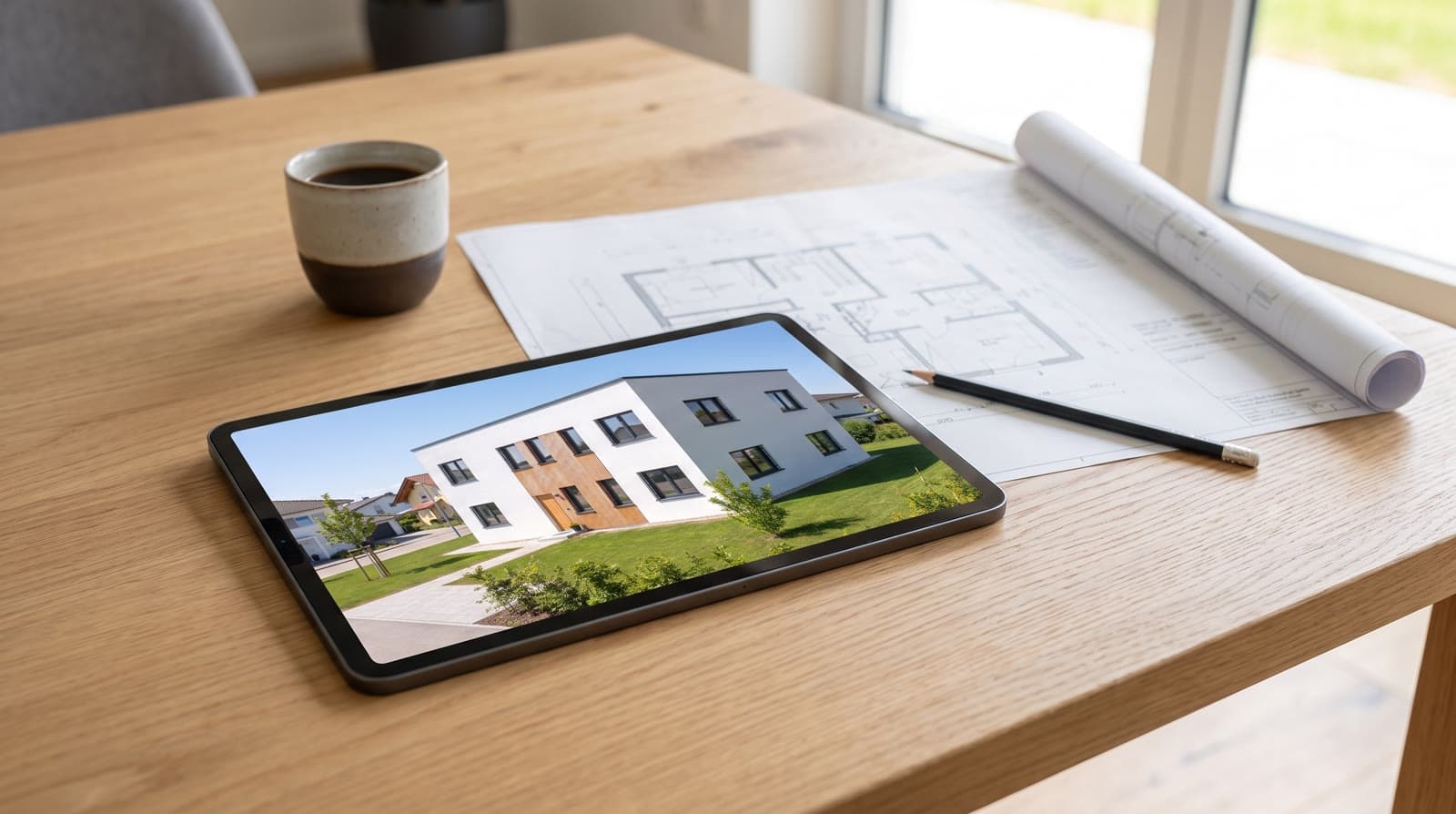
06 · 0 points
Client comments
Via the share link the client places a numbered pin straight into the 3D model, a mark on a picture or a note. No account. The office sees everything in the workspace, resolves it and gets an e-mail.
Open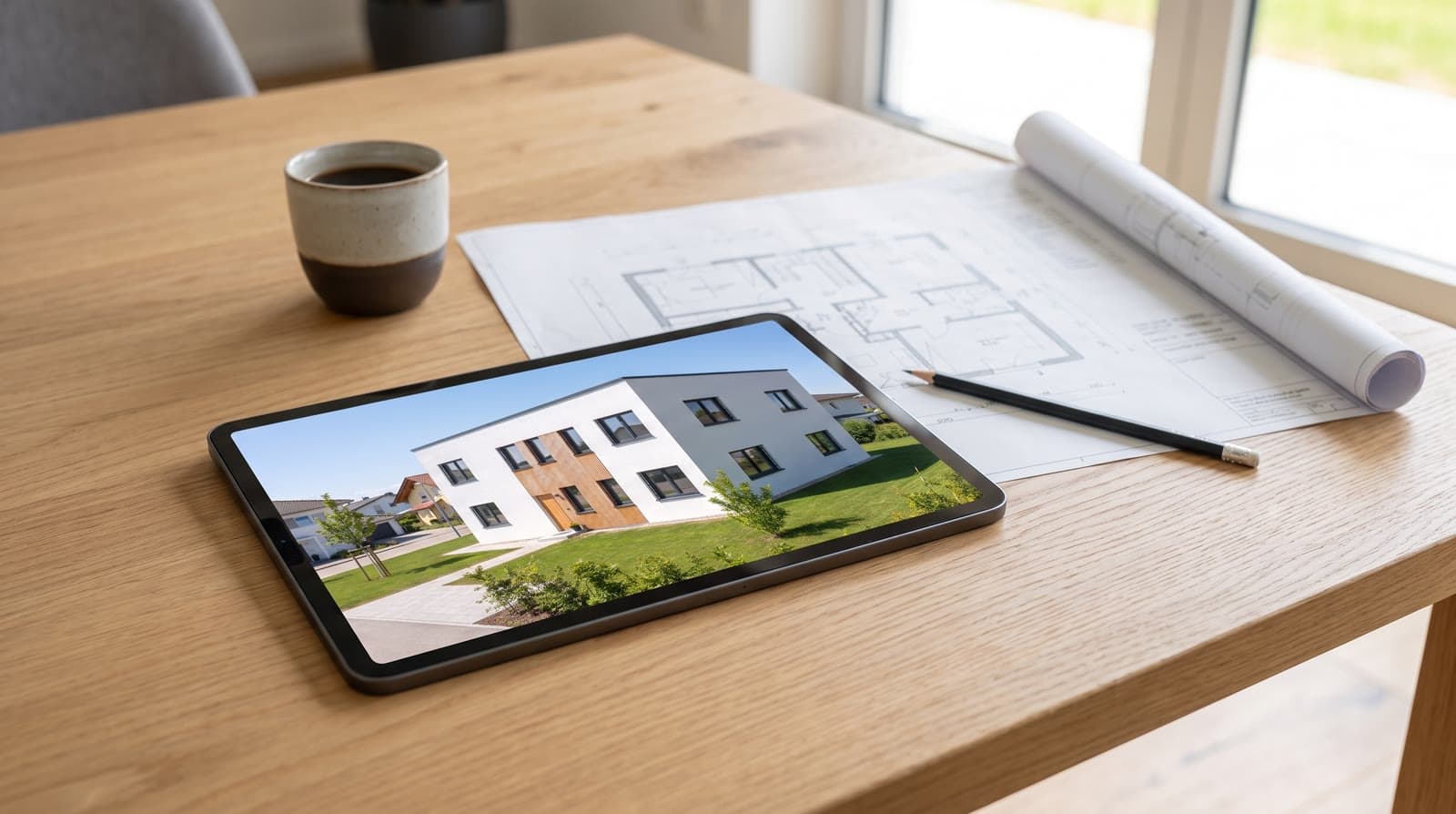
07 · 0 points
Share page
Every project has its own page with pictures, clips, turntable, panoramas, walkable model and floor plan. Read only, no account, revocable at any time, printable as PDF. The client confirms the state by name.
Open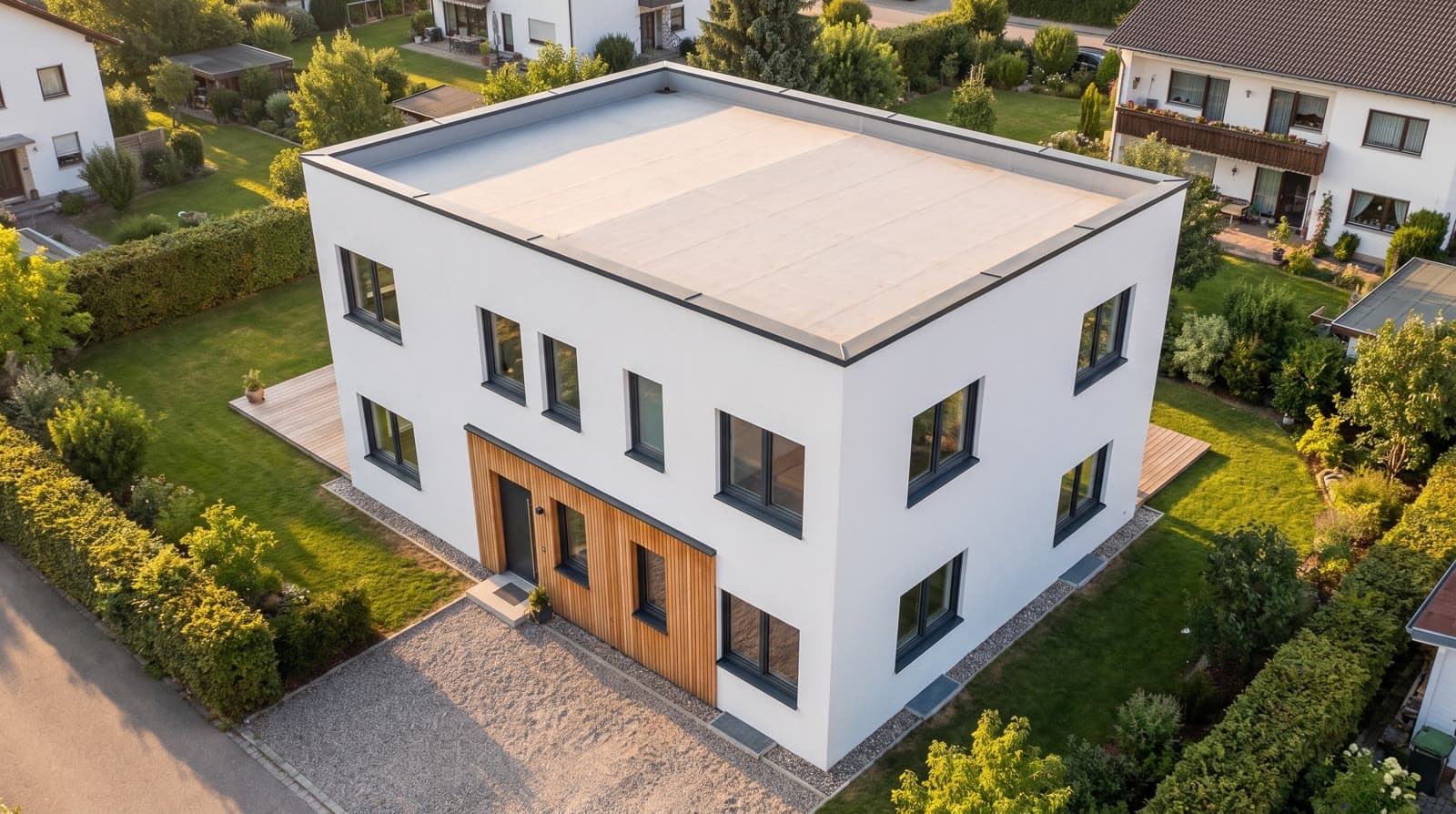
08 · 0 points
360° panorama
One click takes a spherical panorama from the browser model at the current standpoint, 3072 × 1536 pixels. On the share page in a rotating sphere, as JPEG for property portals. No points.
Open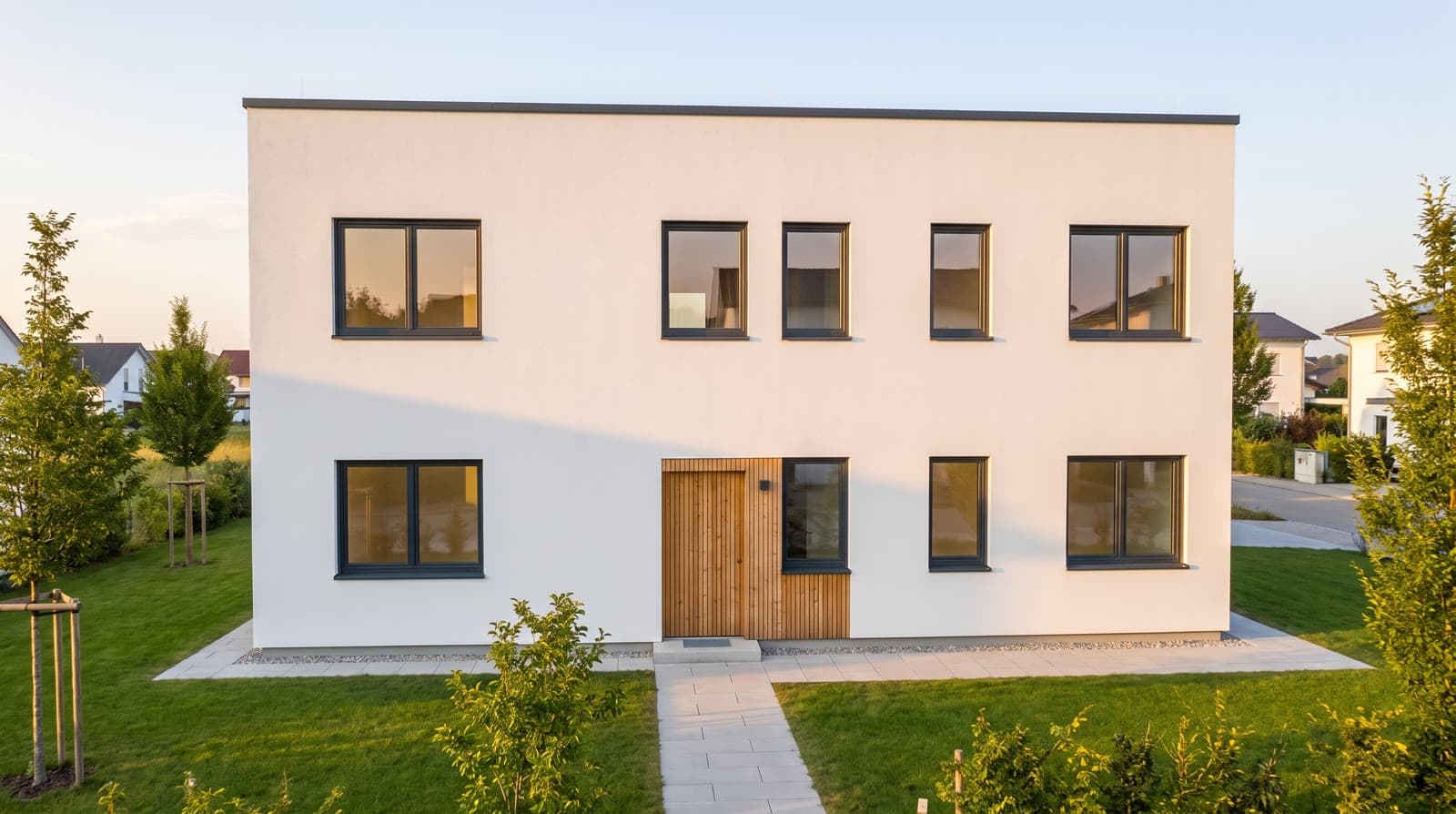
09 · 1 to 8 points per picture, 12 to 29 per clip
Packages
Four packages instead of single pictures, three quality levels. Points and duration are on the button before you press it.
Open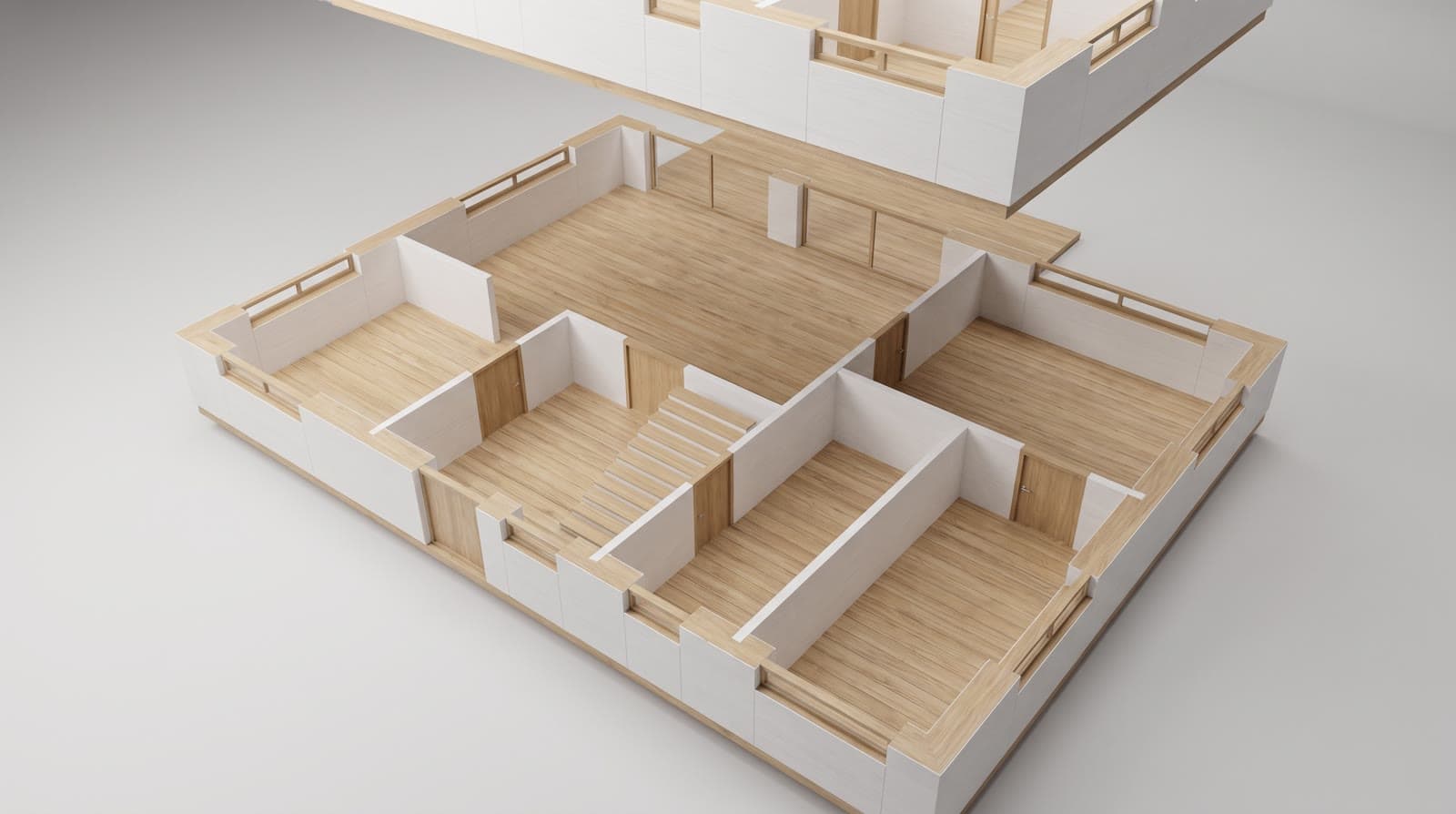
10 · 0 points
IFC import
IFC from Archicad, Revit, Vectorworks or Allplan is converted in the browser to a GLB, up to 60 MB. Only the GLB is stored; the IFC file never leaves the device. GLB and glTF load directly.
Open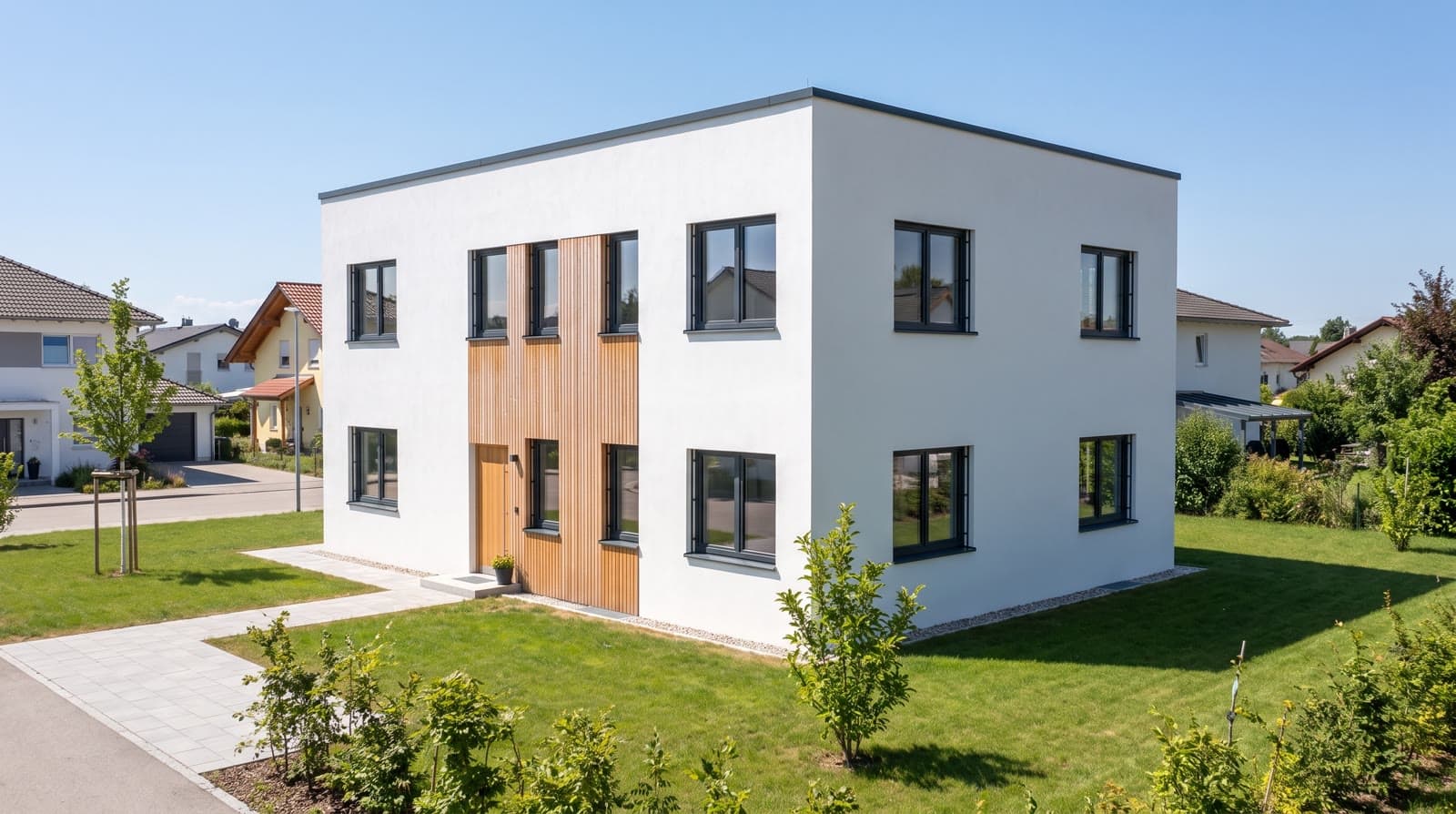
11 · 0 points extra
Geometry fidelity
Every picture receives clay view, floor plan and a depth map of the same view as fixed structure; the camera is stored with the job. Honestly: a reference, not a hard guarantee.
Open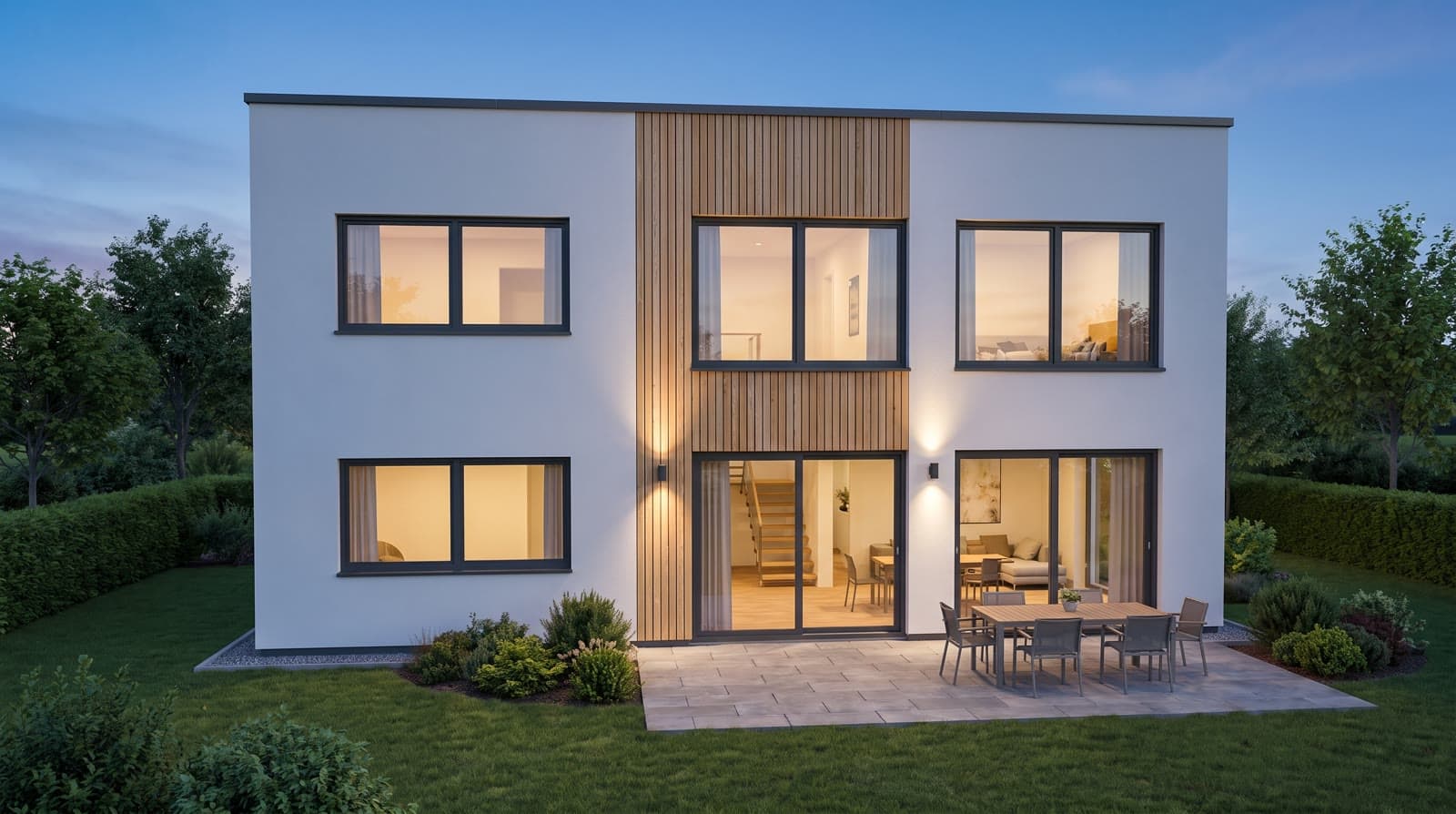
12 · 0 points in the browser, video-model clip 12 to 29 points
Sun study clip
The browser records the day in the model, say from 8 am to 6 pm, as a short video without a video model and without points. The daylight clip from the video model costs points like any clip.
Open
Next step
Wie lange warten Sie heute auf ein Bild?
Legen Sie sich ein Konto an und laden Sie den Grundriss eines laufenden Projekts hoch. Die Punkte zum Ausprobieren liegen schon auf dem Konto, Zahlungsdaten braucht es dafür nicht.