IFC import: the BIM model is converted in the browser
IFC from Archicad, Revit, Vectorworks or Allplan is converted in the browser to a GLB, up to 60 MB. Only the GLB is stored; the IFC file never leaves the device. GLB and glTF load directly.
0 points
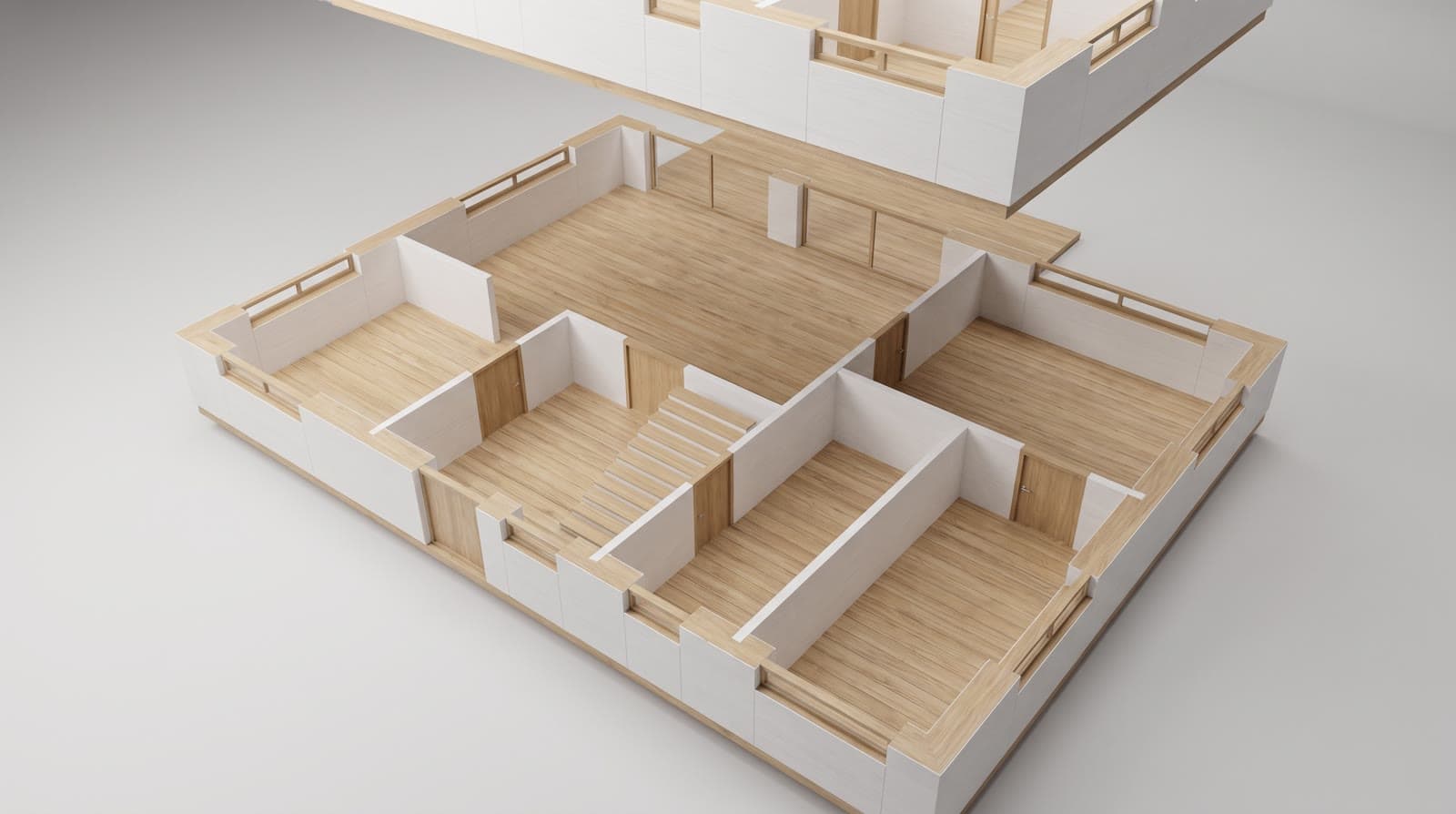
In short
VEDUTUM IFC import converts an IFC file (IFC2x3 or IFC4) in the browser to a GLB: the browser reads the file, builds a coloured mesh for every body and uploads only the result; the IFC file never leaves the device. IFC up to 60 MB; GLB and glTF up to 95 MB load directly. The model appears in the viewer and on the share page. In the other direction „Als GLB laden“ (download as GLB) exports the model built from the plan for other programs. Import and export cost no points.
What it gives you
The IFC stays with you
The conversion runs on your device. What is uploaded is the geometry as GLB, not the BIM file with its properties.
From the program you plan with
Archicad, Revit, Vectorworks and Allplan write IFC. No extra export to a graphics format is needed.
Smaller than the original
The GLB contains only meshes and colours. It loads faster and is no problem on the client’s tablet.
How it works
- 01Export IFCExport from your BIM program as IFC2x3 or IFC4, in metres, ideally without furniture, reinforcement and services, up to 60 MB.
- 02Choose the fileChoose the IFC file in the project. The browser reads it and shows the conversion progress; large files take a while.
- 03GLB is uploadedAfter the conversion the browser uploads the GLB, and the model appears in the viewer.
- 04Load GLB or glTF directlyIf you already have a GLB or glTF, choose it directly, up to 95 MB. It is stored without conversion.
- 05Export the model from the planIn the workspace „Als GLB laden“ writes the model built from the floor plan as a GLB file to your device.
What happens during conversion
The browser opens the IFC file with an open library, walks through the elements and creates a mesh for every body with the colour the program supplied. Properties, names, storey assignment and relationships are not carried over; the result is pure geometry.
GLB is the binary form of glTF 2.0, the open format for 3D scenes in the browser, and the only thing stored; the privacy policy says where.
What you can do with the model
An uploaded model is shown in the viewer and shared via the share page. Pictures, clips, panoramas, storey bar and checks belong to the floor plan route, because they need the geometry in metres from the plan; for those you upload the floor plan as well.
Questions and answers
Does my IFC file leave the office?
No. The conversion runs in the browser. Only the GLB with meshes and colours is uploaded.
Which IFC versions work?
IFC2x3 and IFC4, as written by Archicad, Revit, Vectorworks and Allplan, up to 60 MB.
Can I have pictures rendered from the IFC model?
Pictures, clips and panoramas are made from the model built from the floor plan. The IFC model is shown in the viewer and on the share page.
From the knowledge base
More features
Next step
Load a model
Choose IFC, GLB or glTF and the model is in the browser. No points.