Panorama: a spherical picture from the model, outside or in a room
One click takes a spherical panorama from the browser model at the current standpoint, 3072 × 1536 pixels. On the share page in a rotating sphere, as JPEG for property portals. No points.
0 points
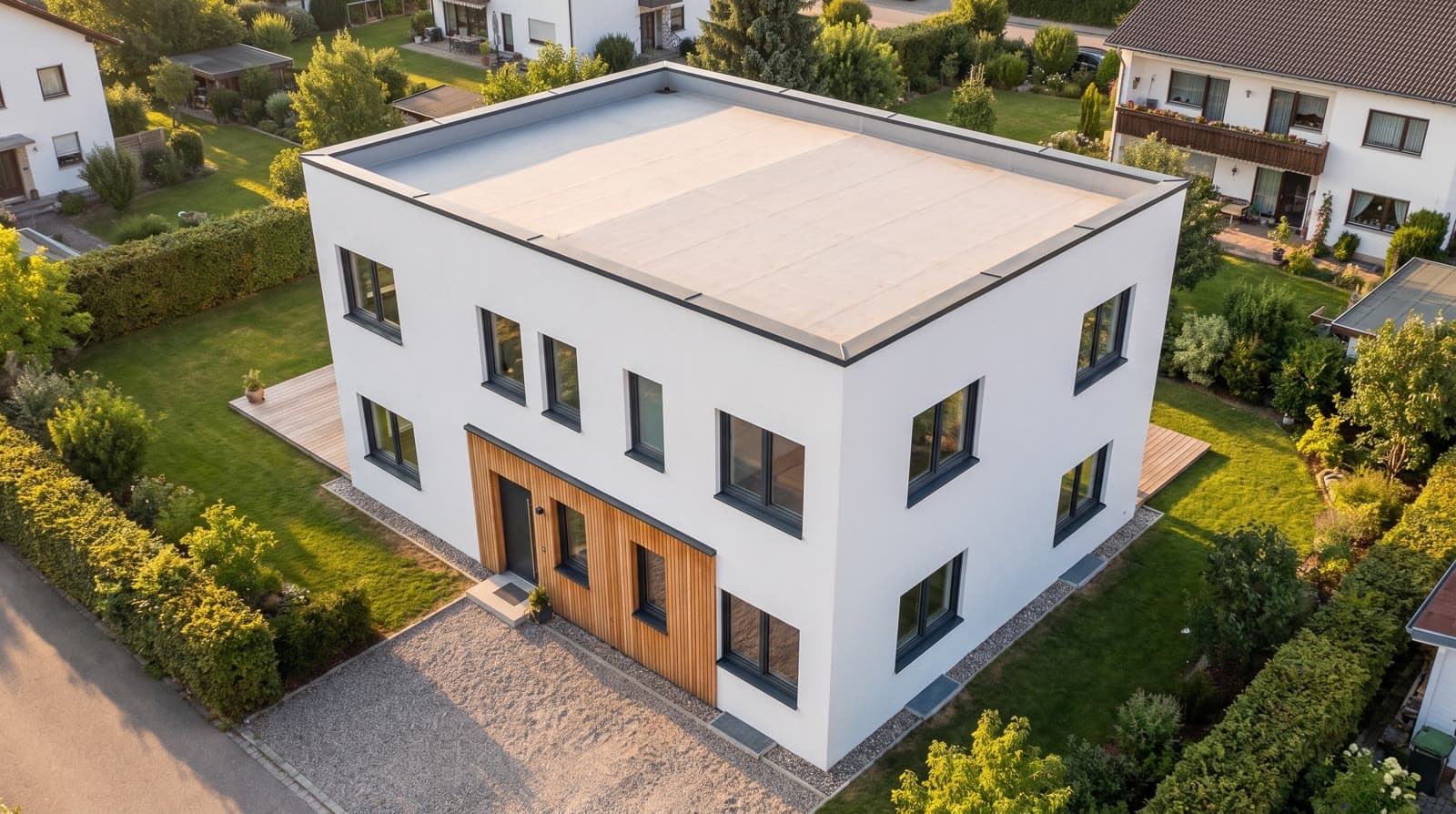
In short
The panorama in VEDUTUM is an equirectangular spherical picture at 2:1 with 3072 × 1536 pixels, taken in the browser from the current standpoint in the model: outside from the orbit view or inside from a room. The „Panorama aufnehmen“ (take panorama) button in the workspace creates it from the model with its materials, without a call to the image model and without points. On the share page it appears in a rotating sphere and can be downloaded as JPEG, in the format property portals expect for 360-degree views.
What it gives you
All-round view in seconds
Choose the standpoint, press the button. The picture is there, with no queue and no points.
Made for portals
2:1, JPEG, 3072 × 1536 pixels. That is what the 360-degree views of common property portals accept.
From inside the room
In the interior the viewer stands in the middle of the room and turns on the spot; doors and windows sit where the plan has them.
How it works
- 01Choose the standpointOrbit the model into the desired view or enter a room. Where the camera stands, the panorama stands.
- 02Take itIn the workspace click „Panorama aufnehmen“. The browser captures six directions and folds them into the spherical picture.
- 03View itThe panorama sits with the project renderings and on the share page in a sphere that turns with mouse or finger.
- 04Download itThe download delivers the JPEG at 2:1. Upload it to the portal as a 360-degree picture or hand it to sales.
How the spherical picture is made
The browser places a cube camera with 1024 pixels per side at the camera standpoint and converts the six faces in one step into the equirectangular picture, with the same tone curve and colour rendering as the preview. The result is saved as JPEG and assigned to the project as a panorama.
Sun position, surroundings, aerial image and the selected storey are in the panorama as they were set at the moment of capture.
What it is good for
For property portals that offer a 360-degree view, for a conversation about the sequence of rooms, and for sales wanting to show the view from the balcony all the way round. For façade pictures with material and light, the pictures from the package remain the tool.
Questions and answers
Does a panorama cost points?
No. It is captured in the browser from the model, without a call to the image model.
Can the image model rework the panorama?
No. The panorama shows the model with its materials. Pictures with material and light from the image model are made in the package, per camera.
In what format does it come?
As JPEG at 2:1 with 3072 × 1536 pixels, equirectangular. That is what common 360-degree viewers and portals expect.
Services
More features
Next step
Take a panorama
Choose the standpoint, „Panorama aufnehmen“, done. No points in the test account.