Floor plan to 3D: from a PDF to a model that keeps its measurements
Upload the floor plan as a PDF or photo. The recognition reads walls, openings and rooms in metres, you check and correct them, and the model stands in the browser: outside, in section and walkable.
90 points, no payment details, ends by itself.
The short answer
How do you turn a 2D floor plan into a 3D model?
In VEDUTUM you upload the plan as PDF, JPG, PNG or WebP; the recognition reads walls, doors, windows, rooms and outdoor areas as measurements in metres, and from a CAD PDF the vector lines as well. Once checked and corrected in the editor, the browser builds a massing model you can turn, cut open and walk through. Reading costs one point per storey; everything up to the first image costs nothing.
Facts from the software
- Files: PDF, JPG, PNG and WebP up to 50 MB; in a multi-page PDF you pick the page with the floor plan.
- Scale from a dimension chain, a scale bar or the building width you enter; failing both, the recognition estimates from a 0.90 m door leaf and says so.
- One plan per storey, from basement to set-back top floor.
- The checks find open outlines, walls over 60 m and openings without a wall before any image is made.
How to do it
- 01Upload the planCreate a project, choose the plan file and assign it to a storey. Without a dimension chain, enter the building width in metres.
- 02Check the readingThe check tab shows the walls, openings and room names that were read next to the original, with the findings of the checks beside them.
- 03CorrectDrag walls by their ends, move openings, name rooms. Ctrl+Z takes back every step.
- 04Look at the modelSaving rebuilds the model: turn it from outside, open it in section, walk through the rooms with W, A, S, D.
- 05Images and share linkPick cameras, compute images with the sun position and send a share link to the client.
Read, not traced
Many room planners put the plan behind an empty sheet and you trace the walls. VEDUTUM reads the plan and hands back geometry for you to check: wall thickness, door width, window position, room name. Tracing goes; checking stays.
A PDF from Archicad, Revit, Vectorworks or AutoCAD carries more than a scan. The browser reads thick strokes, filled bands and pairs of parallel lines as wall centre lines and passes them to the recognition as coordinates, so walls sit where your planning software drew them.
What the model shows
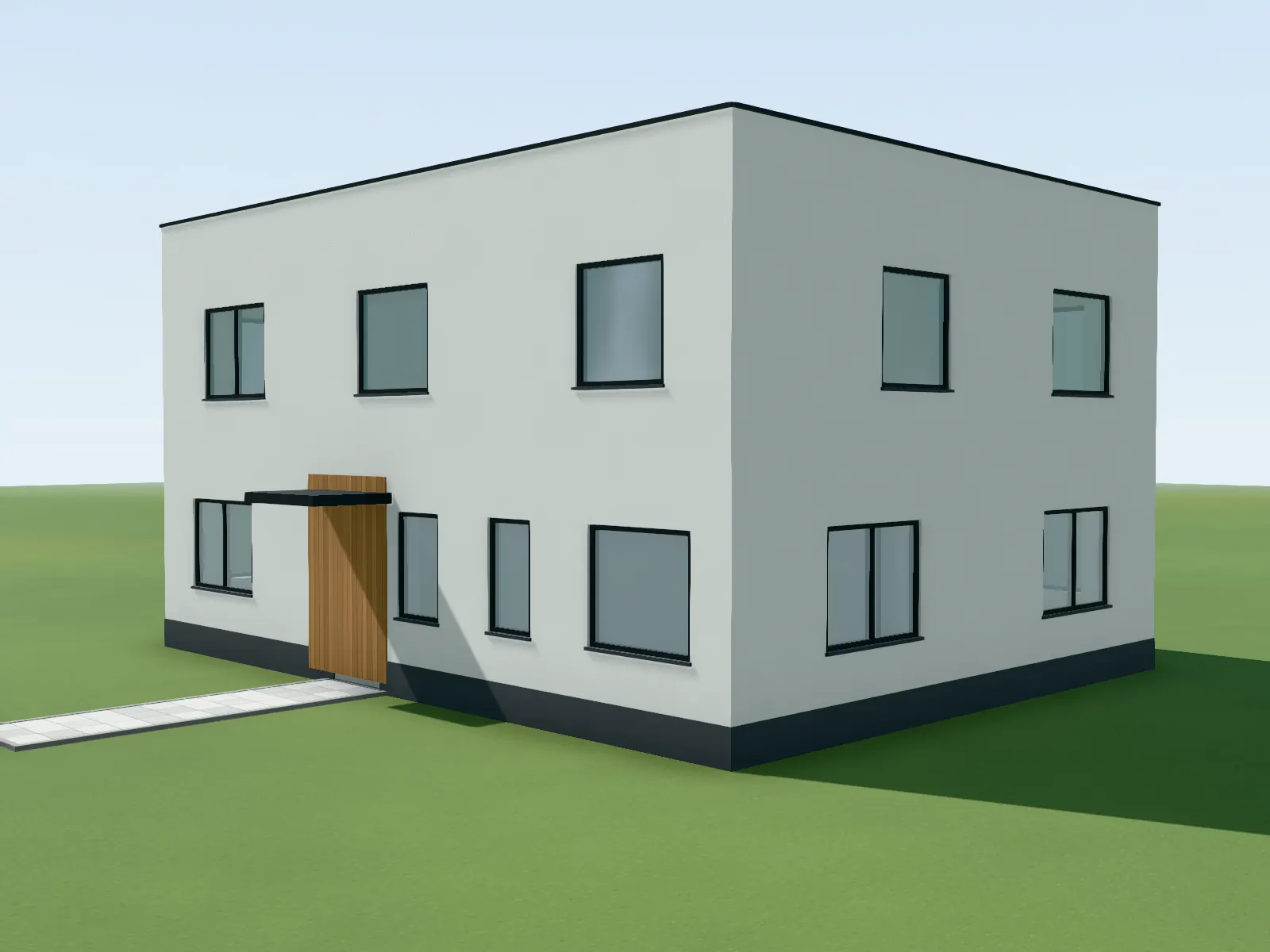
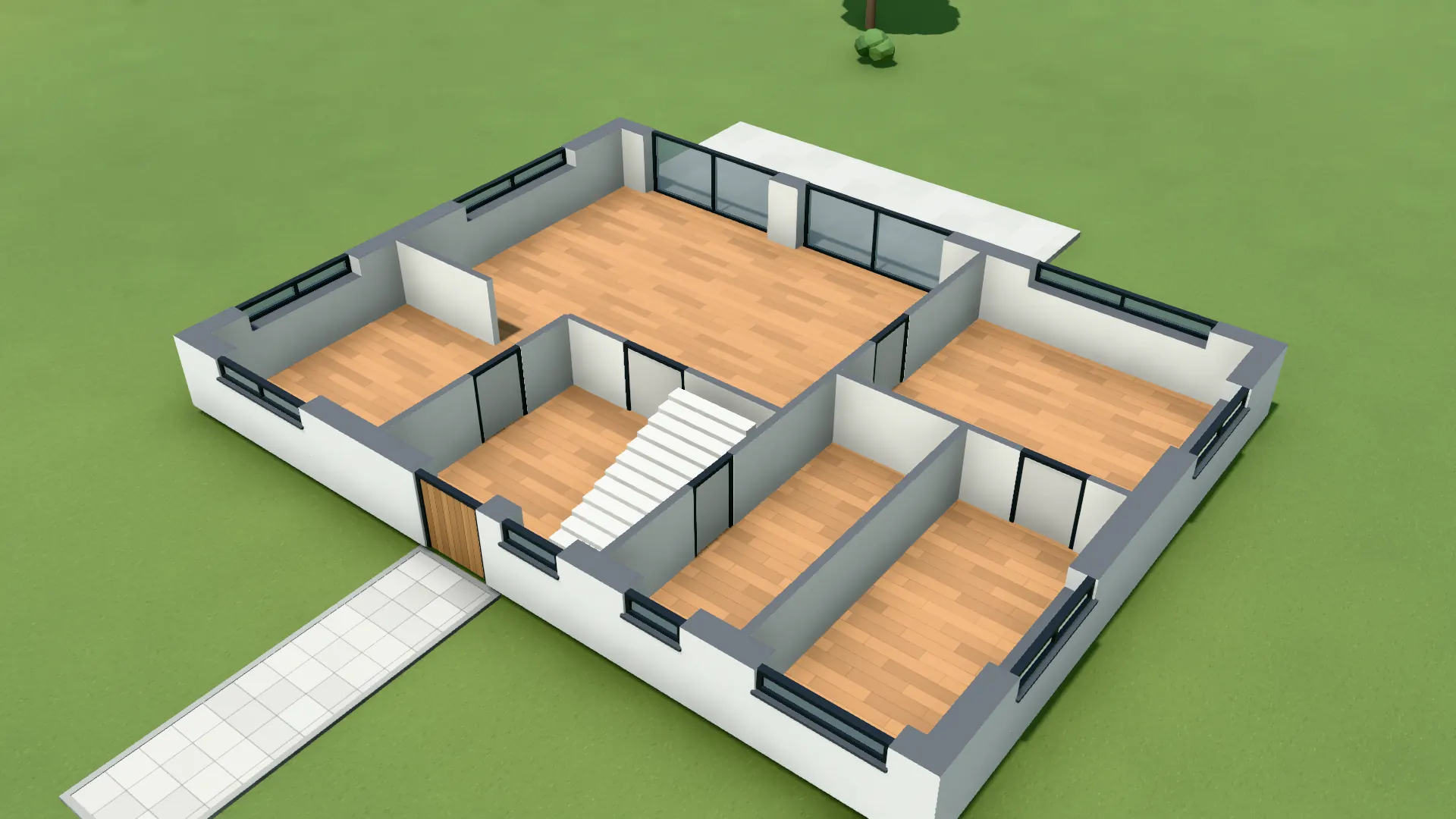
The model is a massing of your plan: external and internal walls, openings, floor slabs, the roof in the form you choose, and stairs. You see it from outside, open it in section, isolate a single storey or walk through the rooms with wall collision.
Images and clips come from the same geometry. Camera, walls and openings come from the plan; material, light and setting from the image model. What is not in the model does not appear in the image.
Captured in the software: Model from a floor plan that was read in, corner view.
Questions and answers
Can I upload a hand-drawn floor plan?
Yes, as a photo or scan. The straighter and higher in contrast the sheet, the less you correct. A photo 2000 to 3000 px wide is enough.
How accurate is the model?
As accurate as the scale. With a dimension chain or building width the walls sit on the plan; with a CAD PDF on its vector lines. The checks warn when the depth read and the one entered differ by more than 15 %.
What does reading a plan cost?
One point per storey. Correcting, saving, the model and the share link cost no points; images start at one point in HD.
Can I export the model?
Yes, as GLB for other viewers. For further design work your CAD software stays the source; VEDUTUM does not write back to it.
Features involved
Next step
Read a floor plan
Upload a sheet and see the model before you decide anything.
30 days free with 90 points · no payment details · account in one minute