Façade visualiser: material, RAL colour and joint pattern on your own house
Choose render, brick, timber, panels, metal, glass or fair-faced concrete per surface, side or storey, set the RAL colour and joint pattern, add plinth and reveal. On the model from your plan, not on a photo.
90 points, no payment details, ends by itself.
The short answer
How can I see a façade design before it is built?
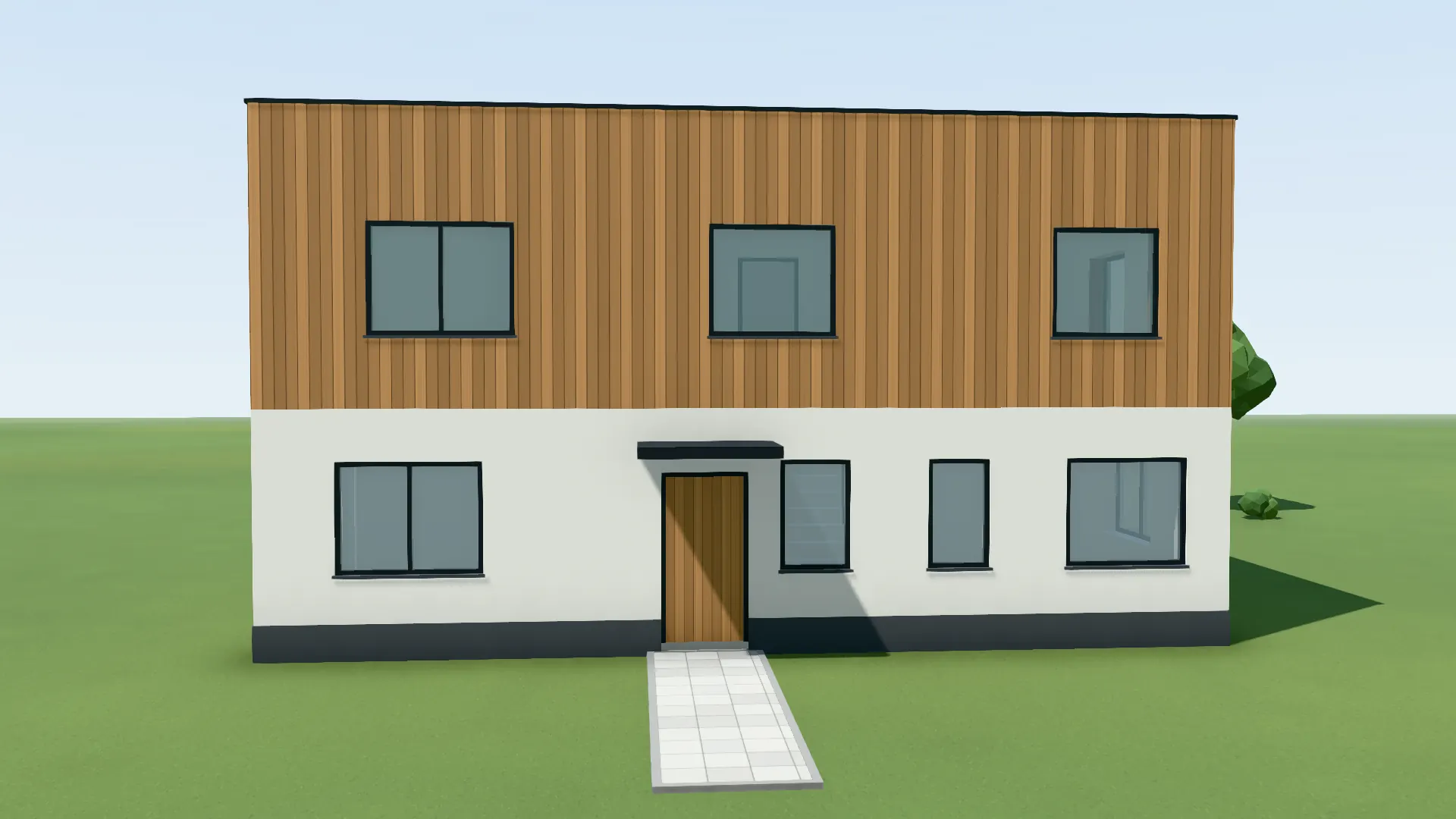
With the VEDUTUM façade editor you choose, on the 3D model from your floor plan, a material, an RAL colour or a free colour, format, joint and bond for each surface, side, storey or the whole house, plus plinth, reveal depth and frame colour. The model shows the choice at once in the sun of the site; as an image or a set of variants to compare, it goes to the client.
Facts from the software
- Eight materials: render/ETICS, façade panel, glass panel, timber cladding, metal, brick, fair-faced concrete, solar façade.
- 23 RAL colours to choose from, or a free colour.
- Designed per surface, side, storey, house or plinth.
- Systems: external insulation with render, ventilated rainscreen, masonry skin, fair-faced concrete.
How to do it
- 01Model from the planRead in a floor plan or open the example project.
- 02Façade toolIn build mode choose the façade tool (key F) and set what you design: surface, side, storey, house or plinth.
- 03Material and colourChoose the material, an RAL colour or a free one, format, joint, bond and grain; reveal depth and frame colour as well.
- 04Check it in the lightDrag date and time: joints, reveals and plinth cast their shadows at the site of the project.
- 05Show variantsCompute two to six versions as a variant set; the client compares them on the share page with the swipe slider.
On the model instead of a photo
Paint makers’ façade simulators colour a photo. That helps with an existing house and one colour. A design has no photo, and a change of material changes more than the hue: joints, formats, the depth of the window reveal.
In the façade editor the choice belongs to the wall and its position. Move a wall in build mode and it returns to the façade of the building style, and you choose its material again; that way no surface quietly carries a choice meant for another one.
Agreeing it with the client
A variant set holds camera and light and changes only the façade. On the share page the client taps two variants and compares them with the swipe slider; with “this variant” the choice is recorded, and the practice sees it in the project.
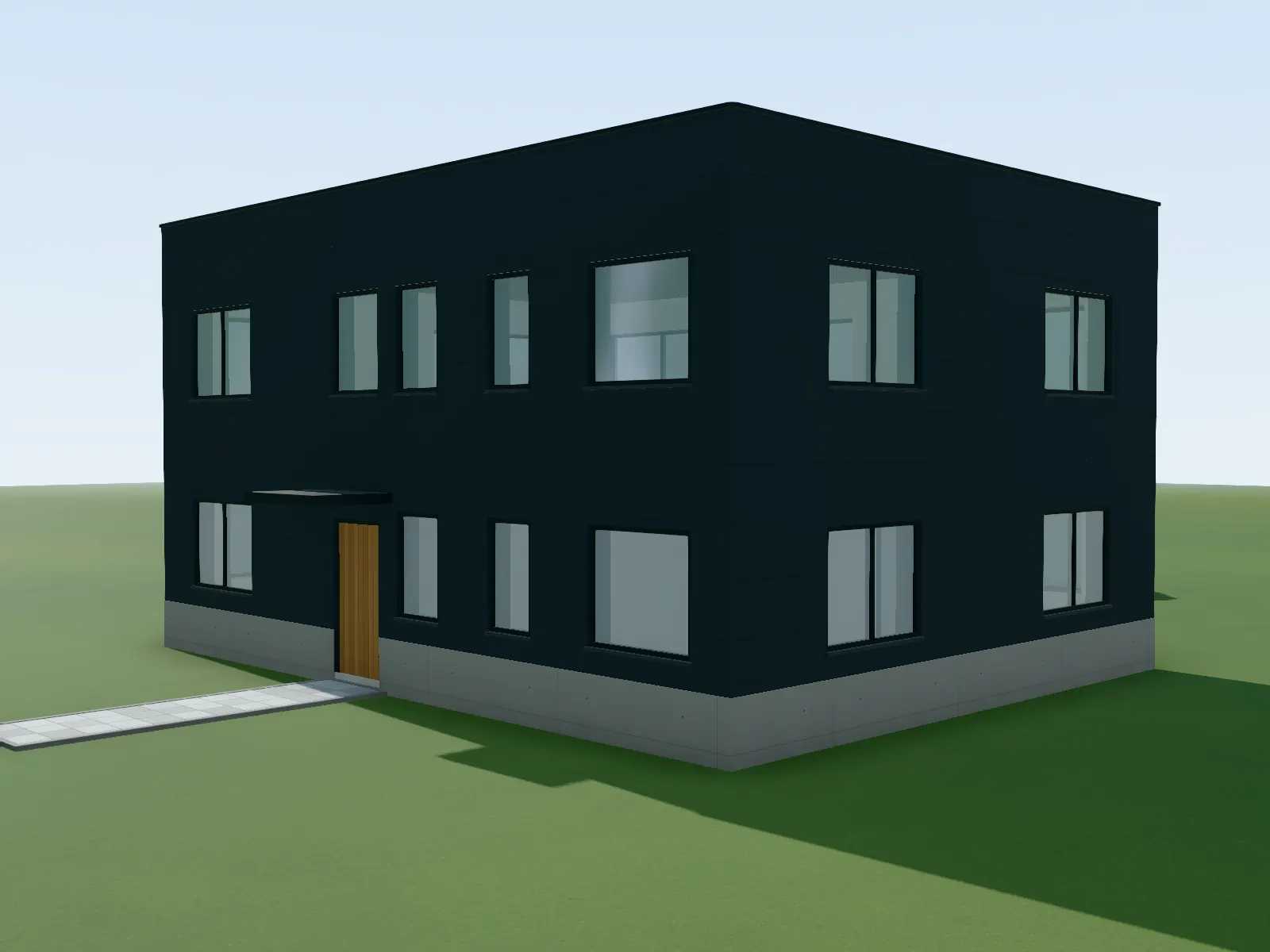
Captured in the software: Façade panels in RAL 7016 with a fair-faced concrete plinth.
Questions and answers
Can I mix different materials on one house?
Yes. Every surface can carry its own material and its own plinth; storey and house set the choice for many surfaces at once.
Can I pick a façade colour by RAL?
Yes, 23 RAL colours are available, plus a free colour. On screen they are approximations.
How does the façade get into the image?
The façade choice goes to the image model as a description. The clay image shows the joints, the image the material.
What does it cost?
Designing on the model costs no points. An image costs 1, 4 or 8 points depending on the quality level.
Features involved
From the knowledge base
Next step
Design a façade
Open the example house and try three materials on the same wall.
30 days free with 90 points · no payment details · account in one minute