Solutions
From a floor plan that has been read to a furnished house with façade, roof and plot: seven tasks from everyday practice, each with the tools that solve it in the software, and with what they cannot do.
01
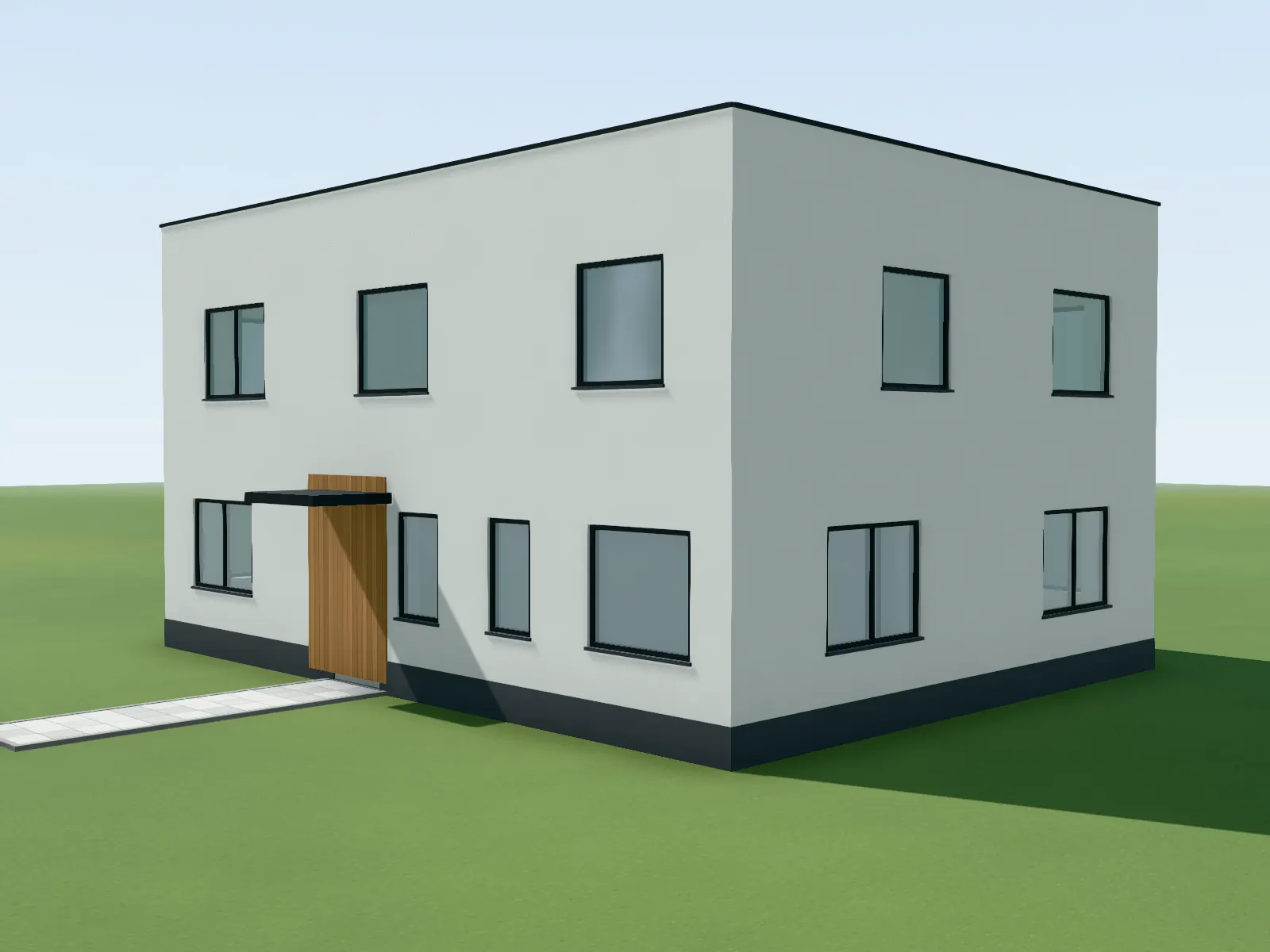
Floor plan to 3D
Upload the floor plan as a PDF or photo. The recognition reads walls, openings and rooms in metres, you check and correct them, and the model stands in the browser: outside, in section and walkable.
View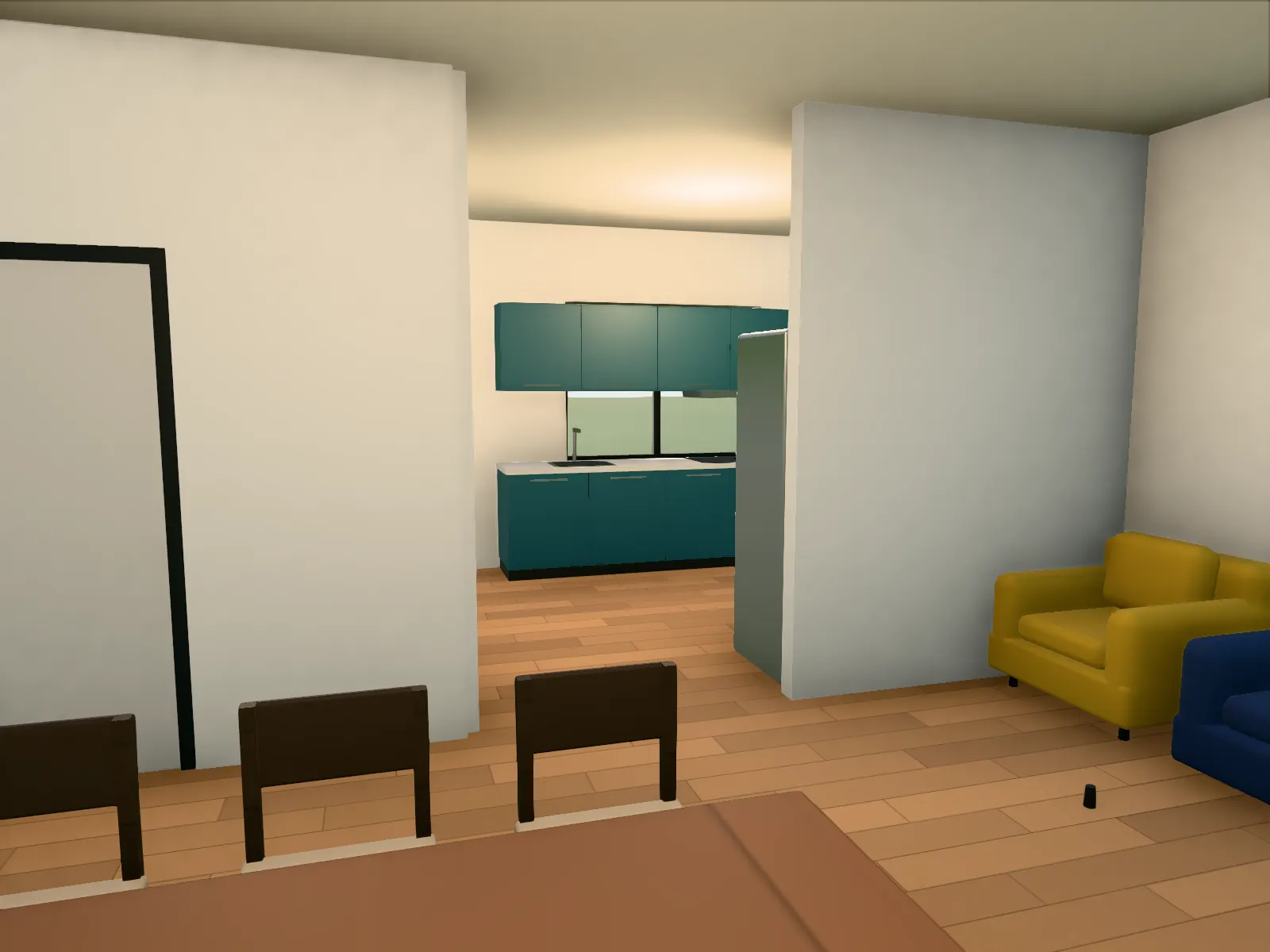
02
Room planner and furnishing
Place, rotate, resize and colour furniture in the plan or in the model. Or let every room be furnished automatically and then move only what should stand elsewhere.
View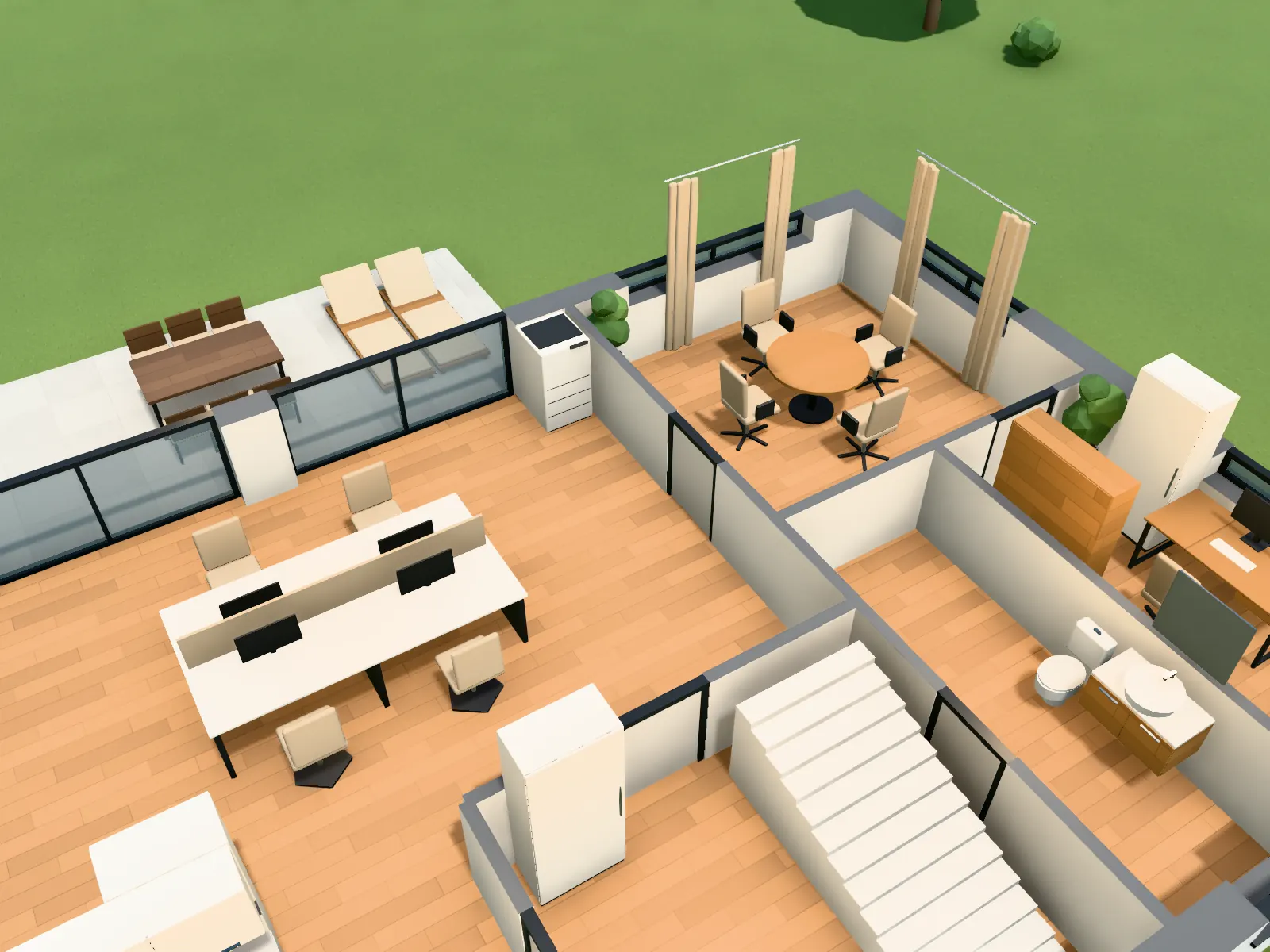
03
Office layout
Have open-plan office, meeting room, reception and kitchenette furnished from the floor plan, check desk rows and walkways in the model and show the client a walkthrough.
View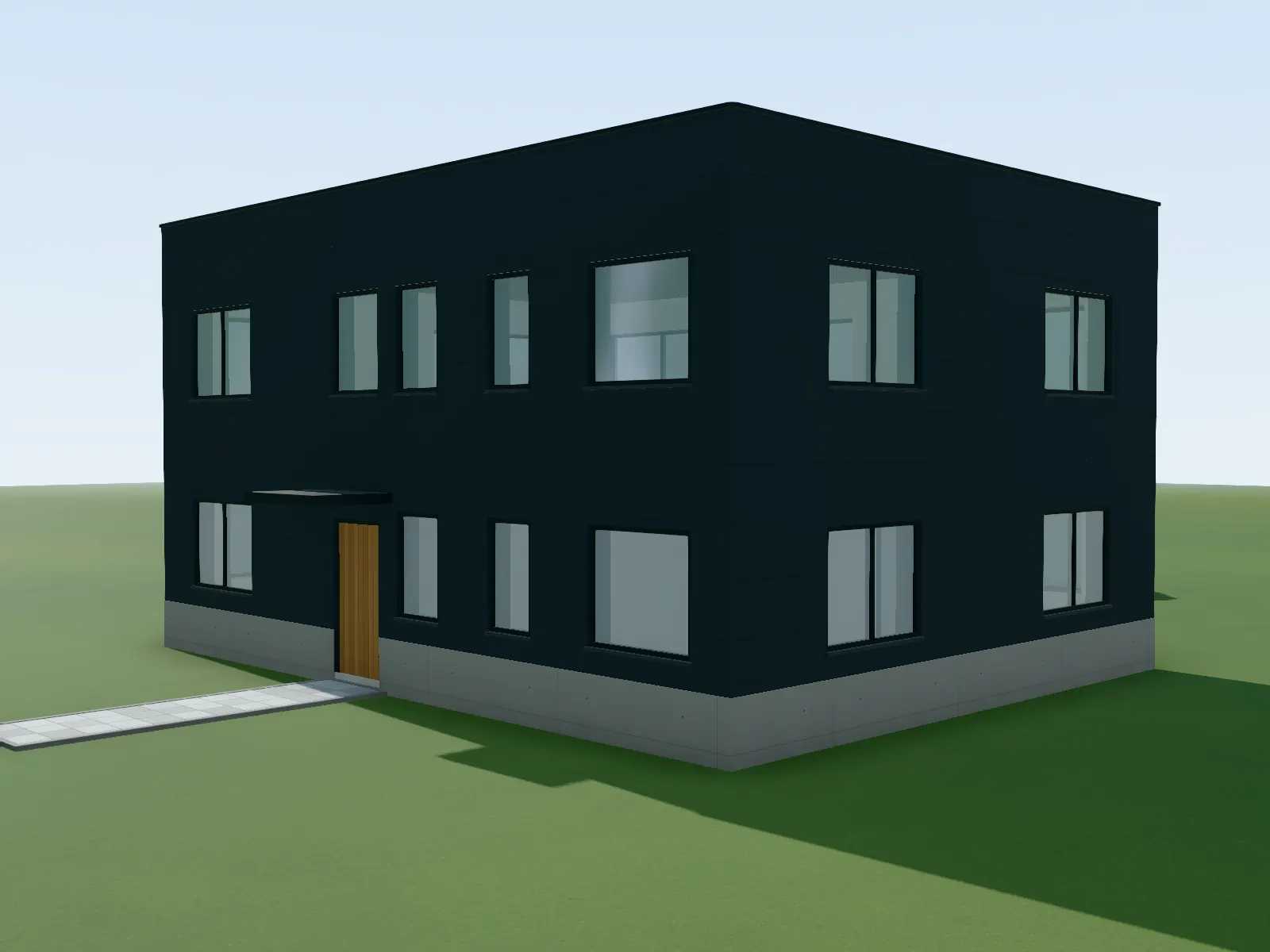
04
Façade design
Choose render, brick, timber, panels, metal, glass or fair-faced concrete per surface, side or storey, set the RAL colour and joint pattern, add plinth and reveal. On the model from your plan, not on a photo.
View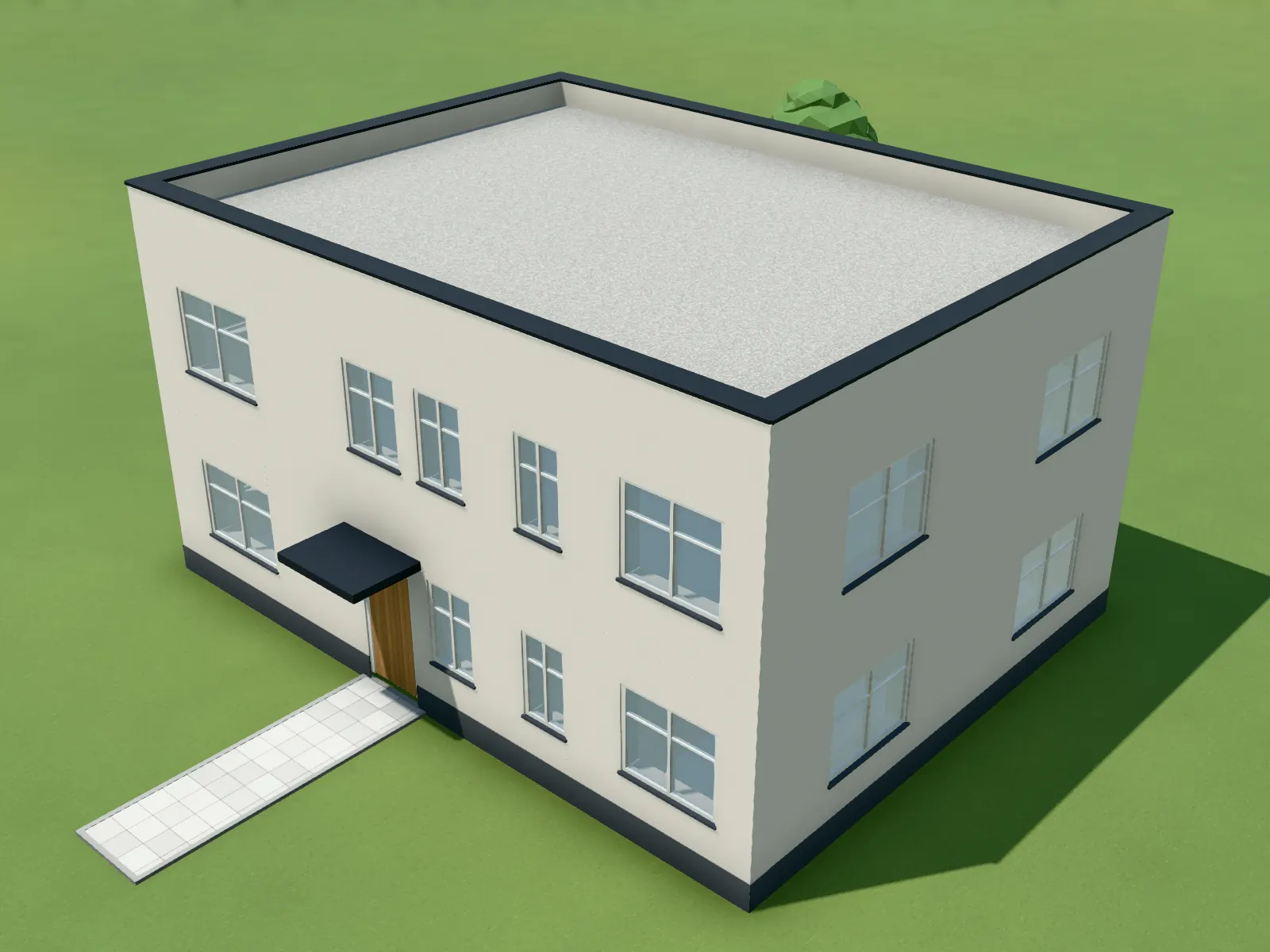
05
Renovation before/after
Set insulation, new façade, windows, roof, solar, balcony and heat pump as measures, switch between existing and renovated, and compare both with the swipe slider.
View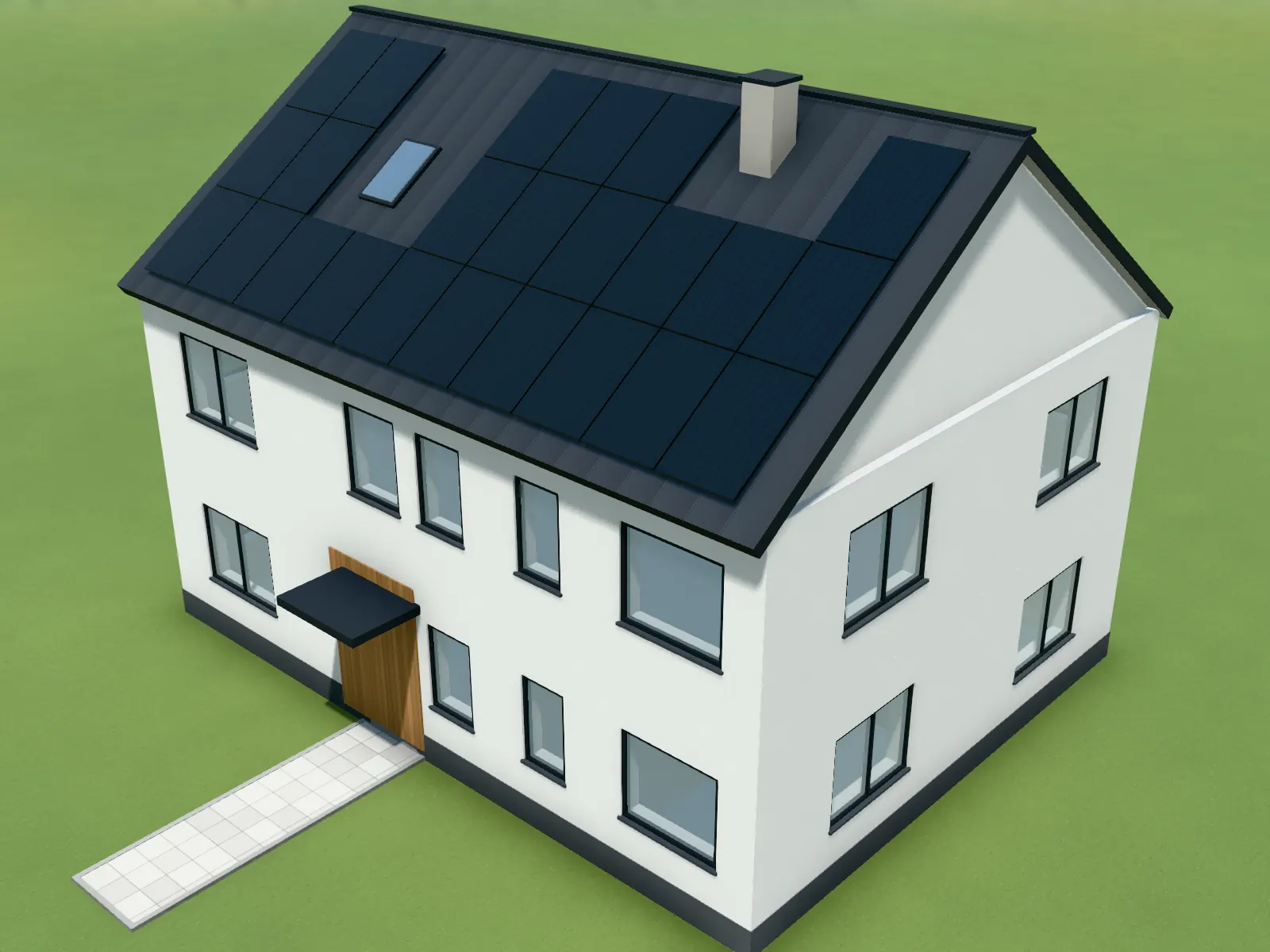
06
Solar on the roof
Let PV modules or solar thermal collectors be laid on the roof planes of the model, with edge margins, around skylights and chimneys, on flat roofs on racks facing south or east-west. Green roof included.
View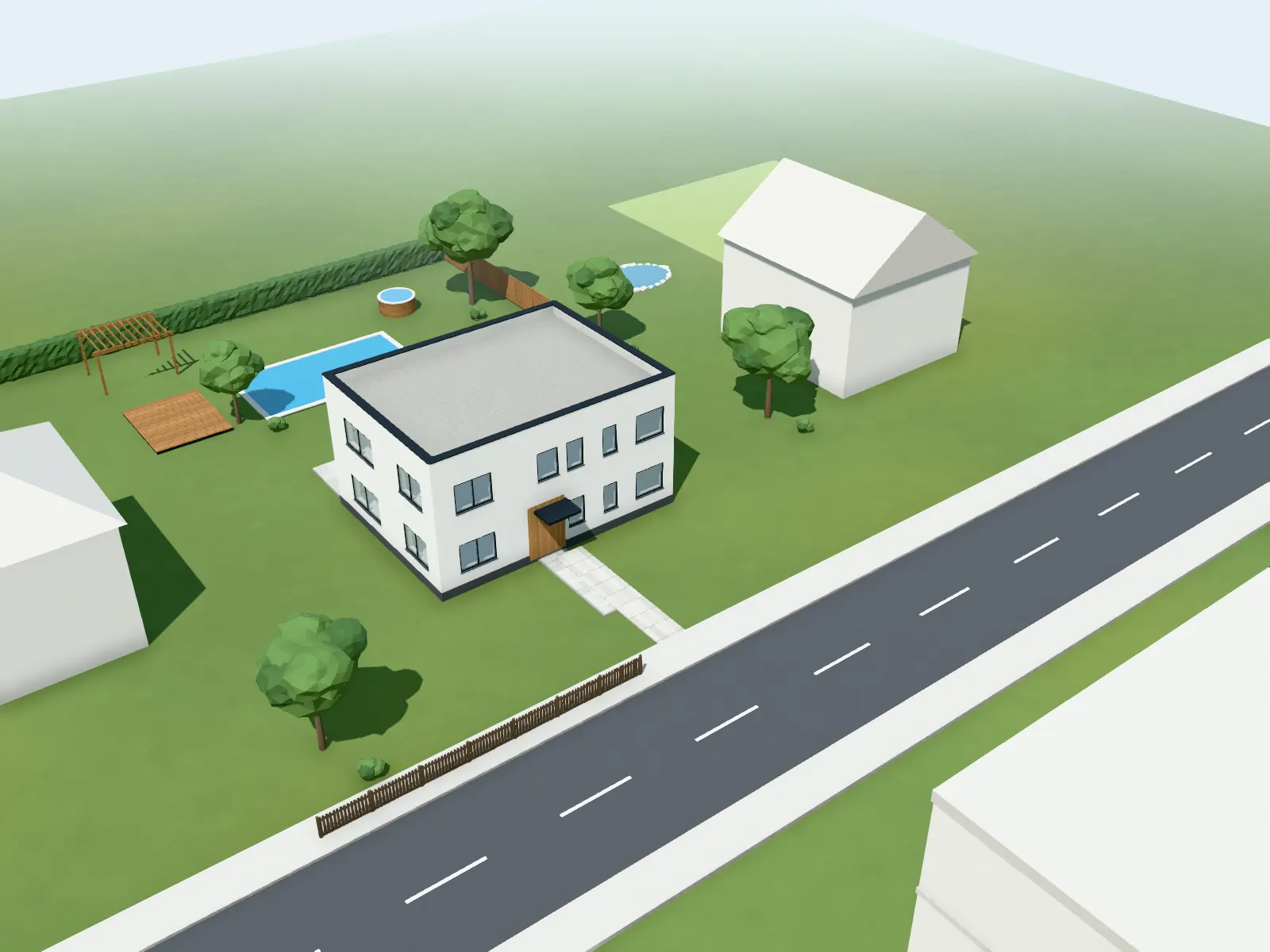
07
Site plan and context
Enter the address and load neighbouring houses, streets, trees and terrain from open maps. Then place pool, pond, deck, pergola, hedges and context houses yourself and slide the house onto its plot.
View
Next step
How long do you wait for an image today?
Open an account and upload the floor plan of a current project. The points to try it are already on the account, and no payment details are needed.
30 days free with 90 points · no payment details · account in one minute