Geometry fidelity: geometry, camera and openings from the plan
Every picture receives clay view, floor plan and a depth map of the same view as fixed structure; the camera is stored with the job. Honestly: a reference, not a hard guarantee.
0 points extra
In short
Geometry fidelity in VEDUTUM means that the image model receives three fixed inputs for every picture: the clay view from the chosen standpoint, the floor plan and a depth map of the same view in 16:9, white for near, black for far. The camera is stored with the job. Geometry, camera and openings come from the plan; material, light and surroundings from the image model. A reference, not a hard guarantee: in details the image model can deviate. No extra points.
What it gives you
The house in the picture is your house
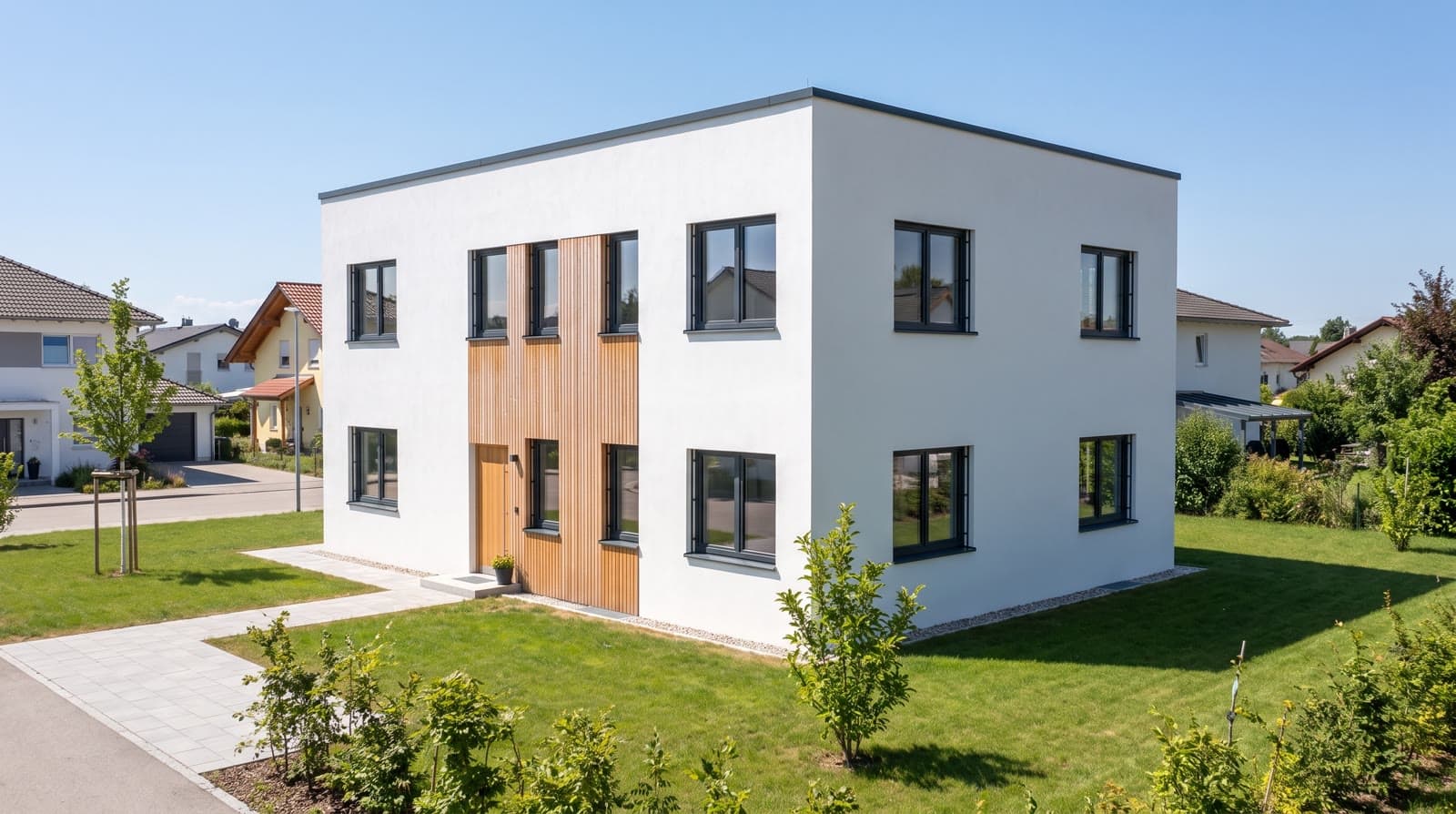
Proportions, openings and standpoint come from the checked model.
Depth, not just outline
The depth map tells the image model what is in front and what behind: projections, balconies, set-backs.
Traceable
Camera, depth map and view are kept with the job, so a picture can be repeated from the same standpoint.
How it works
- 01Check the geometryFidelity is only as good as the model. Fix the findings of the checks before you start a package.
- 02Set up the viewChoose camera, storey and sun position; what you see in the browser is the structure the picture receives.
- 03Start the packageThe browser captures clay view and depth map for every camera and hands them with the floor plan and the style to the image model. Nothing to switch on.
- 04Compare picture and modelPut the picture next to the clay view. If openings and edges match, it is usable; if not, re-render the camera or adjust the style notes.
What the image model is given
The clay view is the model without material, with ambient occlusion and the sun position set. The depth map shows the same view as grey values between the nearest and farthest corner of the building; the floor plan is added as a drawing. All three go to the image model as “fixed structure”; style template, mood and style notes describe what is free.
The camera is stored with the job, so the same standpoint can be repeated in a different mood or quality.
Why we say reference
Today’s image model takes the depth map as a reference, not as a control it must follow. In practice it keeps to edges, openings and proportions; a window can still get a different division, a canopy a different thickness. What is not in the model is not in the picture; what is in the model is almost always in the picture. So it says under every picture and on the AI transparency page.
Questions and answers
What is fixed and what is not?
Fixed: geometry, camera, openings, light direction. Free: material, sky, vegetation, surroundings, details such as window division.
Does the depth map cost points?
No. It is created in the browser and goes with every image call; only the picture’s points count.
Can I reuse the same camera later?
Yes. The camera is kept with the job; you repeat the view in a different mood, style template or quality.
Services
From the knowledge base
More features
Next step
Compare a picture with the model
Render a picture in HD for one point and put it next to the clay view.