Packages: several cameras in one run, price on the button beforehand
Four packages instead of single pictures, three quality levels. Points and duration are on the button before you press it.
1 to 8 points per picture, 12 to 29 per clip
In short
A package in VEDUTUM renders several cameras in one run: „Außen komplett“ (exterior) the views from outside, „Innen komplett“ (interior) the rooms, „Präsentation komplett“ both plus clips, „Schnellansicht“ (quick view) a short overview. You choose style template, mood and quality level: HD at 1 point per picture and 12 per clip, 2K at 4 and 24, 4K at 8 and 29. The browser captures all cameras, then three image calls run at once. Points and estimated duration are on the button before the run.
What it gives you
No surprise on the balance
The button says what the package costs and how long it takes before anything is charged.
One click, one set of pictures
Street, corner, garden, bird’s eye, section: you do not set up each camera separately.
Quality by purpose
HD for the draft, 2K for the presentation, 4K for print and boards; only points and resolution change.
How it works
- 01Clear the planThe package button is free once the checks report no errors; „Trotzdem erzeugen“ (generate anyway) lifts the lock for an error left on purpose.
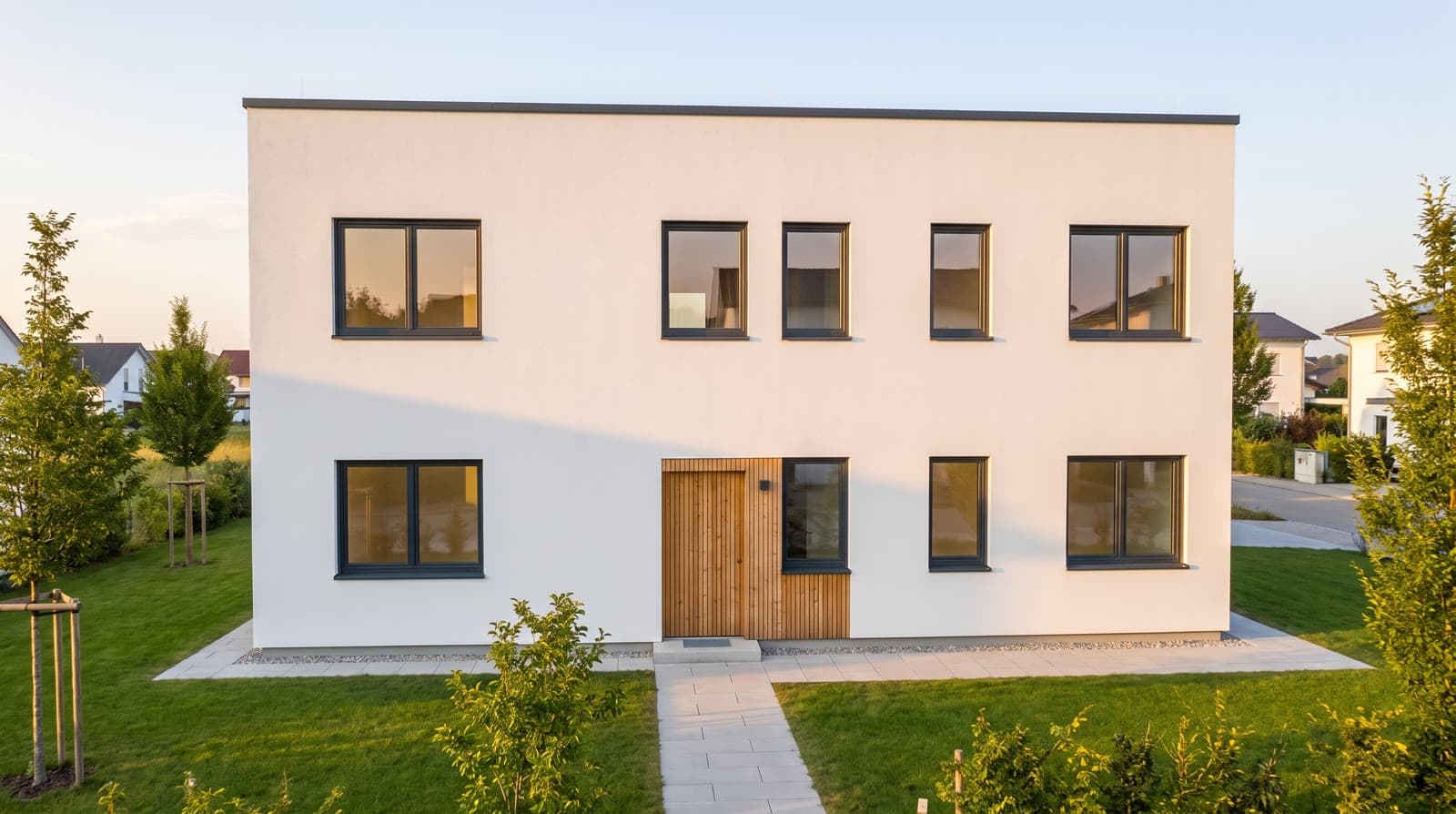
- 02Choose the lookUnder „Aussehen & Ansicht“ (look and view) choose a style template such as „Putz weiß, Flachdach“ (white render, flat roof) and a mood from „Mittag“ (noon) to „Winter“. Particulars go into the style notes.
- 03Choose package and qualityUnder „Bilder & Videos“ choose a package card and the quality level; points and duration on the card recalculate.
- 04StartClick the package button. The browser captures all cameras, then the image calls run three at a time.
- 05Review the resultThe pictures appear in the project gallery with camera, quality level and labelling. Whatever does not fit is re-rendered per camera.
What a package contains
Each package is a fixed list of cameras: exterior standpoints, the rooms of the selected storey, both with clips, or a few views for a first impression. The card lists pictures and clips and derives points and duration from them.
The browser captures the cameras one after another, about a quarter of a second per view, taking a clay view and a depth map of each. Then three image calls go to the image model at once; they are independent, so the pictures do not change.
How points are calculated
One point is one picture in HD; 2K, 4K and the eight-second clips derive from it: 12 points in HD, 24 in 2K, 29 in 4K. A new account starts with 30 points: read a storey, check it, images in HD and 2K and one video in HD. All figures are under pricing.
Questions and answers
Can I re-render single pictures after the package?
Yes. Every camera can be repeated with a different mood, style template or quality, for the points of that one picture.
What does a presentation package cost?
It is on the package card for the chosen quality level. The 30 points of a new account cover first images in HD and 2K and one video in HD; a full package in 2K needs a plan.
Are pictures better if they run one after another?
No. The calls are independent; three at once save time and change nothing in the result.
From the knowledge base
More features
Next step
Have a package rendered
The test account has 30 points, enough for a small package in HD. The button shows the cost first.