In short
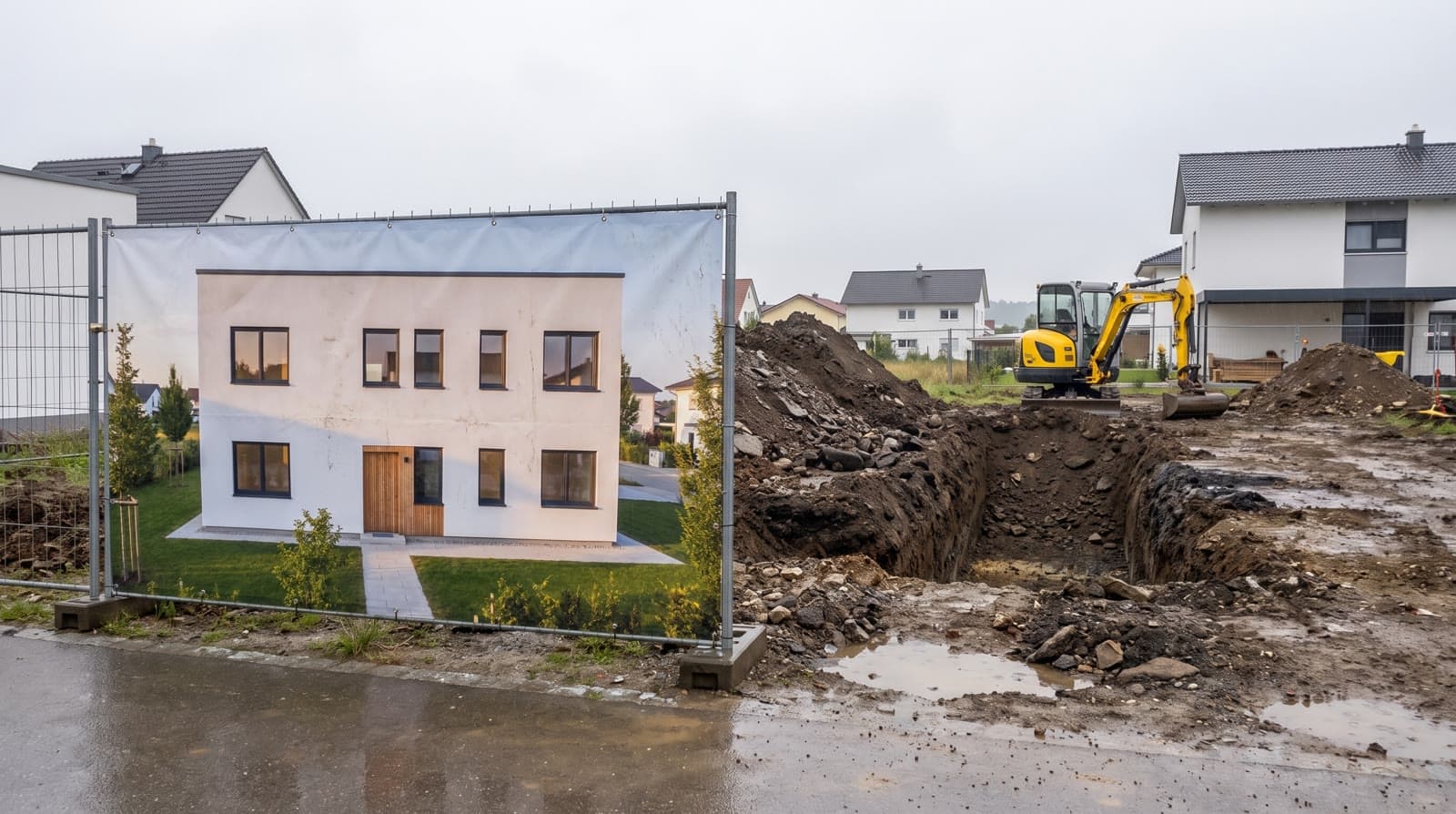
For screen presentations and websites, Full HD at 1920 × 1080 pixels is enough; for brochures and large screens, 4K at 3840 × 2160 pixels. 8K at 7680 × 4320 pixels mainly pays off for prints viewed up close and for crops. Site hoardings often need fewer pixels than expected because of the large viewing distance.
The formats compared
The 4K and 8K image formats come from television. ITU-R Recommendation BT.2020 of the International Telecommunication Union sets 3840 × 2160 and 7680 × 4320 pixels for ultra-high-definition television. Both have an aspect ratio of 16 to 9.
Full HD has 1920 × 1080 pixels, about 2.1 megapixels. 4K UHD has 3840 × 2160, about 8.3 megapixels, four times as many. 8K has 7680 × 4320, about 33.2 megapixels, sixteen times as many as Full HD.
Because a renderer computes every pixel individually, compute time rises in roughly the same ratio: 8K costs about four times the compute of 4K. This is why VEDUTUM shows an estimate before each job, see [architectural renderings]architectural renderings.
Calculation for print
- 01Convert the edge to inchesPrinters work in pixels per inch; one inch is 25.4 millimetres. Example A1 landscape, 841 × 594 millimetres: long edge 841 / 25.4 = 33.1 inches.
- 02Multiply by the target densityAt 300 pixels per inch: 33.1 × 300 = about 9,930 pixels. At 150 pixels per inch: about 4,970 pixels.
- 03Compare with your imageAn 8K image of 7680 pixels width reaches about 232 pixels per inch on A1, a 4K image about 116. For a competition board viewed from one metre that is usually enough.
Calculation for site hoardings
For large formats, distance decides. A common rule of thumb from print practice starts from visual acuity: with normal vision the eye distinguishes detail of about one arcminute. This gives approximately: required pixels per inch = 3438 divided by the viewing distance in inches.
Example, a hoarding 3 metres wide viewed from 5 metres: distance 5 metres = 196.9 inches, so 3438 / 196.9 = about 17.5 pixels per inch. Width 3 metres = 118.1 inches, so 118.1 × 17.5 = about 2,070 pixels.
A Full HD image of 1920 pixels width is therefore just below that, a 4K image of 3840 pixels width suffices to about 2.7 metres of distance, an 8K image to about 1.3 metres. The rule of thumb is an approximation; where a hoarding stands beside a pavement, choose the higher step.
When 8K is worth considering
Close viewing of large images
Exhibitions, where people step up to a large print.
Several crops from one image
A high-resolution original can be cut into details.
Not for websites
Images are scaled down anyway and the files become large.
What VEDUTUM delivers
VEDUTUM renders images in three tiers up to about 4,096 pixels width. That covers presentation, brochure, competition board and most print formats. If you need more, for example for an exhibition wall viewed from one metre, talk to us. For video the same applies even more strongly; see the article on [rendering a camera flight]camera flight frames render time.
Decide before the job where the image will appear and from what distance it will be seen. With the calculations above, choose the smallest resolution that is enough and save compute for further views. Examples for competitions are under [competition visuals]competition visuals.
Questions and answers
Is 4K the same as UHD?
In everyday use, yes. Strictly, 4K in cinema means 4096 pixels width, UHD in television 3840 pixels. VEDUTUM delivers 4K as 3840 × 2160 pixels.
Which resolution do I need for a website?
Full HD is enough for almost every use. For full-screen images on large monitors 4K can make sense, but is usually scaled down for delivery.
Can I enlarge a 4K image afterwards?
Enlarging is possible but creates no real detail. For large prints it is better to render at the required resolution from the start.
Why is 8K so much more expensive?
Because an 8K image has four times as many pixels as 4K and compute time grows roughly with the pixel count.
Sources
- ITU-R BT.2020: Parameter values for ultra-high definition television systems
- Blender Manual: Render Output Format
This article also exists in German: read the German version.