In short
Calculated the classic way, a video is a sequence of individual frames: duration times frame rate, so 750 frames for 30 seconds at 25 frames per second, each rendered on its own. That adds up to hours of compute on a single card. At VEDUTUM the flight is built instead from segments of eight seconds that can be joined without re-encoding; four segments make a little over half a minute.
The basic sums
Frames
Duration × frame rate. 30 seconds at 25 frames per second is 750 frames, 60 seconds is 1,500. This is how the classic route calculates.
Compute time
Frames × time per frame. This is why videos are many times more expensive than stills in classic production.
Frame rate
In Europe 25 frames per second is common, cinema uses 24, North America and many online platforms 30. For calm architectural camera moves 25 is enough; 50 or 60 double the compute time without slow flights visibly gaining.
Render time with example values
The calculation below assumes 30 seconds per frame in Full HD on a single GPU. This is an example value; your scene may be considerably faster or slower.
15 s, 25 fps, Full HD: 375 frames, 187.5 min on 1 GPU, about 10 min on 20 GPUs. 30 s, 25 fps, Full HD: 750 frames, 375 min, about 19 min. 60 s, 25 fps, Full HD: 1,500 frames, 750 min, about 38 min. 30 s, 25 fps, 4K: 750 frames, 1,500 min, about 75 min.
The last line shows why 4K is expensive for video: four times the pixels, roughly four times the compute. For most websites and presentations a Full HD video is the better choice, see [resolution for renderings]rendering resolution 4k 8k.
The other route: segments instead of frames
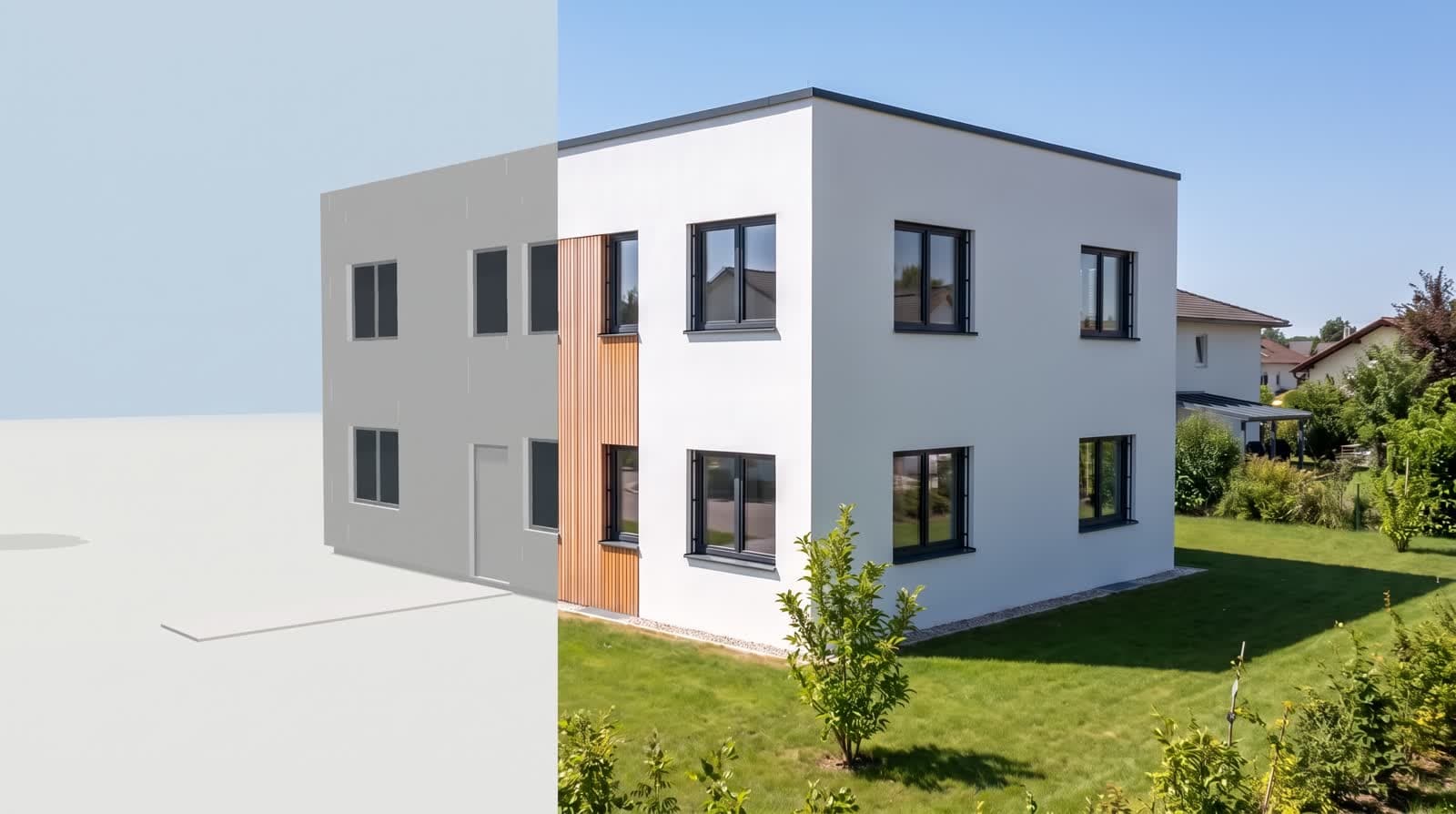
The figures above describe classic production. VEDUTUM takes a different route: you set two viewpoints from the checked model, and from them comes a continuous movement of eight seconds, not computed frame by frame but as a whole segment. This takes minutes rather than hours and costs twelve to twenty-nine points.
The price is less control over each intermediate position: there is no freely drawn path with control points, only start, end and the movement between them. For an orbit, an interior walk and a time-of-day sequence that is enough; for a choreographed flight through a whole district it is not.
From segment to film
Several segments are joined with FFmpeg without re-encoding, so the image quality of the parts stays untouched. Where encoding does happen, for example when shrinking the file, a quality factor (CRF) steers the result: according to the FFmpeg documentation the scale runs from 0 to 51, the default is 23 and a sensible range lies between 17 and 28. Lower values give better quality and larger files.
Model first, flight second: a wrongly read wall is more noticeable in motion than in a still.
How to plan a flight
- 01Check the geometryThe clip is only as good as the model beneath it.
- 02Set the viewpointsStart and end from the cameras of the project.
- 03Choose the tierPoints and estimated duration appear on the button before you start.
- 04Join the segmentsThree to four pieces make half a minute with variety.
Where to go next
Templates and prices are under [videos and camera flights]architectural videos. How light enters the image over the course of a day is explained on the [day and night animation]day night animation page.
Questions and answers
Why can I not simply record the model in the browser?
You can, and for internal coordination it is a good route. The model shows light and materials in simplified form, though. For published videos a segment from the video model is worthwhile.
Why exactly eight seconds?
That is the length a segment delivers as a continuous movement. Longer flights are made from it by joining, without re-encoding and so without loss of quality.
Which frame rate should I choose?
For Europe and calm camera flights, 25 frames per second. If a platform asks for 30, choose 30; compute time rises by a fifth.
How large will the video file be?
It depends on resolution, length and quality factor. A 30-second Full HD video in H.264 typically lies in the range of a few dozen megabytes.
Sources
This article also exists in German: read the German version.