Sun study clip: the shadow of one day as a short clip
The browser records the day in the model, say from 8 am to 6 pm, as a short video without a video model and without points. The daylight clip from the video model costs points like any clip.
0 points in the browser, video-model clip 12 to 29 points
In short
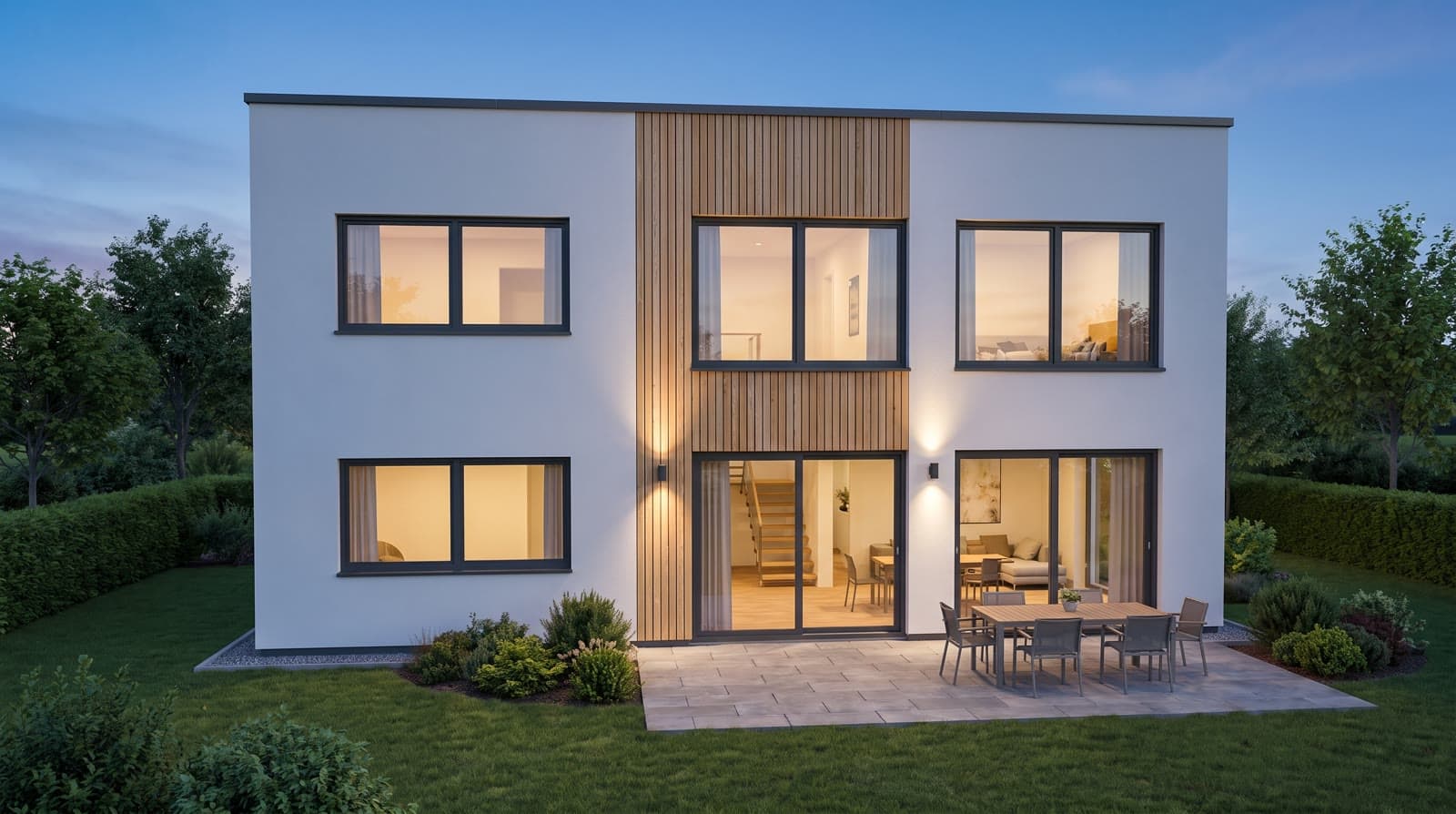
The sun study in VEDUTUM comes in two forms. In the browser, „Tagesverlauf aufnehmen“ (record sun study) captures the course of the sun over one day in the model, say from 8 am to 6 pm, as a short WebM or MP4 video; no points, no video model. The „Tagesverlauf“ (daylight) clip from the video model shows the same view with material and light: two times of day are rendered as pictures and an eight-second passage made between them. It costs points like any clip: 12 in HD, 24 in 2K, 29 in 4K.
What it gives you
The question about the sun, answered
When is the terrace in the neighbour’s shadow? Ten hours in a few seconds, with the real sun position.
No points, at once
The browser recording is made on your device. No call, no waiting, no balance.
For the submission and the neighbours
The shadow from the model is geometric, traceable and dated. The video shows it over time.
How it works
- 01Set site and dateAddress and north angle must be right. Under „Sonne und Norden“ (sun and north) choose the date, say 21 December for the lowest sun.
- 02Choose the standpointOrbit the model into the view in question, for shading usually from above. Load the surroundings so that the neighbours cast shadows.
- 03RecordClick „Tagesverlauf aufnehmen“. The browser runs the time across the day and records the model as a video.
- 04Save and shareThe video sits with the project clips and on the share page; download it to include it in a document.
- 05Or render the clipFor the same day with material and light, choose the „Tagesverlauf“ clip in the package. Points and duration are on the button beforehand.
The recording in the browser
The browser runs the time across the chosen period and records the model canvas as a WebM or MP4 file, depending on the browser. It shows the model with its materials, the aerial image, the neighbours and the shadow moving by the NOAA method.
Nothing has to be rendered, so the recording takes a few seconds.
The clip from the video model
For the clip with material and light, the image model renders the same camera at two times of day and the video model creates the eight-second transition; sun elevation and azimuth for both come from site, date and north angle. The clip is meant for presentation; for daylight questions the browser recording or a series of stills is often more telling.
Questions and answers
Does the browser recording cost points?
No. It is made on your device from the model. Only the clip from the video model costs points.
What format is the video?
WebM or MP4, depending on what your browser can record. Both play in common players and presentations.
How long is the clip from the video model?
Eight seconds between two times of day you choose: 12 points in HD, 24 in 2K, 29 in 4K.
From the knowledge base
More features
Next step
Record a day in the model
Choose the date, „Tagesverlauf aufnehmen“, done. No points.