In short
A property listing needs four image types: an exterior that shows the building in its street, a view of the outdoor space, one interior per apartment type and a legible floor plan. Everything else is optional. What matters is not the number but that buyers can judge size, light and location, and for that viewing height, time of day and a sense of scale count for more than staging.
The four images
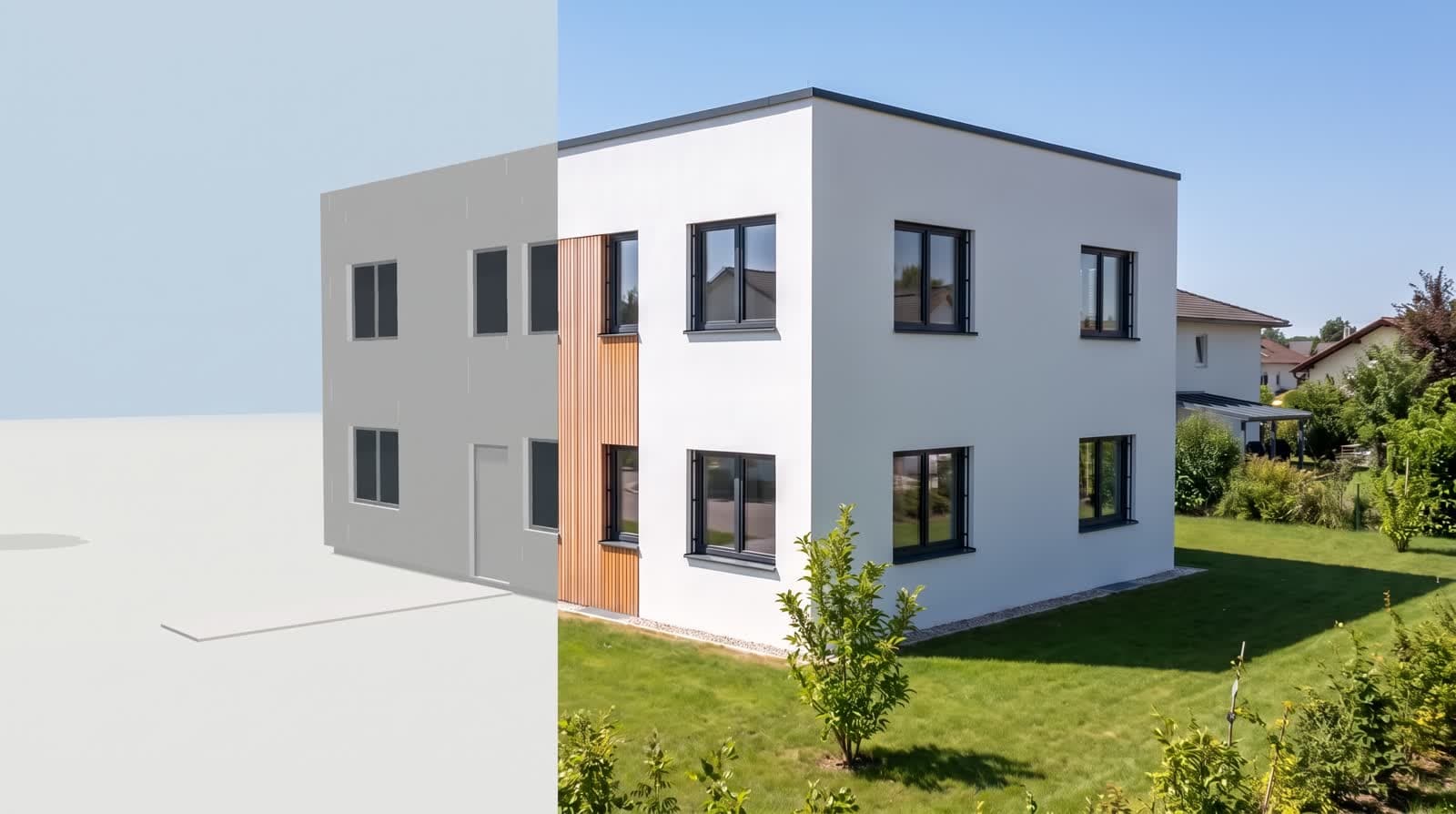
Street view at eye level
Shows entrance, materials and neighbourhood. Focal length 24 to 28 millimetres, camera at 1.60 metres. The building should stand in the image, not float.
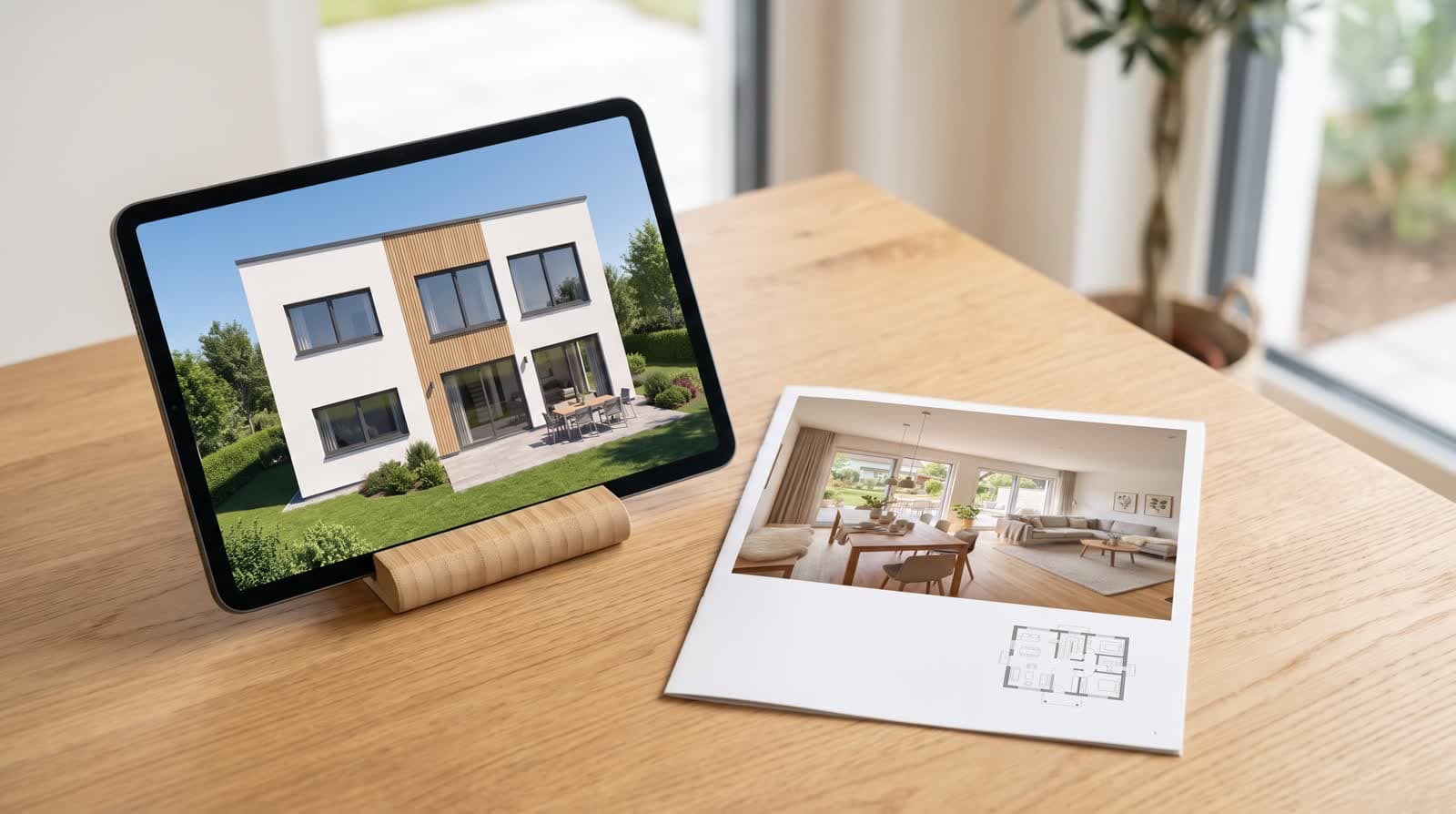
Outdoor space
Terrace, garden or loggia. These images answer the question about the outside that comes up at every viewing.
Interior per apartment type
Per type, not per apartment. Anyone building eight identical two-room apartments needs one image, not eight. Look from the door into the room, with the window in frame.
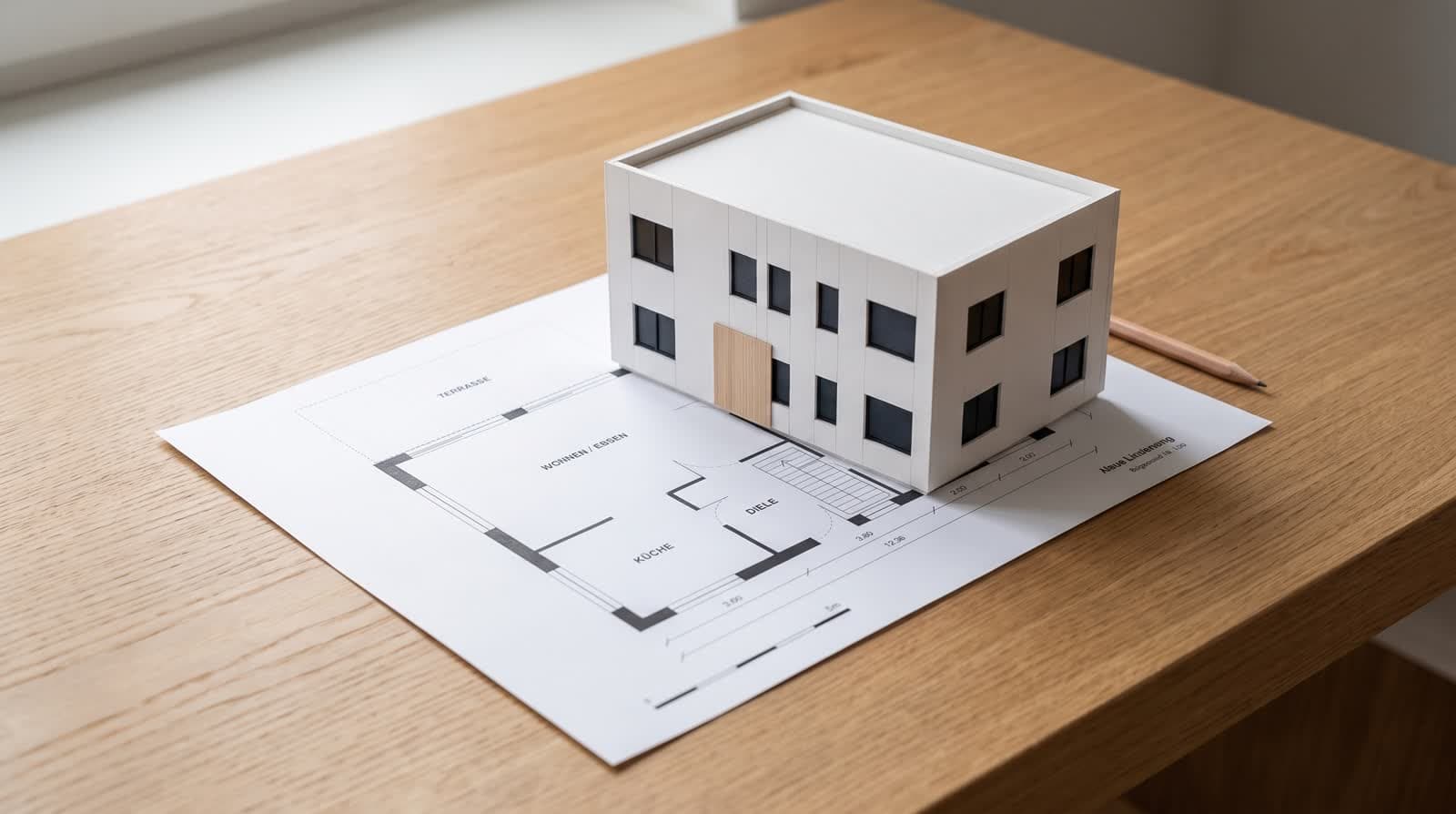
Floor plan
Clean, dimensioned, with a north arrow. It makes the images checkable and is often the most viewed element on portals.
Why eye level beats height
Aerial images convince on the developer side because they show the project as a whole. Buyers care about something else: the path to the front door, the size of the balcony, the view from the living room. A camera at eye level answers those questions.
The aerial view stays useful for the location within the neighbourhood, not for the apartment.
Light that fits the apartment
Showing a north-facing living room in golden evening light is not design, it is a false expectation. When the sun position is computed from coordinates and time, the right time of day can be chosen per facade.
Two moments have proved useful: late afternoon for exteriors and morning for east-facing interiors. The blue hour is strong for a single title image and weak for anything that has to show material.
Preparing images for portals
- 01Landscape firstProperty portals mostly show title images in landscape and crop portrait ones. Use 16:9 or 4:3, building centred, margin not too tight.
- 02Title image without textPortals lay their own lines over it.
- 03Fix the orderThe first image decides the click; the floor plan belongs in second or third place.
- 04Own project pageThere, images can be large and calm, in the order the project tells its story.
Variants, what to leave out and sharing
Variants instead of debates
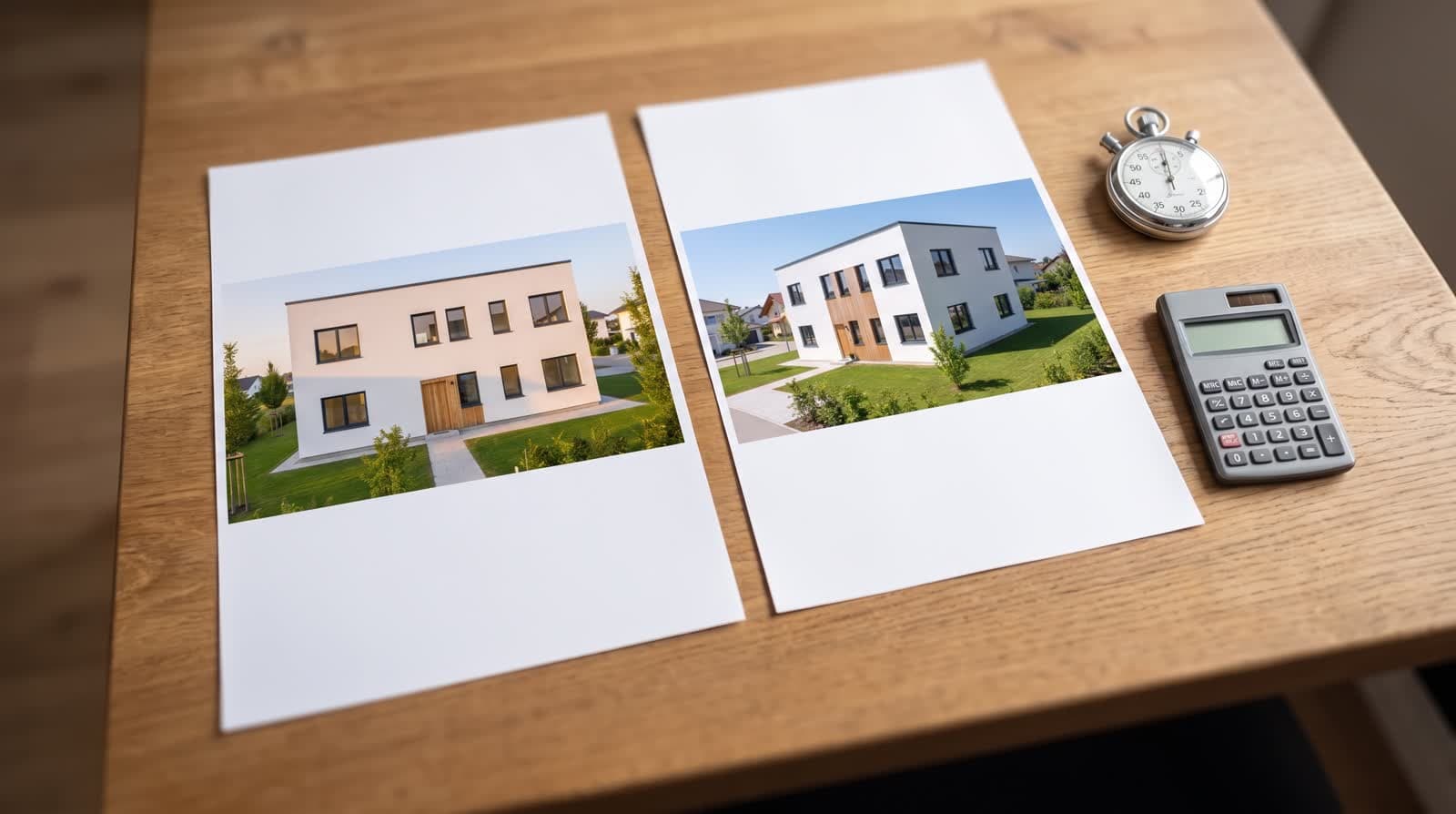
Sales and design often argue over facade colour or flooring. Place three variants side by side: same camera, same light, different material material variants.
Leave out empty rooms
Images with neither people nor furniture feel empty; show furnishing or declare the room clearly as shell.
Leave out volume
Nobody reads more than eight images. The rest belongs on a project page.
Leave out random brands
Cars or logos in the image raise questions.
Share instead of sending
A link that holds images, videos and floor plan together and can be updated saves a round of email attachments client approval.
Questions and answers
How many images does a property listing need?
Four to eight. An exterior, an outdoor space, one interior per apartment type and the floor plan cover the most common questions.
Do I need an image for every apartment?
No, one per apartment type. Identical floor plans on different storeys barely differ in the image; the difference is the view, and that can be described.
May furniture appear in the image?
Yes, as long as it stays clear that it is not part of the delivery. One sentence in the caption is enough.
What about the developer’s own photos?
Photos of construction progress complement visualisations well. It is important to keep both kinds clearly separate.
Sources
This article also exists in German: read the German version.