In short
An IFC file describes a building as a collection of components with properties, not as a finished surface. To visualise it, the geometry of the components is computed and converted into a display format such as glTF, which browsers and renderers read directly. This works reliably when the model is exported in metres, contains only the components you need and sits close to the coordinate origin.
What an IFC file contains
IFC stands for Industry Foundation Classes. The format was developed so that design software from different vendors can exchange building models. It is published by buildingSMART International; the current version, IFC 4.3, is standardised as ISO 16739-1:2024. IFC 2x3 and IFC 4 are also widespread in practice.
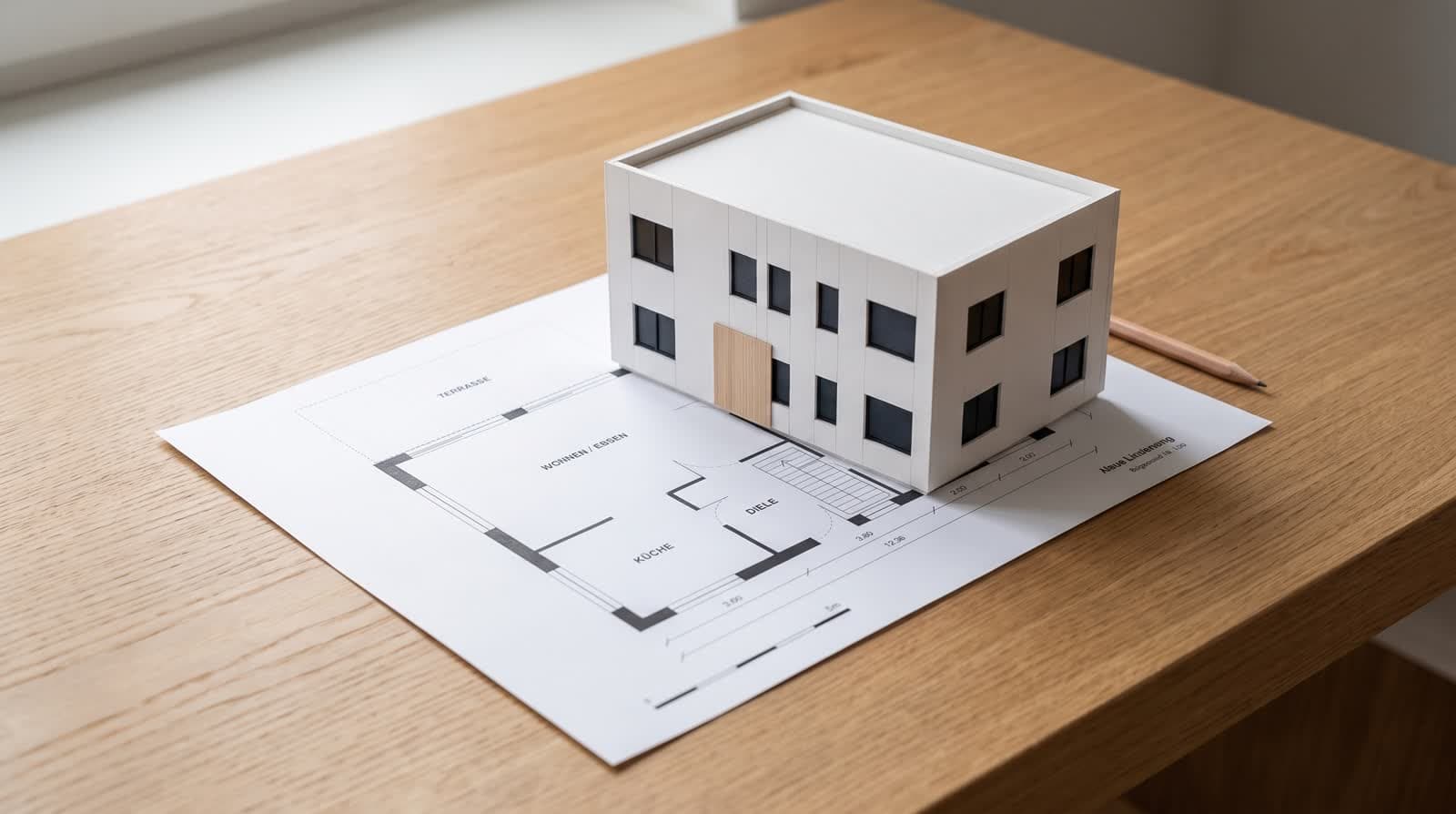
An IFC file is not a collection of triangles like a graphics programme knows them. It describes objects: a wall with axis, height, thickness and layer build-up, a window with its position, a storey with its components. Many shapes are stored only as a rule, for example an extruded profile or the result of an intersection. That makes IFC valuable for quantity take-off, coordination and checking, but impractical for display alone.
Why a conversion is needed
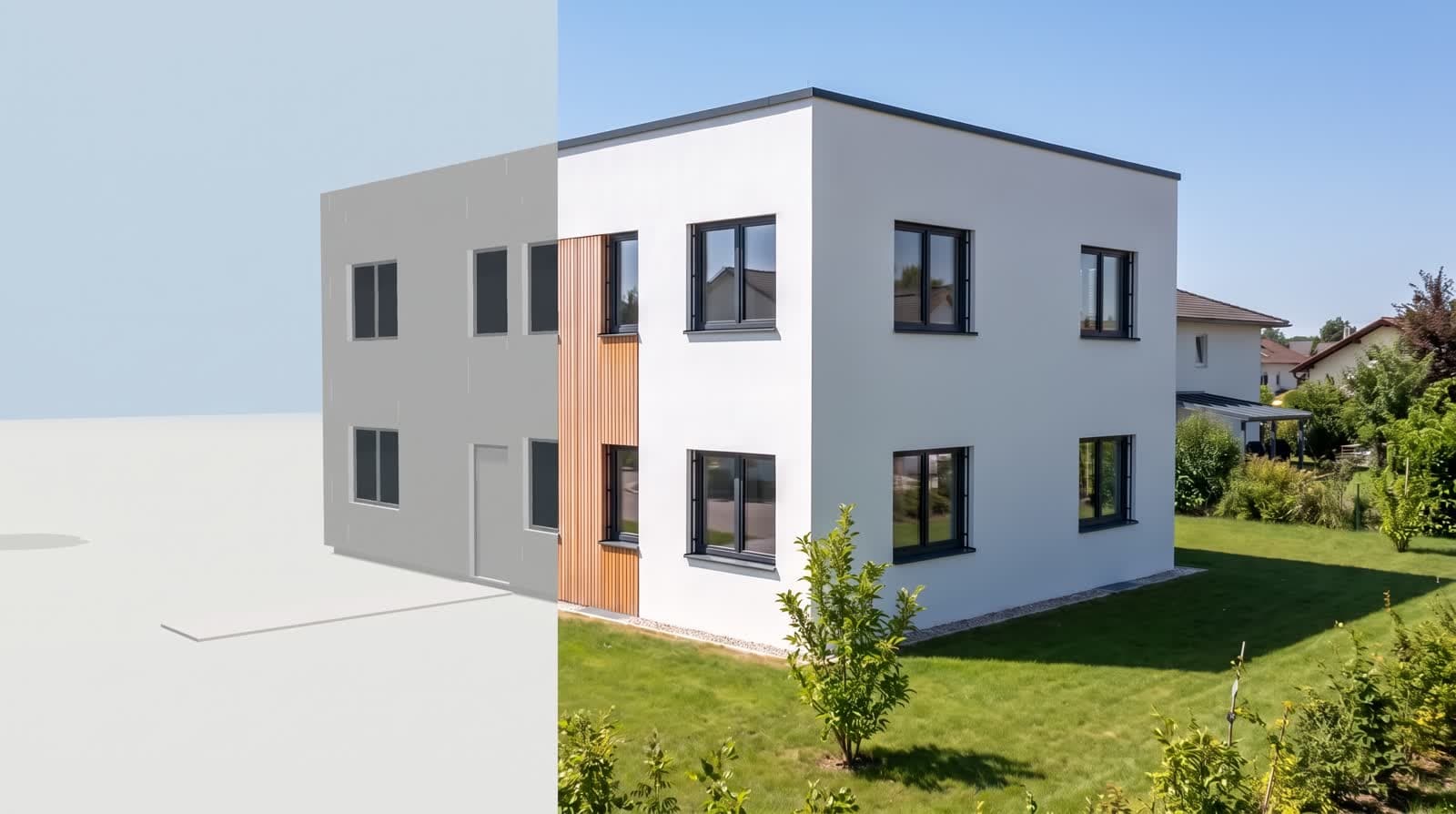
A browser or renderer needs surfaces: triangles with coordinates, normals and materials. To obtain them from IFC, every rule has to be evaluated. The open-source library web-ifc does this directly in your browser: it reads the file, computes the geometry of every component and writes it as triangles. Nothing leaves your computer before the model is already a GLB; only that GLB is uploaded.
VEDUTUM uses glTF for this. glTF 2.0 is the open Khronos Group standard for delivering 3D content and is standardised as ISO/IEC 12113:2022. It stores geometry, materials and textures so that a browser can load them onto the graphics card without further processing. The binary variant, GLB, packs everything into one file.
Once converted, the model appears in the [3D preview]3d preview, and the same glTF state serves as the basis for [architectural renderings]architectural renderings.
What is lost in conversion
For display, geometry and its colours count. Component properties such as fire rating, U-value or manufacturer are not carried over. The original IFC file stays unchanged, though, and can be used for other purposes at any time.
The conversion takes colours from the surface styles of the model where they exist. Textures and photographic materials are rare in IFC exports. If you want to show exactly such materials, export directly as GLB from a programme that can output materials with textures, in addition to or instead of IFC.
Export settings that save trouble
Unit: metres
Models exported in millimetres otherwise appear a thousand times too large.
Scope: visible components only
Room stamps, dimensions and helper bodies disturb the display.
Detail objects: only what belongs in the image
Furniture with many faces makes files large and slow.
Location: close to the origin
Very large coordinates cause rounding errors in the display.
Storeys: complete
Missing slabs are only noticed in the rendering.
File size and what to do next
The limit for a single file at VEDUTUM is currently 95 MB. If your export is above it, hiding detail objects is usually enough. More on formats is on the page about [IFC, glTF and GLB]ifc and model formats.
Export a current project as IFC 4 in metres as a test and check the file in a free IFC viewer. If everything looks right there, the way into visualisation is clear. It is faster still from a floor plan: you can set up an account with points to try things out under [pricing]pricing.
Questions and answers
Which IFC version should I export?
IFC 4 or IFC 4.3 if your software offers it. IFC 2x3 works as well and is still the standard in many offices.
Why is my model huge after import?
Usually it was exported in millimetres. Set the export unit to metres and export again.
Is the BIM data lost?
Only geometry and colours are used for display. The original IFC file with all its properties stays unchanged.
Is GLB better than IFC?
For display with materials and textures, yes. For exchange between design programmes, IFC is the right format.
Sources
- buildingSMART International: Industry Foundation Classes (IFC)
- ISO 16739-1:2024, Industry Foundation Classes (IFC) for data sharing in the construction and facility management industries
- Khronos Group: glTF – Runtime 3D Asset Delivery
- web-ifc (ThatOpen): reading IFC in the browser
This article also exists in German: read the German version.