In short
From Vectorworks the reliable route is IFC: the program is certified for export to IFC4 Reference View and also writes IFC2x3 and IFC4x3. VEDUTUM reads both. A glTF/GLB export exists but sits in the Debug area of the workspace and is not a documented standard route. What arrives are solids with one colour each; classes, record formats and textures stay in the file.
Three versions, one decision
By its own documentation Vectorworks supports IFC 2x3, 4 and 4x3 and is certified by buildingSMART for export to IFC4 Reference View 1.2. For the route into a visualisation the version is secondary: we read IFC2x3 and IFC4, and what counts are the solids.
What matters more is what gets exported. Vectorworks works with classes and design layers, and visibility decides what ends up in the file. A view with furniture and equipment switched off gives a lean file — and a model that stands in the browser immediately.
The GLB detour rarely pays
A glTF/GLB export can be found in the workspace, but it sits in the Debug menu and is not documented as a regular output route. If you know it and need it, use it — the benefit would be that GLB carries materials and textures.
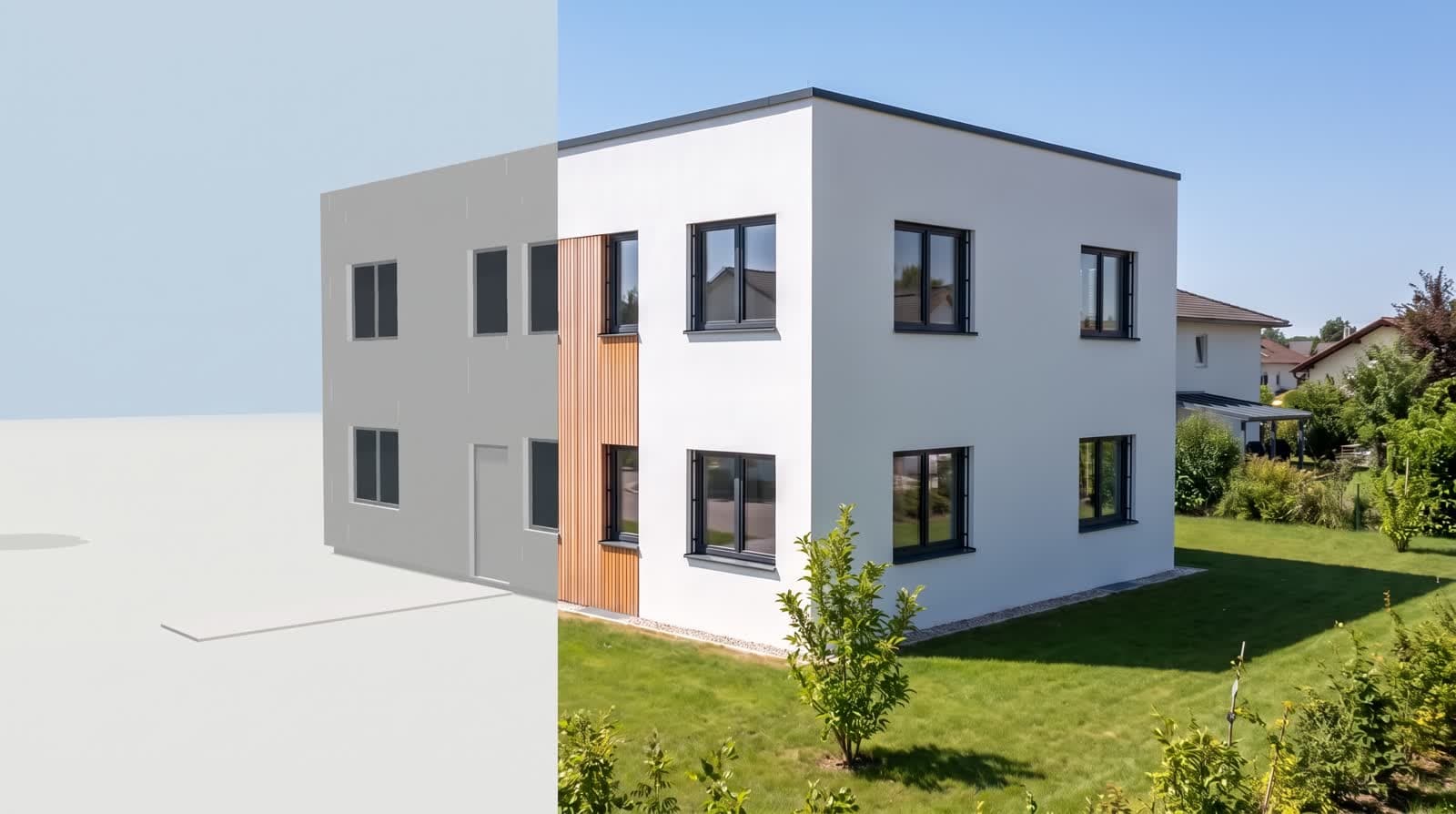
In practice we suggest IFC. The façade is chosen in VEDUTUM from variants anyway: the same volume, once in larch, once in render, once in brick. That is where a visualisation earns its keep during design — not in reproducing a texture from the CAD exactly.
What happens on our side
The IFC file is read in your browser, not on our server: web-ifc, an open-source reader compiled to WebAssembly, runs in the tab. It understands IFC2x3 and IFC4 and hands over every solid as a triangle mesh with one colour. What is uploaded afterwards is the GLB built from it — the original file stays on your machine.
So what arrives is the geometry: everything that has a solid in the export, with its colour and its position. What does not arrive: property sets, component names, layers, IFC classes and textures. They are in the file, but nothing draws them. If you need materials and textures, export GLB instead of IFC — that format carries them. The limit is 60 MB per file, and reading costs no points.
Classes are the lever here
Switch off classes
Furniture, equipment and annotation classes off before the export. That is where most of the file size sits.
Terrain only as a solid
A terrain surface without thickness does not help the image. Include it where it is modelled as a solid.
Check the storeys
Make sure every storey is in the output, the lower level included, before you upload.
What this report is not
We have not run a measurement series over other people’s projects, so we quote no hit rate. Two things are stated here: what our reader takes from an IFC file, which is in our code, and what the program offers on export according to its own documentation. Your own model is the only test that settles it — and it costs nothing, because the import runs in the browser.
Questions and answers
Which IFC version should I export?
IFC2x3 and IFC4 are both read. Use the version your office works with; for the image only the solids in the file count.
Can I send a GLB from Vectorworks?
A glTF/GLB export exists in the Debug area of the workspace. If you use it, we load the file unchanged with its materials. The documented route stays IFC.
Why can I not see my textures?
Because IFC does not carry them: one colour per solid arrives. Façade, windows, roof and interior are chosen in VEDUTUM from variants computed on the same volume.
How large may the file be?
60 MB. Anything above that almost always includes furniture, equipment or library objects — switching the classes off takes a minute.
Sources
This article also exists in German: read the German version.