In short
For a visualisation from Archicad, export IFC with a translator that carries the geometry in full: IFC4 Design Transfer View rather than Reference View, furniture and library parts switched off. What arrives in VEDUTUM are solids with one colour each — surfaces, properties and layers stay in the file but are never drawn. If you need the materials, export a GLB instead. The limit is 60 MB.
The translator decides, not the button
Archicad does not export IFC with one fixed setting. Translators hold the model view definition, the scope and how elements are mapped. Graphisoft documents two purposes among others: the Reference View, for one-directional exchange where the receiver does not change the geometry, and the Design Transfer View, built for further editing, which transfers elements together with their connections.
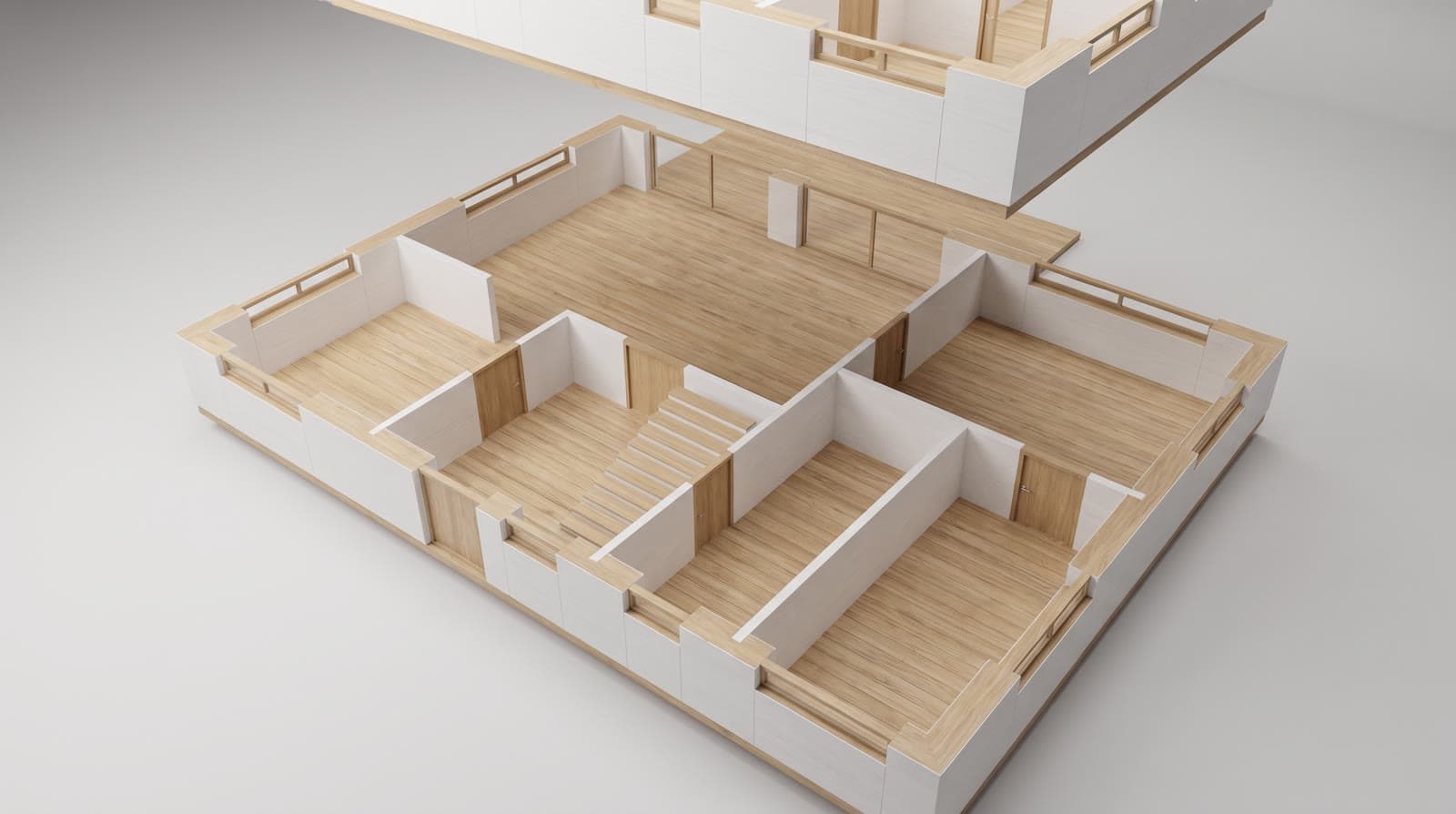
For the route into a visualisation both work, as long as the solids come out whole. We suggest the Design Transfer View, because it hands over elements as coherent solids rather than a pre-computed representation. What to check either way: are all storeys included, basement as well, and does the translator export the model rather than only what is visible on the floor plan?
What to switch off before exporting
A house rarely weighs more than a few megabytes as IFC — until furniture, sanitary objects, reinforcement and library parts come along. A hundred megabytes are reached quickly, and none of it shows in the image, because the image model adds furniture by itself anyway.
So before exporting: switch off furnishing and library parts, include terrain only where it is modelled as a solid, always leave reinforcement out. That is not bookkeeping — it decides whether the file stays under our 60 MB limit and how fast the model stands in the browser.
What happens on our side
The IFC file is read in your browser, not on our server: web-ifc, an open-source reader compiled to WebAssembly, runs in the tab. It understands IFC2x3 and IFC4 and hands over every solid as a triangle mesh with one colour. What is uploaded afterwards is the GLB built from it — the original file stays on your machine.
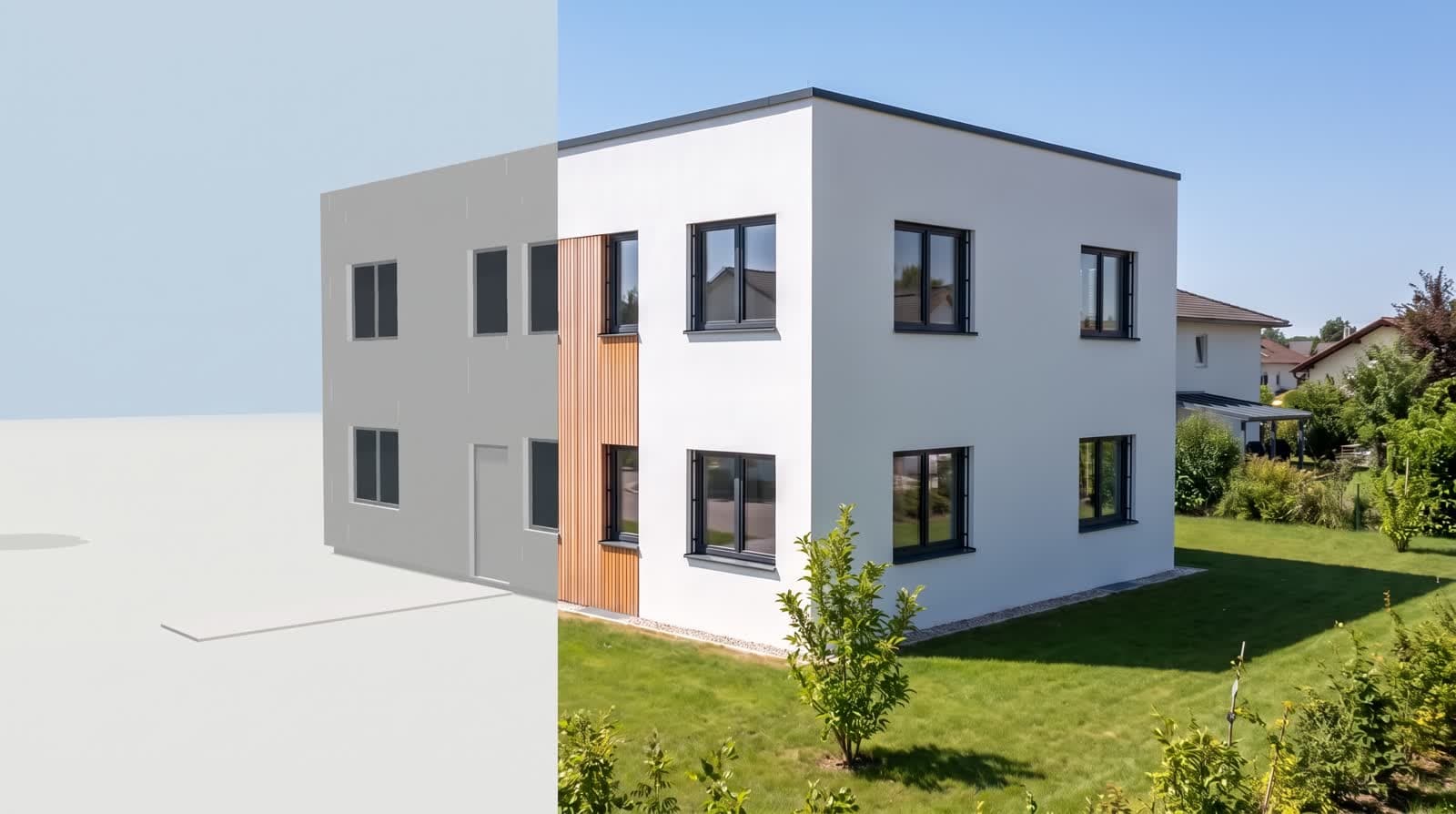
So what arrives is the geometry: everything that has a solid in the export, with its colour and its position. What does not arrive: property sets, component names, layers, IFC classes and textures. They are in the file, but nothing draws them. If you need materials and textures, export GLB instead of IFC — that format carries them. The limit is 60 MB per file, and reading costs no points.
What it means for the façade
Your Archicad surfaces — larch, render, brick — are material definitions of the program. Over IFC only one colour per solid arrives, and only where the export carries it. For a visualisation that matters less than it sounds: façade, windows, roof and interior are chosen in VEDUTUM from variants computed on the same volume. The geometry stays fixed, the material changes.
If you truly need the Archicad surfaces, do not use IFC but a GLB file: that format carries materials and textures, and we load it unchanged.
What this report is not
We have not run a measurement series over other people’s projects, so we quote no hit rate. Two things are stated here: what our reader takes from an IFC file, which is in our code, and what the program offers on export according to its own documentation. Your own model is the only test that settles it — and it costs nothing, because the import runs in the browser.
Questions and answers
Reference View or Design Transfer View?
For a visualisation, the Design Transfer View: it transfers elements with their connections rather than a representation for the receiver. The Reference View works too; it is simply built for one-directional exchange.
Why is my IFC file so large?
Almost always furniture, sanitary objects, reinforcement and library parts. Without them a house stays well below the 60 MB limit — and nothing is missing from the image, because furniture comes from the interior style.
Do my surfaces come across?
Not over IFC. One colour per solid arrives, no texture and no material. Façade and interior are chosen in VEDUTUM from variants; if you need your own materials, send a GLB instead.
Is my file uploaded to your server?
The IFC file is not. It is read in the browser, and only the model built from it (a GLB) is stored. Reading costs no points either.
Sources
- Graphisoft: Model View Definitions
- Graphisoft: IFC Translators overview
- web-ifc: open-source IFC reader
This article also exists in German: read the German version.