In short
A client meeting with a 3D model goes well when four things are ready before it starts: a model that passes the check, one or two variants of the point you expect to discuss, a share link the client has already opened once, and a plan for how the meeting ends. During the meeting the client comments in the model instead of on paper; at the end they confirm the state with their name on the share page. Thirty minutes the evening before is enough, provided the plan was read a day earlier.
The evening before: 30 minutes
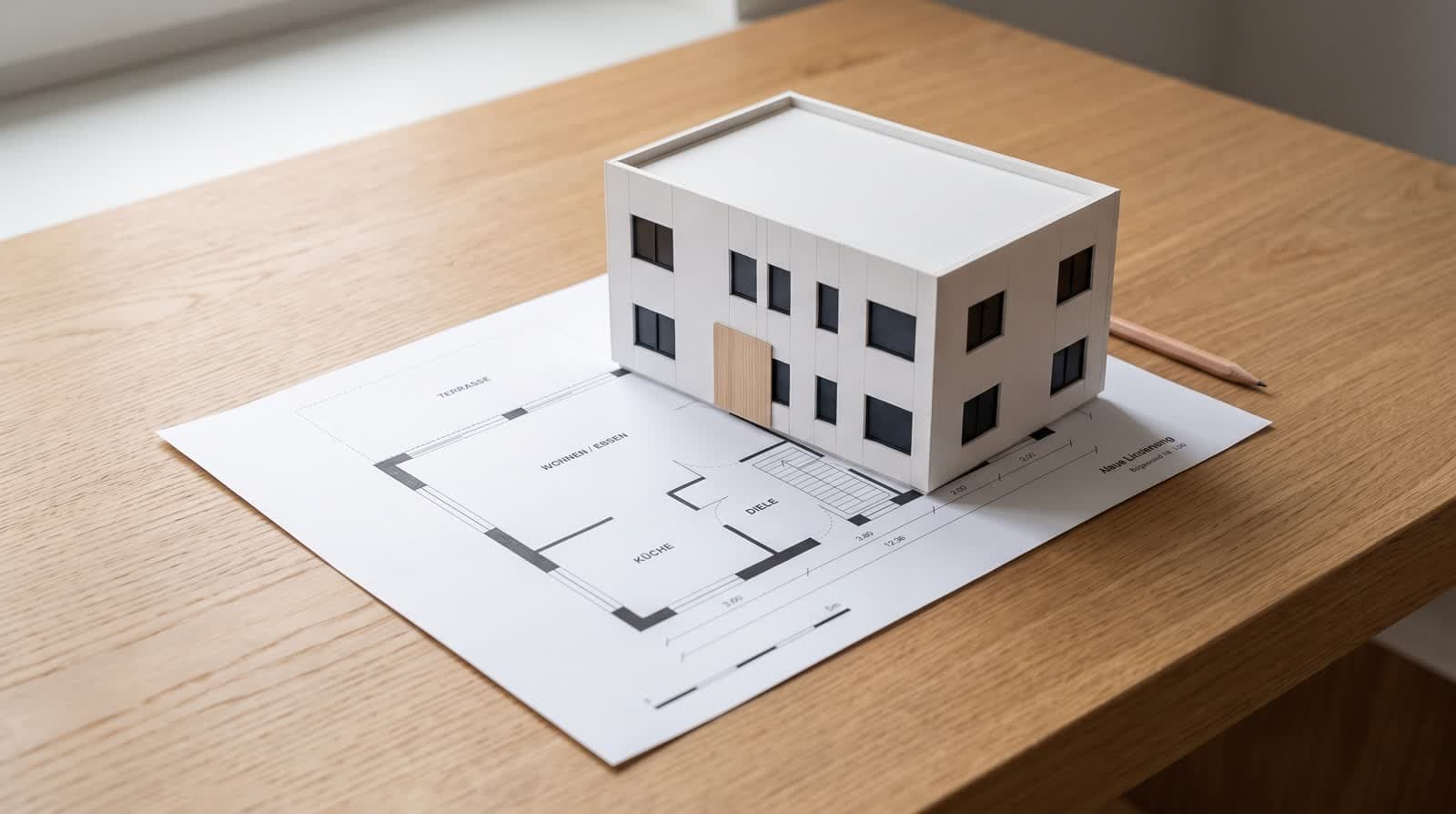
- 01Minutes 0 to 10: check the modelRun the check: outline closed, scale right, no opening without a wall, no storey wider than the one below. Walk once through the ground floor. Fix what the check flags.
- 02Minutes 10 to 20: prepare the variantsYou know the point of contention: the window to the garden, the roof, the terrace. Make the variant now, so the meeting compares two states instead of imagining one.
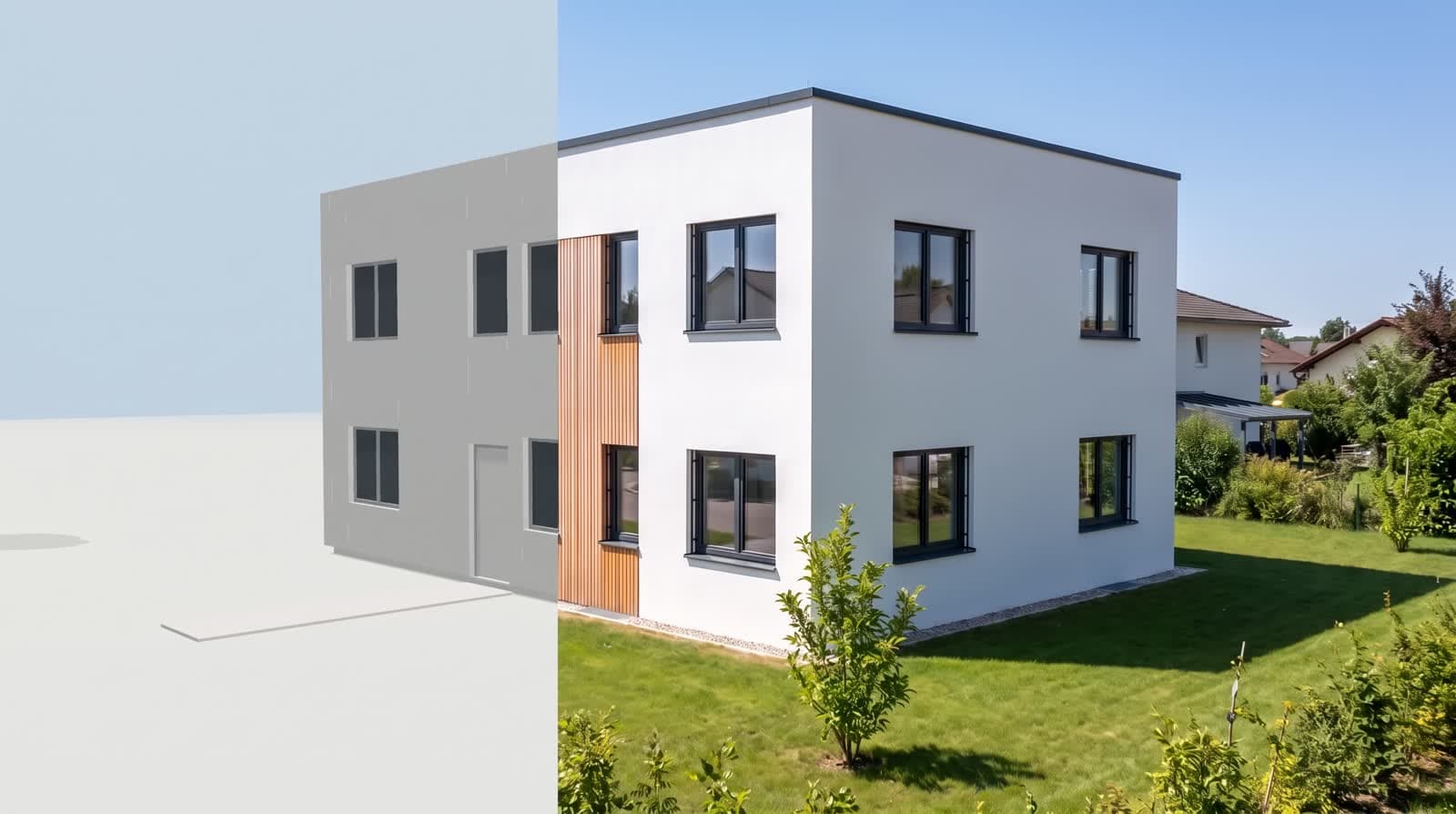
- 03Minutes 20 to 25: picturesTwo or three 2K pictures of the current state, one per facade that matters, plus one interior. Four points each.
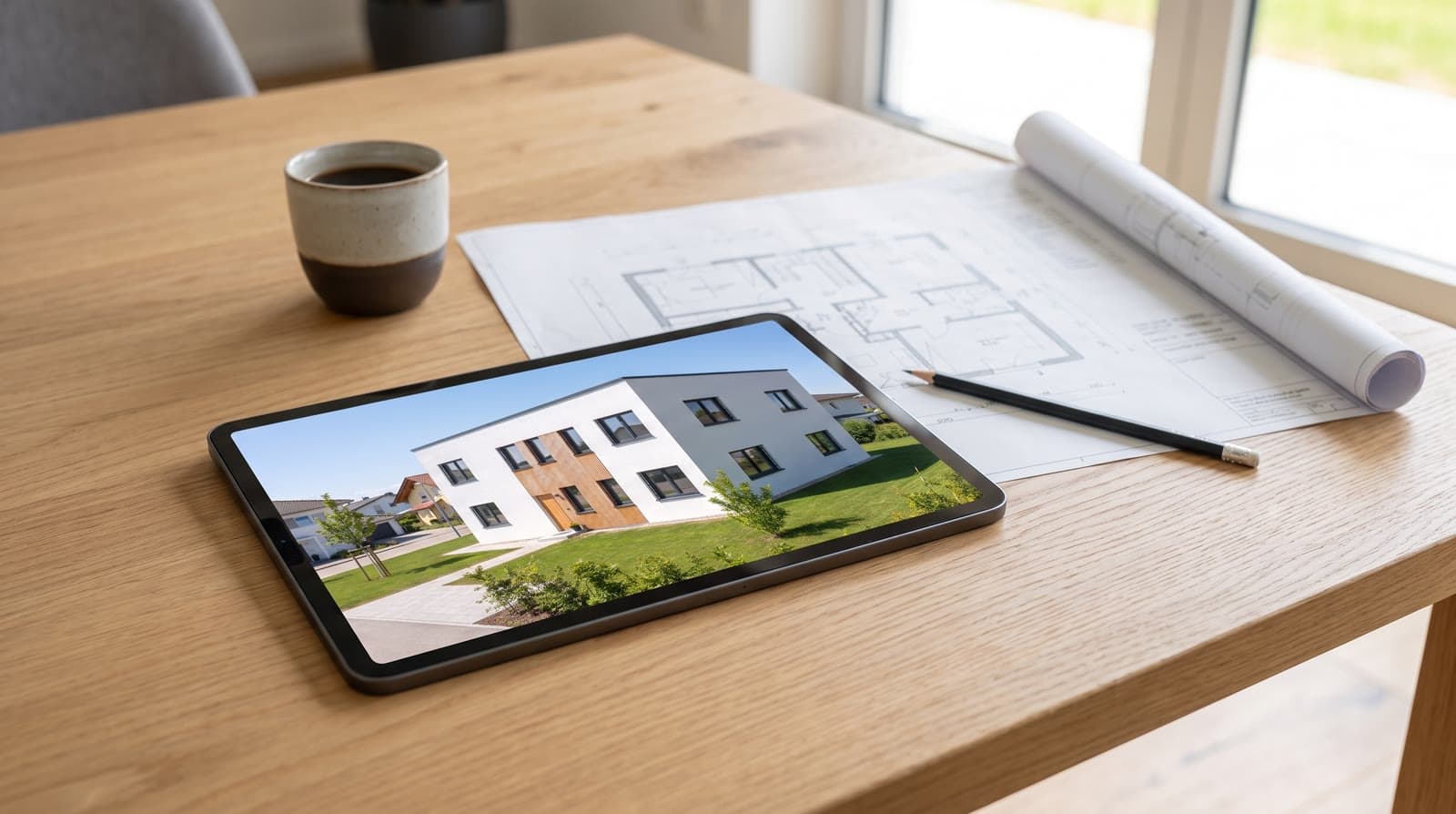
- 04Minutes 25 to 30: send the linkSend the share link with one sentence: “Open it on your laptop or tablet, we will look at it together tomorrow.” A client who has already turned the model asks better questions.
Why variants beat descriptions
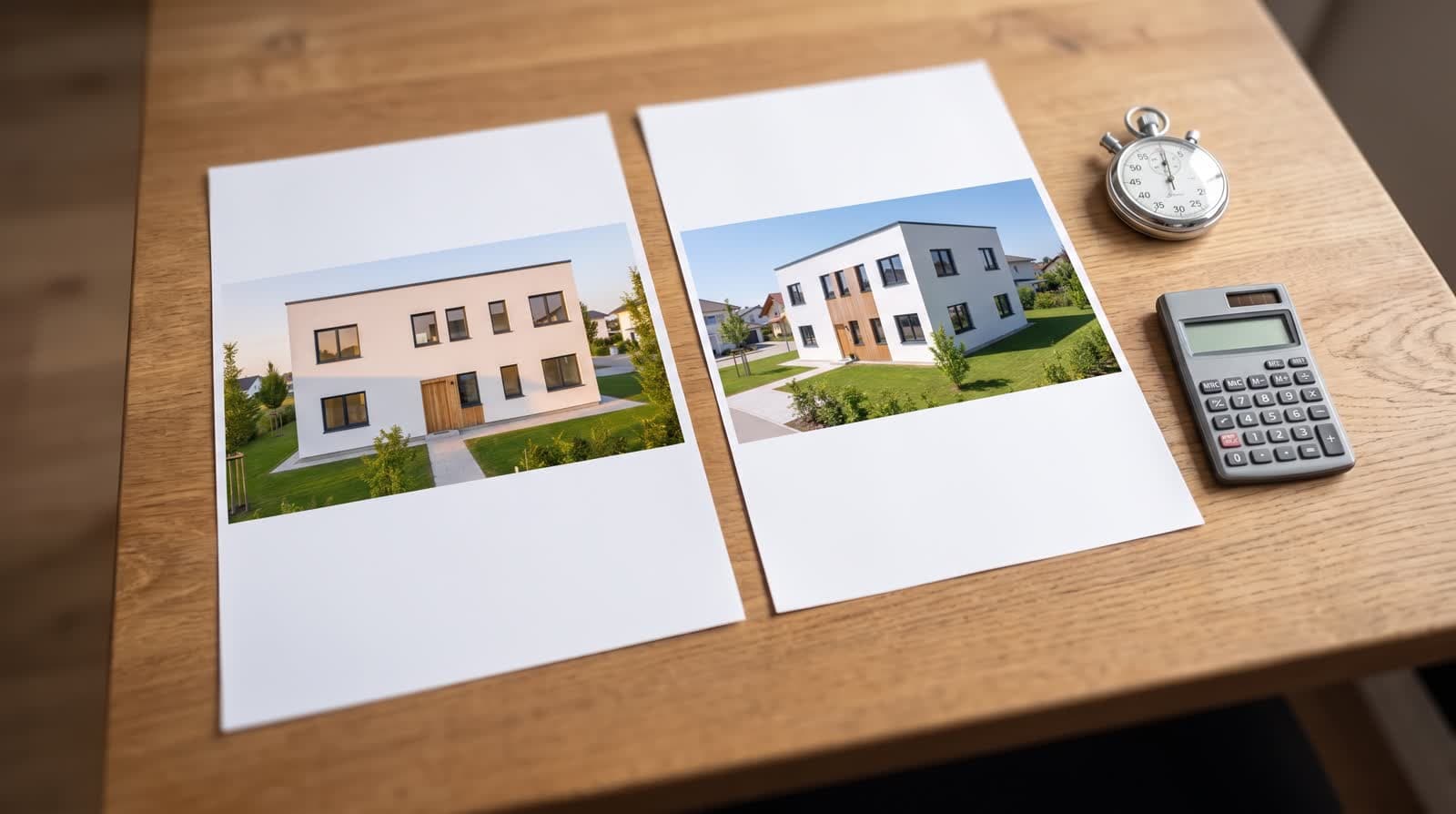
“We could also make the window larger” is a sentence. Two pictures from the same camera, one with the sill at 0.90 m and one with a floor-to-ceiling opening, is a decision. The image model keeps camera and geometry, so the pair differs only in the thing being discussed.
Prepare one variant per open point, not more. The meeting should decide, not browse.
During the meeting
Model first, pictures second
Start with the model: turn it, cut it open, walk into the living room. Pictures come after, when the client knows the house.
Sun at the real time
Set the date and the hour the client asks about. Where does the evening sun fall on the terrace in July? Drag the slider and show it.
Comments in the model
When a question comes up, let the client set the pin themselves, on their own device. The list after the meeting is theirs, in their words, with numbers.
Storey by storey
Show the upper floor alone if the plan is busy. The rest of the house and the roof step aside.
Ending with an approval
End on the share page. Go through the pins, resolve what was answered, and ask the client to confirm the state with their name: “approve design”. Date and name appear in the project.
The confirmation is not a contract; it is a marker. Next week, when the question “did we agree on the larger window” comes up, the answer is a date, a name and pin 4.
After the meeting
Work the list of pins in the workspace, change what was decided, re-run the pictures for the cameras that changed, and send the same link again. The client sees the new state where the old one was; no attachments, no version numbers.
Questions and answers
Does the client need an account for the meeting?
No. The share link is read-only and works without a login, on a laptop or a tablet.
How many points does a meeting cost?
Reading the plan is one point per storey. Three 2K pictures cost twelve points; the model, the link, the comments and the sun position cost nothing.
What if the model is not ready?
Then the meeting is a review of the model, which is fine. Say so, walk through it together, and make the pictures after the decisions.
Can the client keep looking after the meeting?
The share link stays open until you withdraw it. The client can turn, walk and comment at any time.