In short
The browser model computes the sun position with the NOAA solar calculator method from latitude, longitude, north direction, date and time, and draws the shadows live. A sun study records that: the viewer runs the sun from 7 in the morning to 7 in the evening and captures the twelve seconds as a WebM or MP4 clip. It costs no points because no video model is involved; what you see is the model with its own materials. It shows where the light falls. It is not a formal shading assessment.
What the browser computes
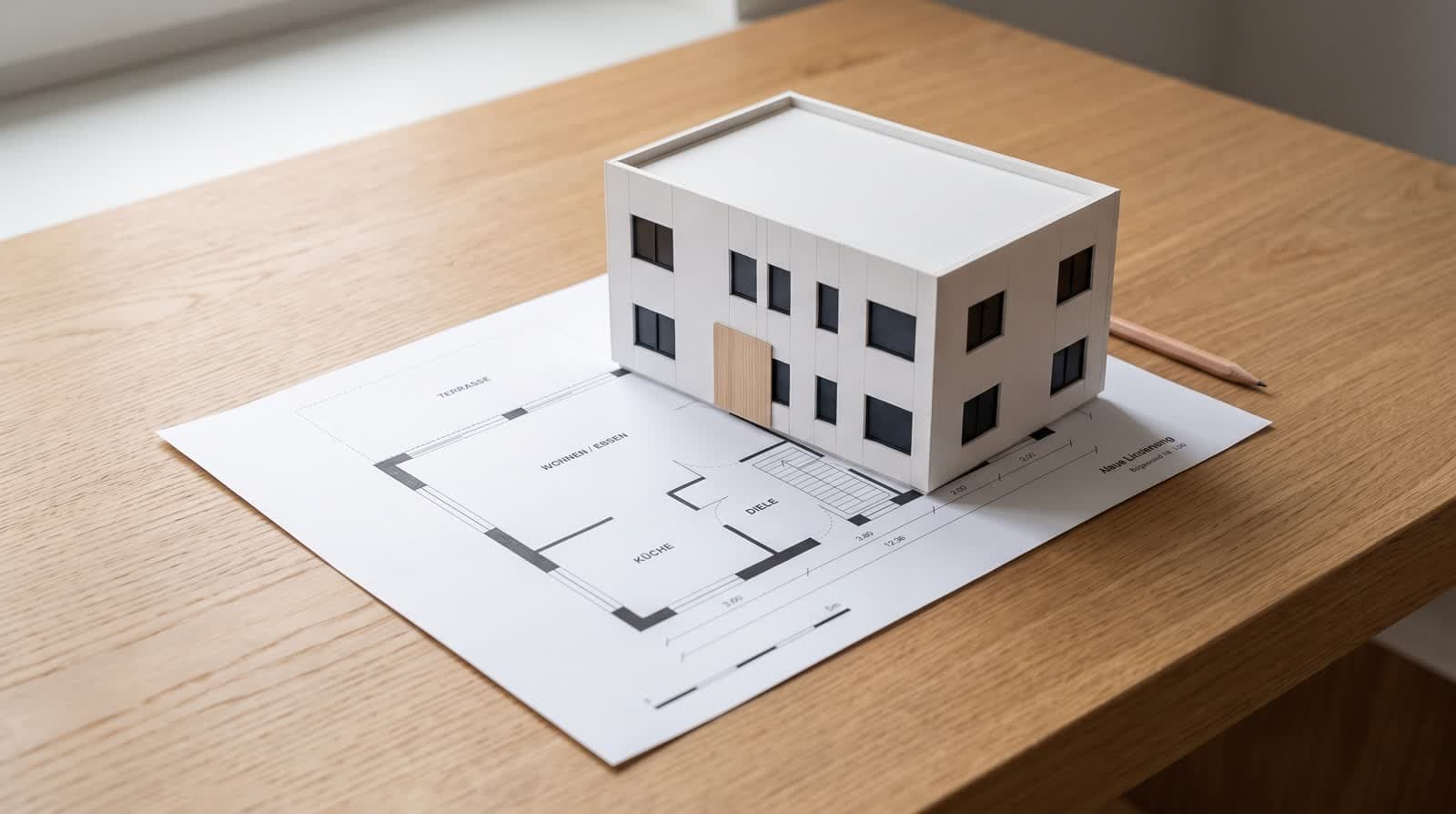
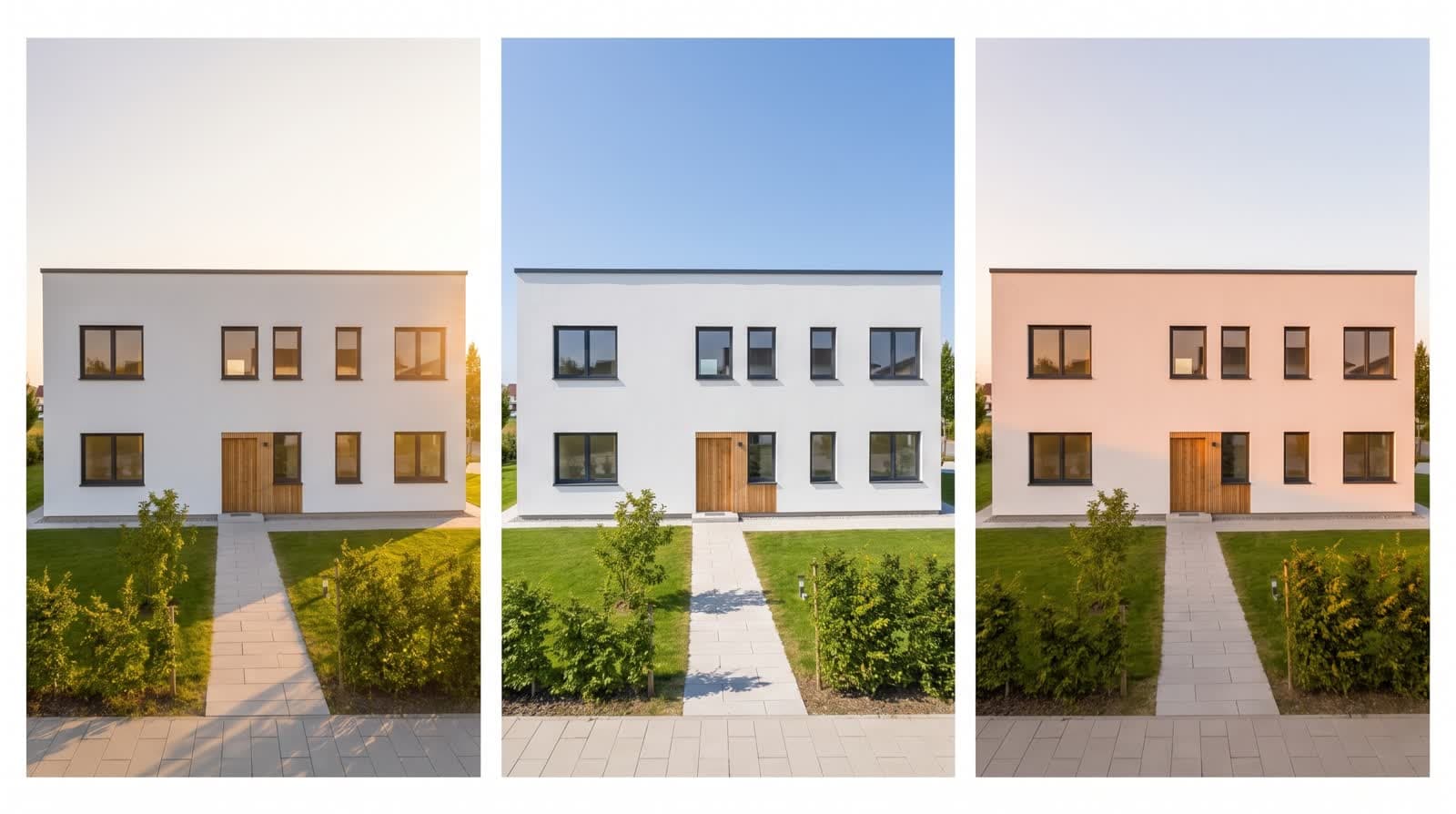
Sun position depends on where the site is, which way the plan faces and when you look. The viewer takes latitude and longitude from the project address, the north angle from the plan, and applies the NOAA method to date and time. Azimuth and elevation are the result; the shadow follows in real time as you drag the hour.
Because the calculation runs in the browser, moving the slider is free. The sun study just records what the slider does.
Recording the day as a clip
- 01Choose the viewOutside from the orbit, or from a terrace or window. The camera stays fixed for the whole clip.
- 02Set the dateA day in June and one in December show the two extremes. The clip always runs from 7 in the morning to 7 in the evening, which covers the useful daylight in both.
- 03RecordThe browser moves the sun through the day, draws each frame and encodes twelve seconds of it with its own recording interface. Nothing is uploaded during recording; the finished clip is stored with the other clips.
When the video-model clip is the better choice
For a client presentation
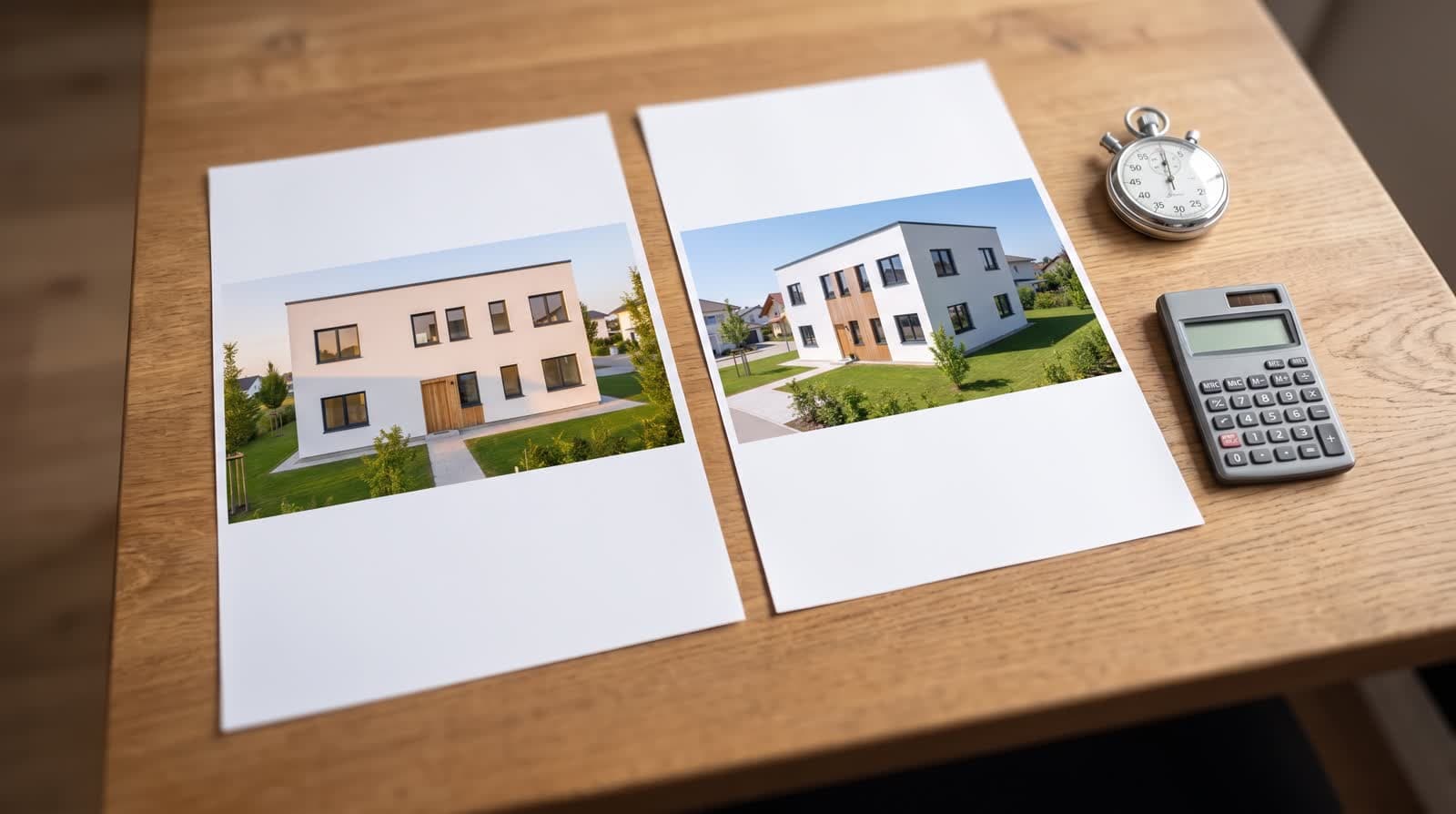
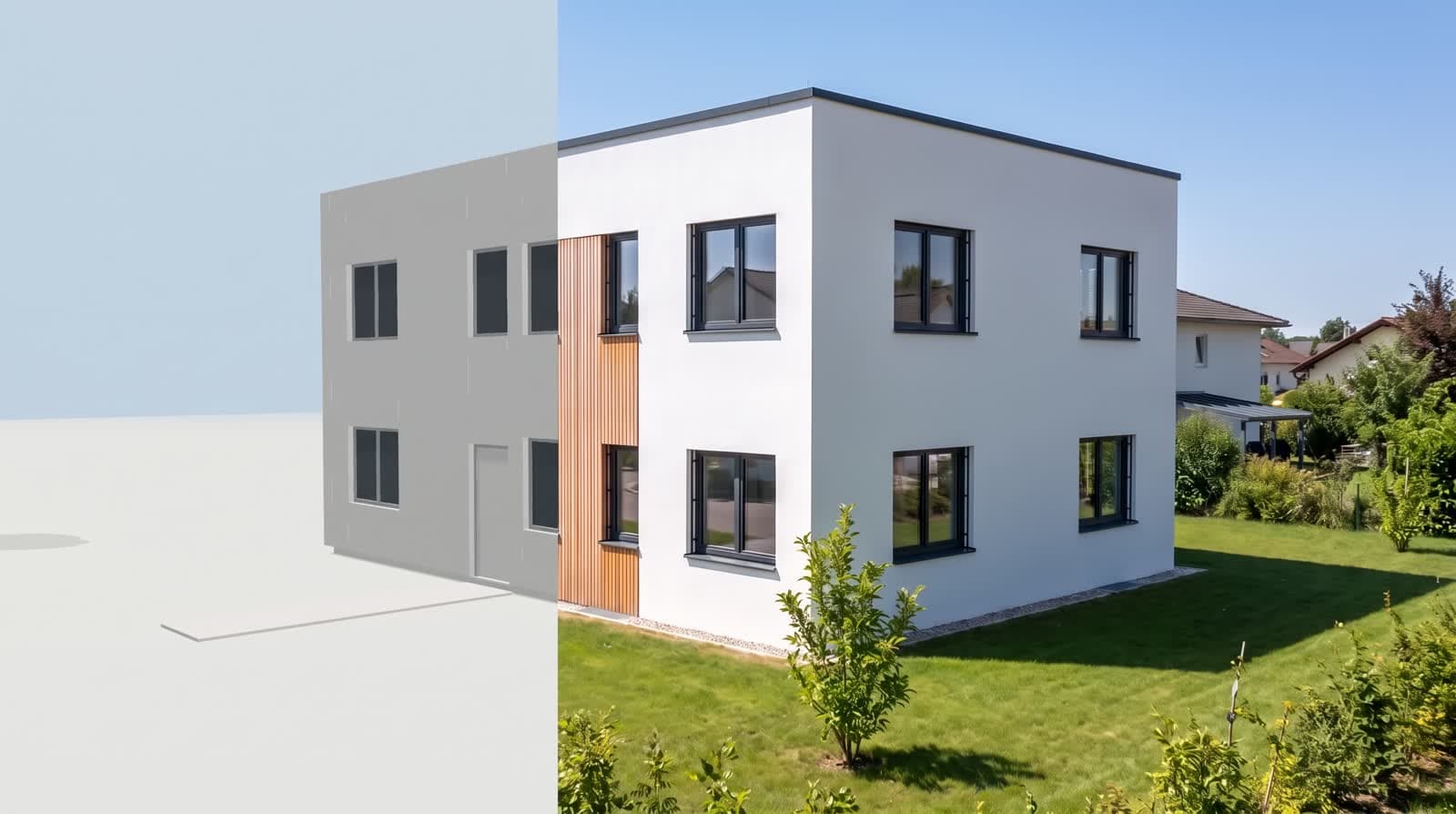
The video model adds material, light and surroundings the browser does not render. Its “day’s course” clip costs points like any other clip: 12 in HD, 24 in 2K, 29 in 4K.
For a review
The browser clip is enough and honest: hard shadows, model materials, no invented trees.
For a listing
Use the video-model clip; the browser study looks like what it is, a working model.
What a sun study is not
A formal shading assessment answers a legal question: how many hours of direct sun reach a neighbour’s window on a set day, given terrain, real neighbours and the rules of the jurisdiction. That needs surveyed data and an expert who signs it.
The browser study answers a design question: which terrace gets afternoon sun in October, whether the living room is dark at noon in winter. Neighbours from OpenStreetMap help with plausibility; they do not replace a survey.
Checks before you trust the shadow
North angle
Shadows on the wrong side almost always mean the plan’s north is wrong. A plan with north to the left needs a 90-degree turn.
Time zone
The sun stands south around 13:30 in Central European summer time, not at noon. Check azimuth, not the clock.
Address
A wrong address means a wrong latitude, and latitude drives how low the winter sun stands.
Questions and answers
Does the sun study cost points?
No. It is recorded from the browser model. Only the video-model version of the day’s course costs points.
Which format is the clip?
WebM in Chrome and Firefox, MP4 in Safari, whichever the browser can encode. Both play in current browsers.
Can I submit it to the authority?
No. A shading assessment for a permit needs surveyed neighbours, terrain and an expert’s signature.
Does it work in the southern hemisphere?
Yes. The formulas are global; only coordinates, north angle and time zone must be right.