In short
IFC files in the IFC2x3 and IFC4 schemas are converted on your own machine. The browser loads an IFC engine compiled to WebAssembly, walks through every building element, builds a mesh with its colour and writes a GLB. Only that GLB is uploaded and stored; the IFC file itself stays on your device. The limit is 60 MB per IFC file, and what survives is geometry: walls, slabs, roofs, windows as shapes. Properties, quantities and classifications are not carried across.
What happens when you drop the file
- 01ParseThe engine reads the IFC on the device. Nothing is sent yet.
- 02MeshEach element with a body becomes a triangle mesh; the surface colour from the IFC style is kept.
- 03ExportThe meshes are written as one GLB, the compact binary form of glTF.
- 04UploadOnly the GLB goes to the server and opens in the viewer, with sun position, section and walkthrough like any other model.
Why the file stays on the device
Conversion in the browser is not a trick; it is a decision. An IFC often carries more than the geometry: project names, addresses, property sets with cost or material data. If the server never sees the file, none of that has to be protected, deleted or listed in a privacy notice.
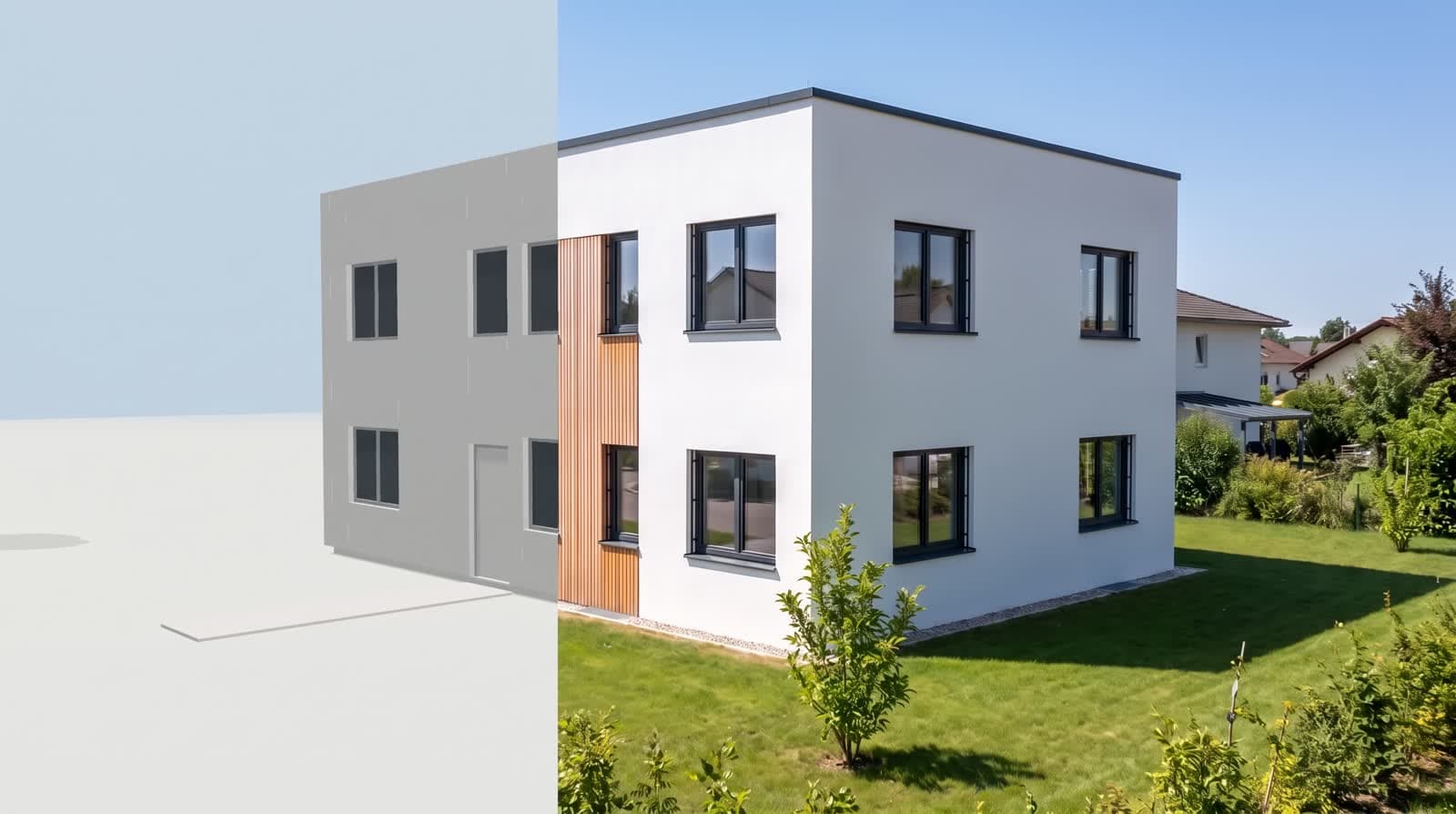
The GLB that is uploaded holds shapes and colours. That is what a viewer needs and nothing more.
The 60 MB line and what it means
The engine runs inside the browser’s memory, which is generous but not endless. IFC files up to 60 MB convert on a current laptop; above that the browser may run out of memory before the GLB exists. A finished GLB or glTF may be up to 95 MB and uploads directly.
Most single buildings sit well below the line. Where a file is larger, it is usually the surroundings, the furniture library or a second building that push it over.
Geometry only: what is lost
Property sets
Fire rating, U-value, cost code: all stay in the IFC. The viewer does not show them.
Quantities
No areas, volumes or counts. For that, keep working in your BIM tool.
Openings as objects
A window is a shape in a wall, not an object you can list. The picture shows it correctly; a schedule cannot be built from it.
Export tips from the authoring tool
Choose IFC4 or IFC2x3
Both schemas read. Other schema versions are not supported at the moment.
Export the building, not the site
Leave out terrain, neighbours and the furniture library where you can. Smaller file, faster conversion.
Keep the bodies
Use an export view that includes geometry; the coordination view is typical. A data-only export has no shapes to draw.
Check units and origin
A model placed kilometres from the origin arrives far from the camera. Move it near zero before export.
Questions and answers
Which programmes can produce a usable IFC?
Archicad, Revit, Vectorworks and Allplan all export IFC2x3 and IFC4. Any tool with a standard IFC export works.
Is the IFC stored anywhere?
No. It is read in your browser and discarded. Only the converted GLB is uploaded and stored with the project.
Does a model from a floor plan use the same format?
Yes. Models built from a plan export as GLB, so both routes end in the same file type and open in any 3D programme.
Does the conversion work on a tablet?
Small files, yes. The 60 MB limit assumes a laptop; a tablet has less memory and may stop earlier.