In short
An image model has never seen your plan. It has seen a great many houses and paints the most probable one, so a window slides, a storey appears, a wall bends towards what looks right. The remedy is to give it structure it must keep: an untextured view from the model that fixes the camera, the plan itself, and a depth map of the same view. The model then adds material, light and surroundings. This is a strong reference, not a hard lock, which is why every picture still deserves a look against the plan.
Why reinterpretation is the normal case
An image model works with likelihood. Asked for a house with a large window, it produces the window a large window usually has, in the place windows usually sit. It has no concept of a wall axis or a dimension chain. Given only words, or only a rough sketch, it fills every gap with what is common.
That is not a fault. It is what the model is for. The task is to leave it fewer gaps.
What a depth map is
A depth map is the same view as the picture, but every pixel holds distance instead of colour: white is near, black is far, on a linear scale between the nearest and the farthest corner of the building. It says nothing about material or light and everything about where surfaces are.
The browser model renders it at the moment the picture is requested, from the same camera. It is stored with the job together with the camera, so a picture can be traced back to the exact view it was made from.
Three references that fix the structure
Clay view
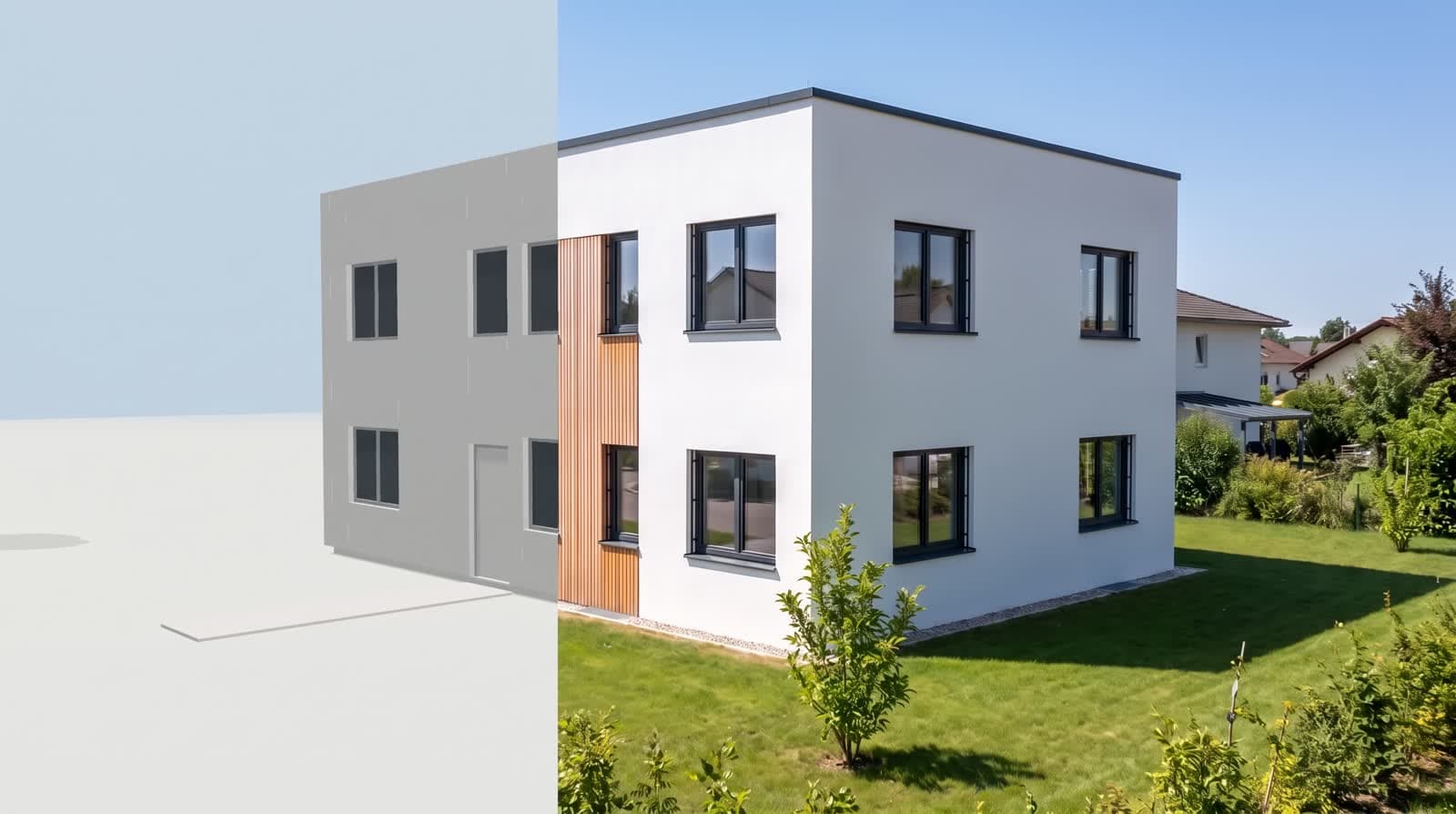
An untextured render of the model: outline, openings, roof, all in one flat material. It fixes the camera and the proportions.
Plan
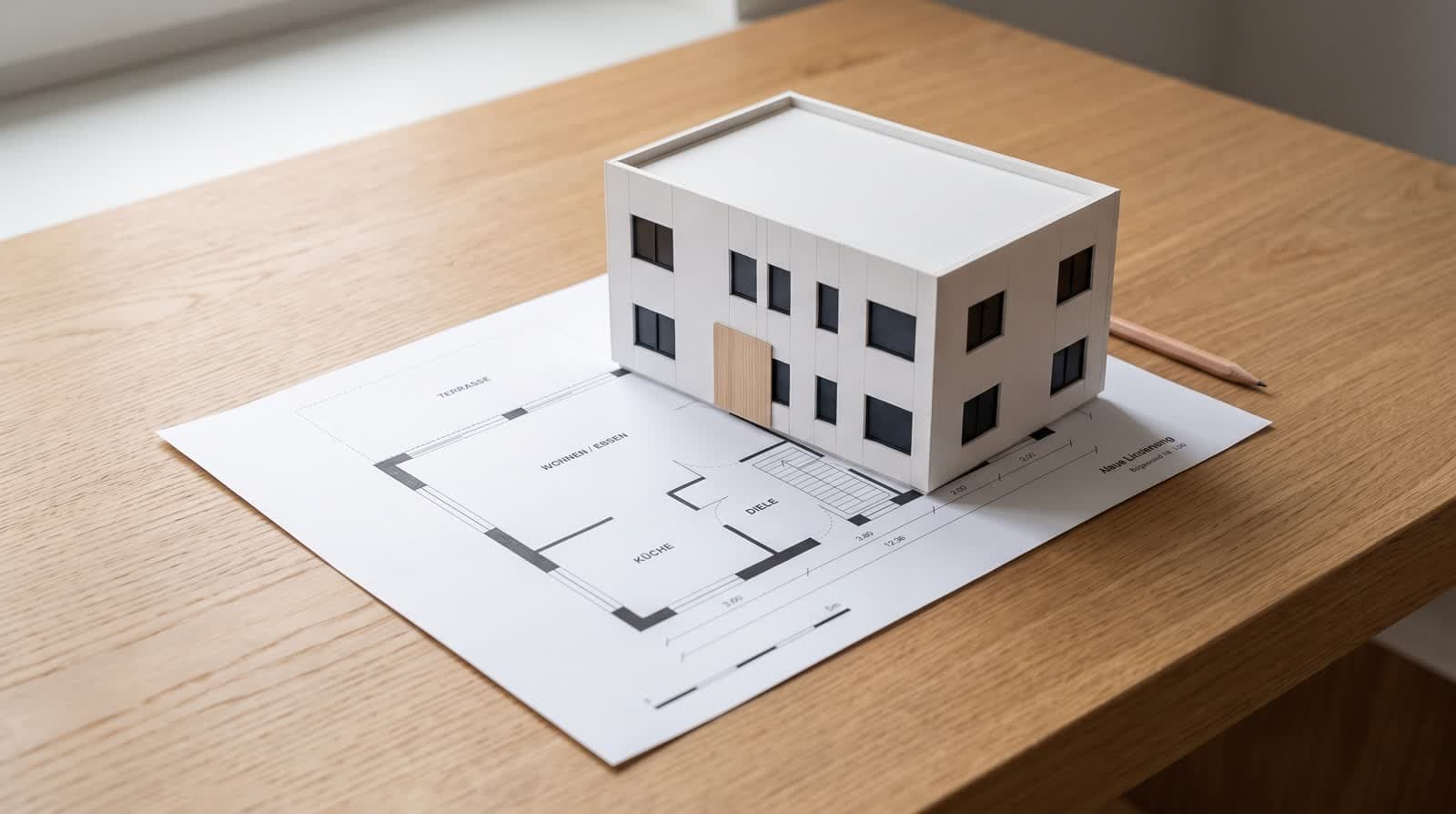
The read floor plan, so the model can see how the openings relate to the rooms behind them.
Depth map
The same view as distance. It tells the model which surface is in front and which is behind, so a balcony stays in front of the wall.
Where it still gives way
Small openings
A narrow window in a dark facade may be reinterpreted as a panel or lost. Check them first.
Fine edges
Railings, mullions and thin roof edges are the least stable elements.
Surroundings
Trees and neighbours are invented unless real footprints are supplied. Mark them as assumptions.
No hard lock
The depth map is a reference the model follows closely, not a constraint it cannot break. That is stated under every picture.
How to check a picture in a minute
- 01CountStoreys and window axes on the picture against the plan.
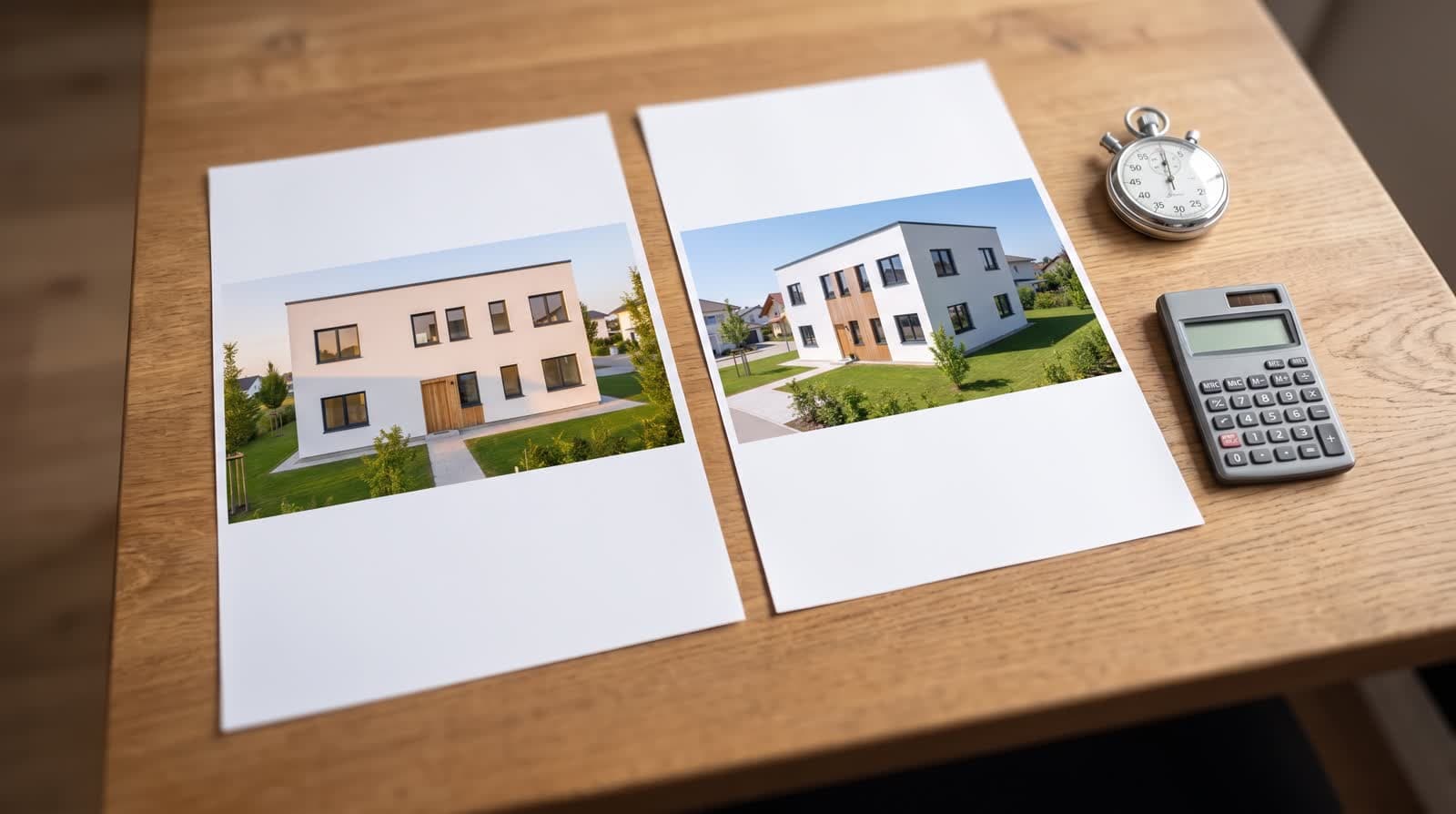
- 02CompareOpen the clay view next to the picture. Outline, roof and openings should sit on top of each other.
- 03Question the edgesBalcony, canopy, railing: are they where the model has them?
- 04Read the captionIt should say: geometry, camera and openings from the plan; material, light and surroundings from the image model.
Questions and answers
Does the depth map make the picture exact?
It makes it more faithful. It is a reference, not a hard lock; a check against the plan remains part of the job.
Can I see the depth map?
It is stored with the picture job together with the camera, so the origin of a picture is traceable.
Why not just use the model render as the picture?
You can, and the panorama does exactly that. The image model adds material, light and surroundings that a browser viewer does not render.
Will two runs give the same picture?
The same structure, yes, because it comes from the model. Material and light may vary slightly between runs.